Management Options
4-9
4.2.1 HTTP, HTTPS Configuration Settings
The CB3000 supports both HTTP and HTTPS Web access mechanisms. This configuration sets the minimum
requirement for access. If you select HTTPS (default), then only HTTPS can access the CB3000. If you select
HTTP, then either HTTP or HTTPS will be able to access the CB3000. The Discovery Tool always launches HTTPS
pages.
To enable HTTP or HTTPS Web access:
1. Select
Management > HTTP from the CB3000 menu tree.
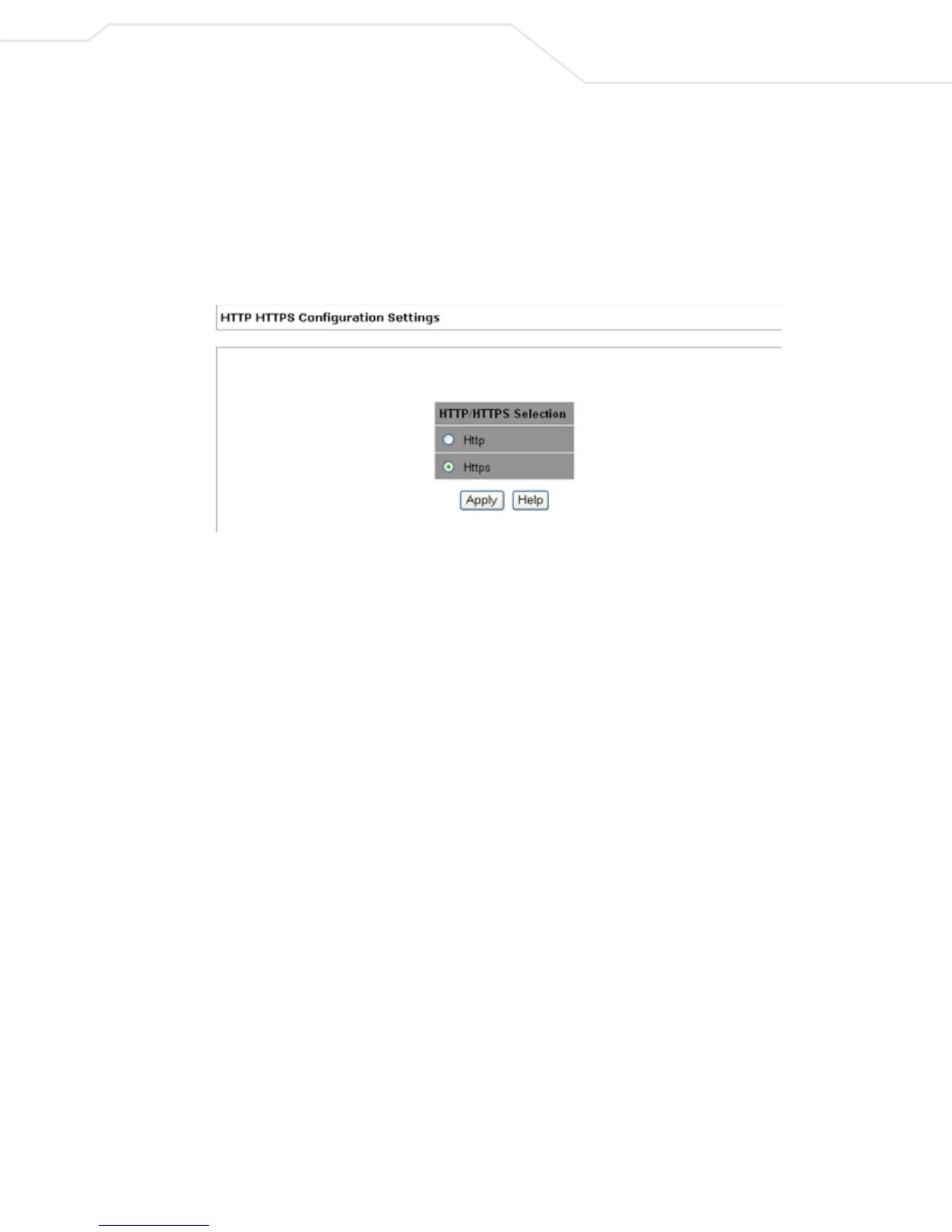
Figure 4.5 HTTP HTTPS Configuration Settings
The HTTP/HTTPS Configuration Settings screen displays. By default, HTTPS is enabled.
2. To change Web access to HTTP, select the HTTP radio button. Click
Apply.
This enables HTTP access to the Client Bridge.
If you select HTTP, the CB3000 is accessible through HTTPS as well. If HTTPS is selected however,
access is only permitted through HTTPS.
3. Click Apply. The appropriate access mechanism is enabled.



 To Next Page