Administrative Options
5-3
Note The user also has the option of pressing the CB3000 Reset button for 10
seconds or longer to restore the device to its factory default configuration.
See the following sections for more information on rebooting or restoring the CB3000.
• Rebooting the Device
• Restoring the Device
5.2.1 Rebooting the Device
Warning! Please wait 10 seconds before resetting the CB3000 after changing
its configuration to avoid a disruption of operation and possible device hang.
To reboot the CB3000:
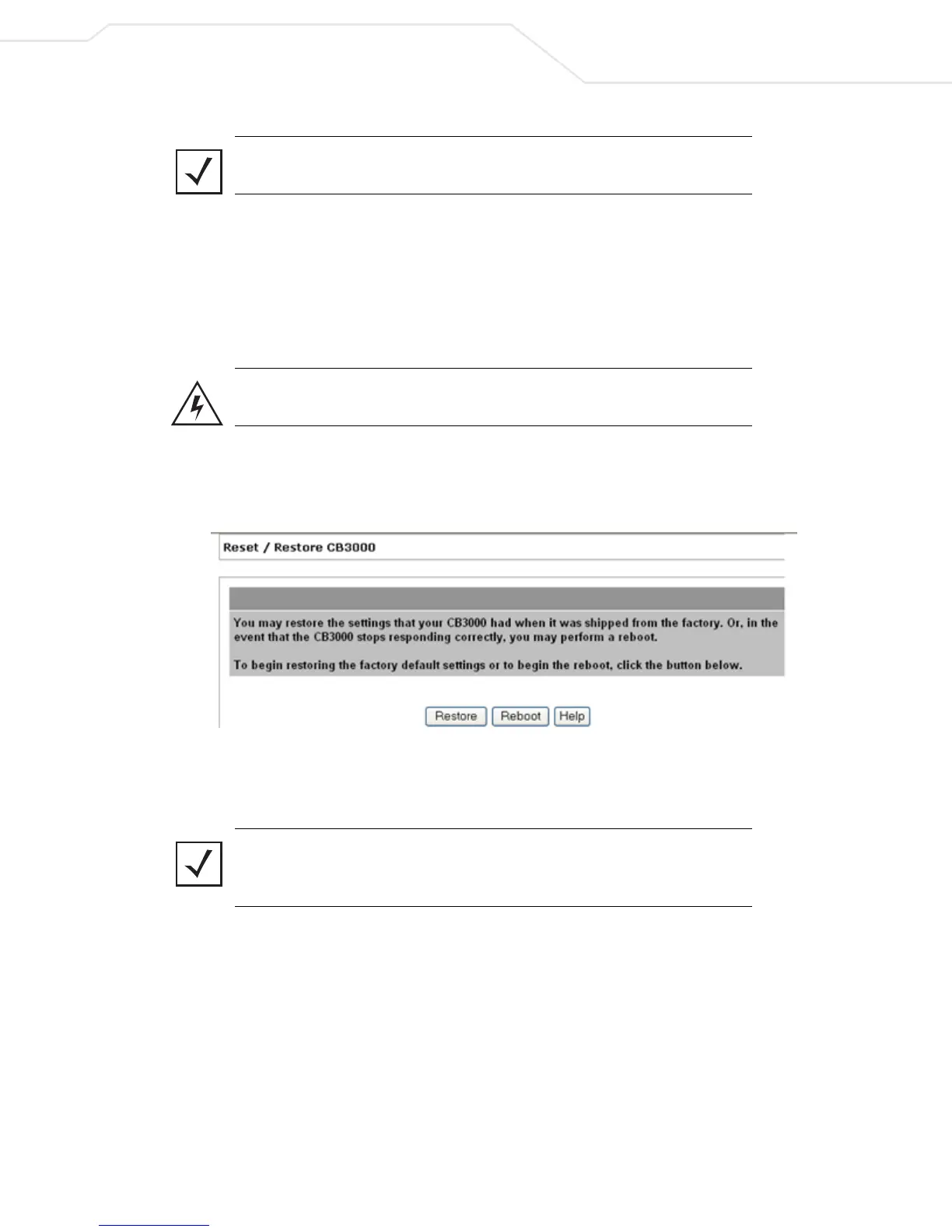
1. Select Tools > Reset / Restore from the CB3000 menu tree. The Reset/Restore CB3000 screen
displays.
Figure 5.2 Reset / Restore CB3000 Screen
2. Click the Reboot button to restart the CB3000. The CB3000’s network connection is disrupted for a few
moments while the CB3000 reboots.
Note If rebooting the CB3000 does not alleviate the device’s poor performance.
Consider restoring the CB3000’s out-of-box default configuration. For more
information, see Restoring the Device on page 5-4.



 To Next Page