Management Options
4-3
4.1.1 Viewing Wireless Statistics
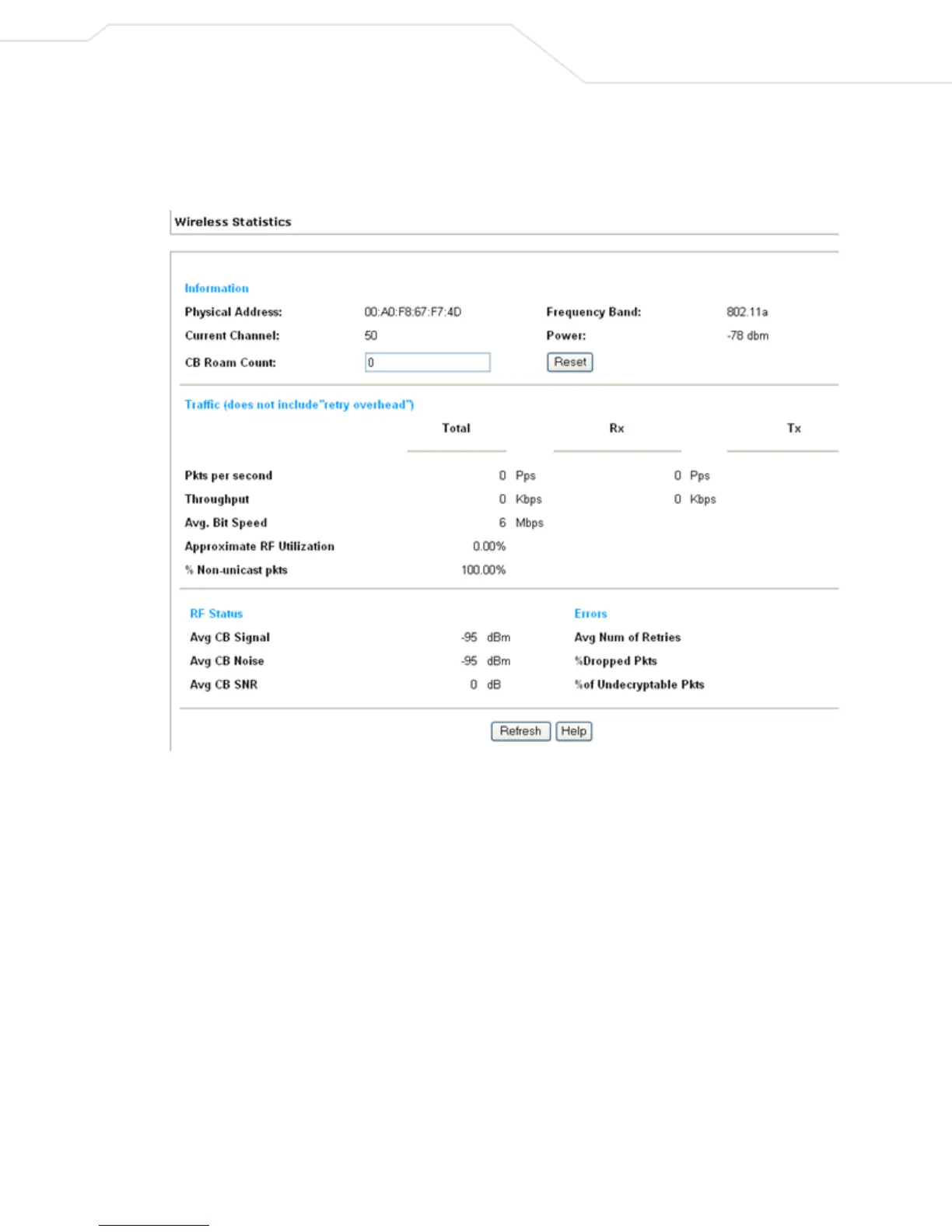
Wireless Statistics include CB3000 radio traffic, status, and errors. To view CB3000 Ethernet statistics, select
Statistics > Wireless Statistics from the CB3000 menu tree.
Figure 4.1 Wireless Statistics Screen
The Wireless Statistics screen is partitioned into four detailed fields:
• Information – Basic device address and location information.
• Traffic – Displays statistics for cumulative packets, throughput, bit speed, RF utilization and other details
received and transmitted over the CB3000 radio.
• RF Status – Includes average MU signal, noise, and signal to noise ratio information.
• Errors – Displays retry information as well as data transmissions the radio either gave up on or could
not decrypt.



 To Next Page