CB3000 Client Bridge User Guide
2-10
2.7 CB3000 Antenna Selection
The CB3000 ships with antenna model ML-2452-APA1-01. This is an 802.11 a/b/g antenna allowing the
CB3000 to connect to all the client types the CB3000 was intended to support. However, if you intend to use a
different model antenna, that antenna needs to be selected from the Antenna Settings screen.
To select an antenna for use with the CB3000:
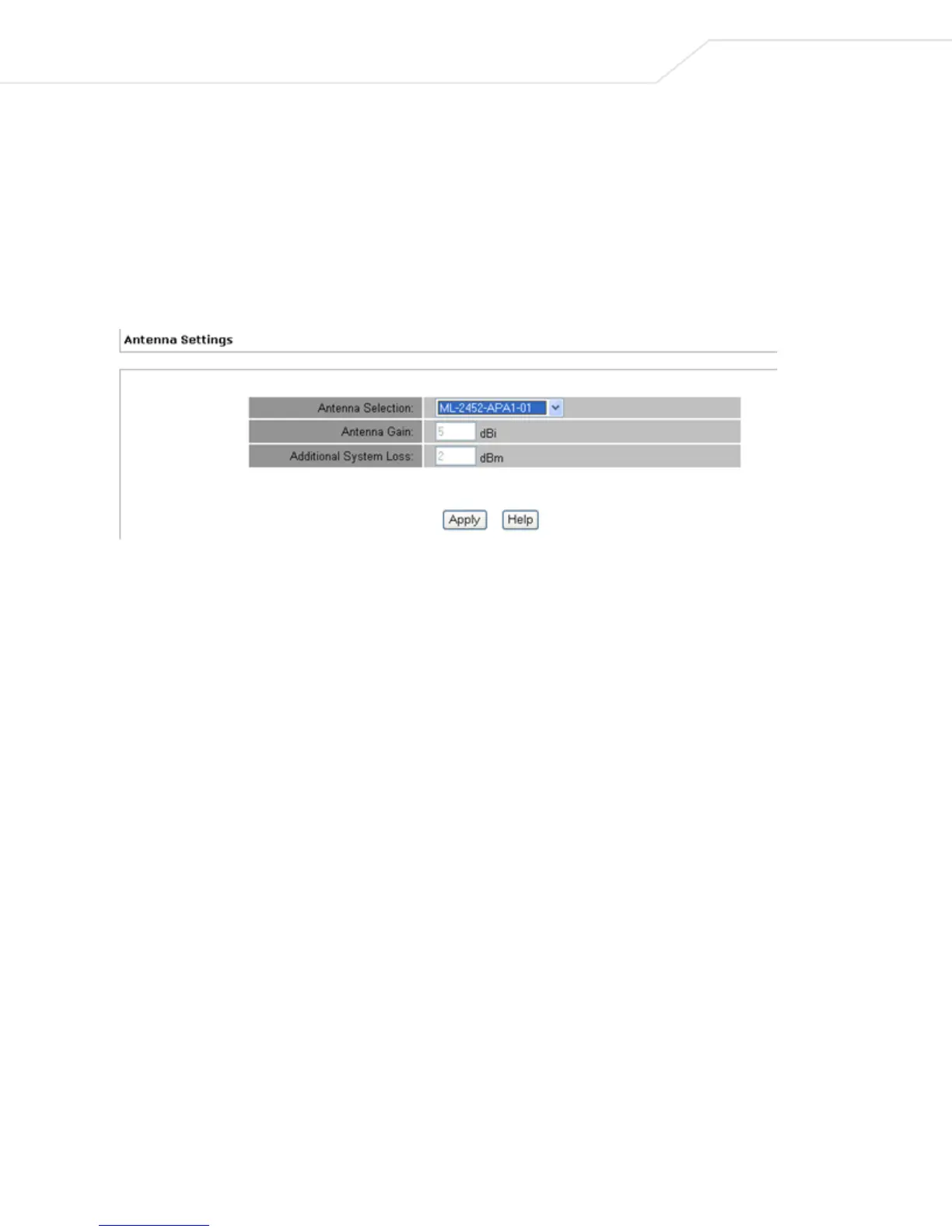
1. Select Settings > Wireless Settings > Antenna Settings from the CB3000 menu tree. The Antenna
Settings screen displays.
2. Select an antenna from the Antenna Selection drop-down menu. To use an antenna not listed in the
menu, select Other.
3. Refer to the Antenna Gain parameter.
Information the CB3000 derives from the antenna look-up table is based on the antenna the user selects.
The antenna gain parameter is read-only with no user editable values.
If the user selects any antenna except "other", the user cannot modify the gain value. If the user selects
"other", the text entry field is blank and the user must enter a gain value. The gain is a positive value
with no more than 1 decimal place.
4. Refer to the Additional System Loss parameter.
If the user selects any antenna except "other", the user cannot modify the loss value. If the user selects
"other" then the text entry field is blank and the user must enter a loss value
5. Click Apply to save the settings. The CB3000 is now ready to have its default configuration modified to
suit the requirements of its intended operation environment.



 To Next Page