Management Options
4-5
4.1.2 Viewing RF Statistics
RF Statistics track CB3000 activity over the device radio. To view CB3000 RF statistics, select
Statistics > RF Statistics from the CB3000 menu tree.
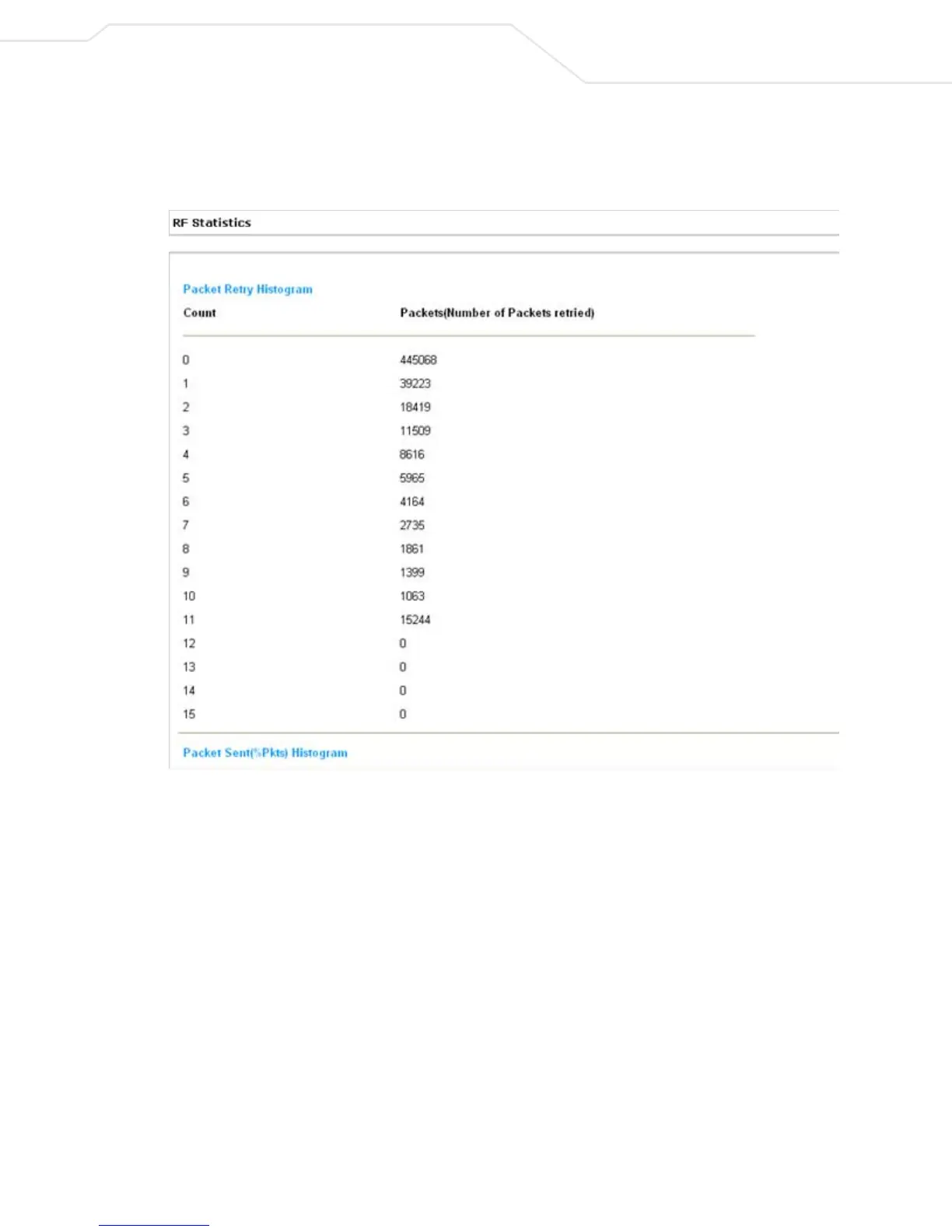
Figure 4.2 RF Statistics
1. Refer to the Packet Retry Histrogram field for an overview of the retries transmitted by the CB3000
radio and whether those retries contained any data packets. Use this information to assess overall radio
performance.
2. Scroll down through the content of the screen to display a Packets Sent Histogram for each of the
client bridge radios.
The Packets Sent Histogram displays a percentage of the packets sent over the CB3000 radio at the data
rate (Mbps) each was sent. If the majority of the packets sent are at a slower data rate then the one
configured for the CB3000 radio, then network problems are preventing the CB3000 from transmitting
at an optimum speed and you need to troubleshoot the device.
3. Click the Refresh button at any time to update the content of the RF Statistics screen to the latest data
collected over the CB3000 managed network.



 To Next Page