CB3000 Client Bridge User Guide
3-2
The following sections describe how to view existing networks, and then configure different aspects of a
wireless LAN:
• Available Networks
• Network Configurations
• Security Encryption Configurations
• Client Management
3.1.1 Available Networks
A Wireless Local Area Network (WLAN) is a data-communications system that flexibly extends the
functionality of a wired LAN. A CB3000 can locate WLANs within its radio coverage area and connect to them.
A WLAN does not require lining up devices for line-of-sight transmission. Roaming users can be handed off
from one WLAN to another like a cellular phone system. WLANs can therefore be configured around the needs
of specific groups of users, even when they are not in physical proximity. Each WLAN has a unique network
address, signal strength, security and mode configurations that could either render it optimal or at risk for a
CB3000 connection.
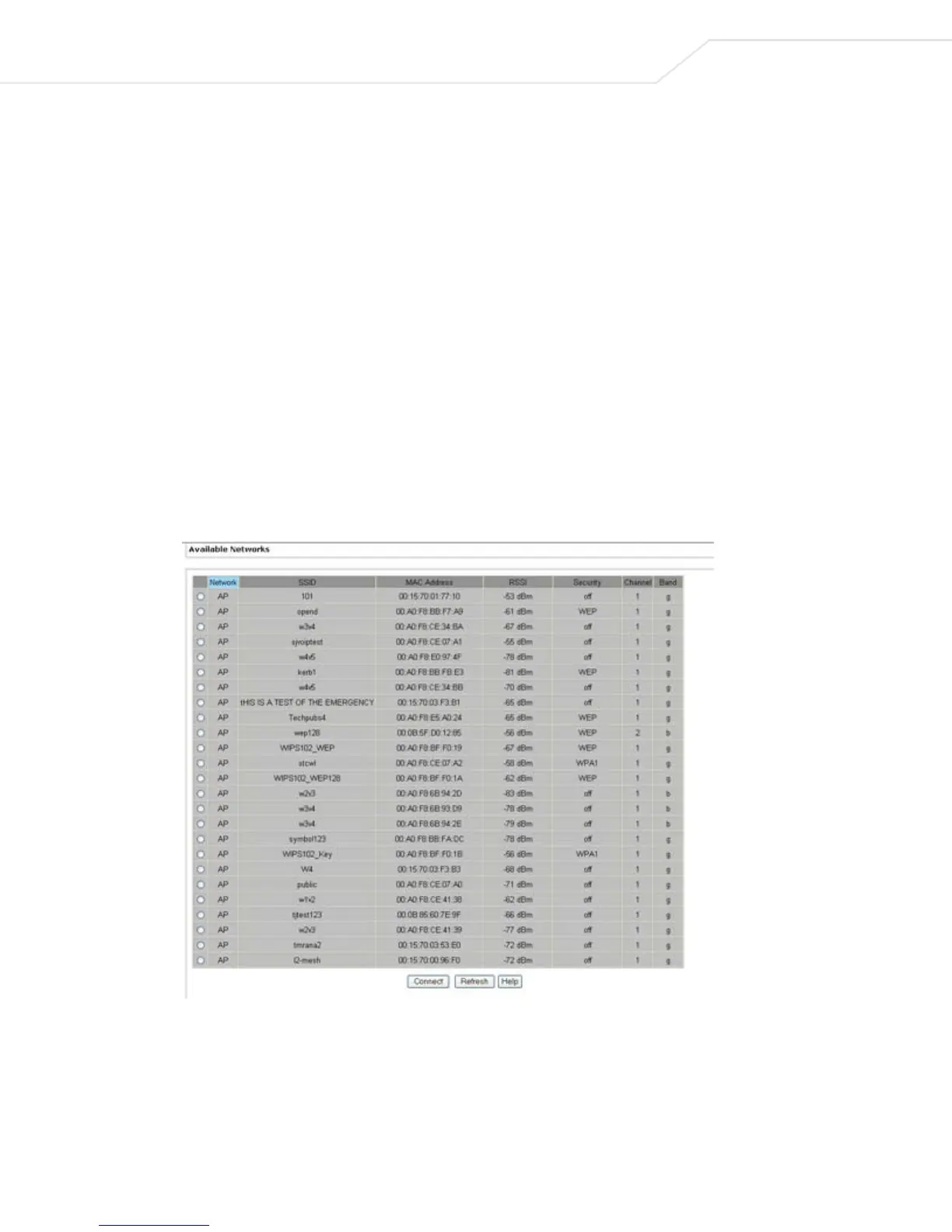
To display the WLANs available to the CB3000, select Settings > Wireless Settings > Available
Networks
from the CB3000 menu tree. The Available Networks screen displays.
Figure 3.1 Example of Available Networks
Table 3.1 describes the parameters in the Available Networks screen. Click Refresh to update the list, if
necessary.



 To Next Page