CB3000 Client Bridge User Guide
5-8
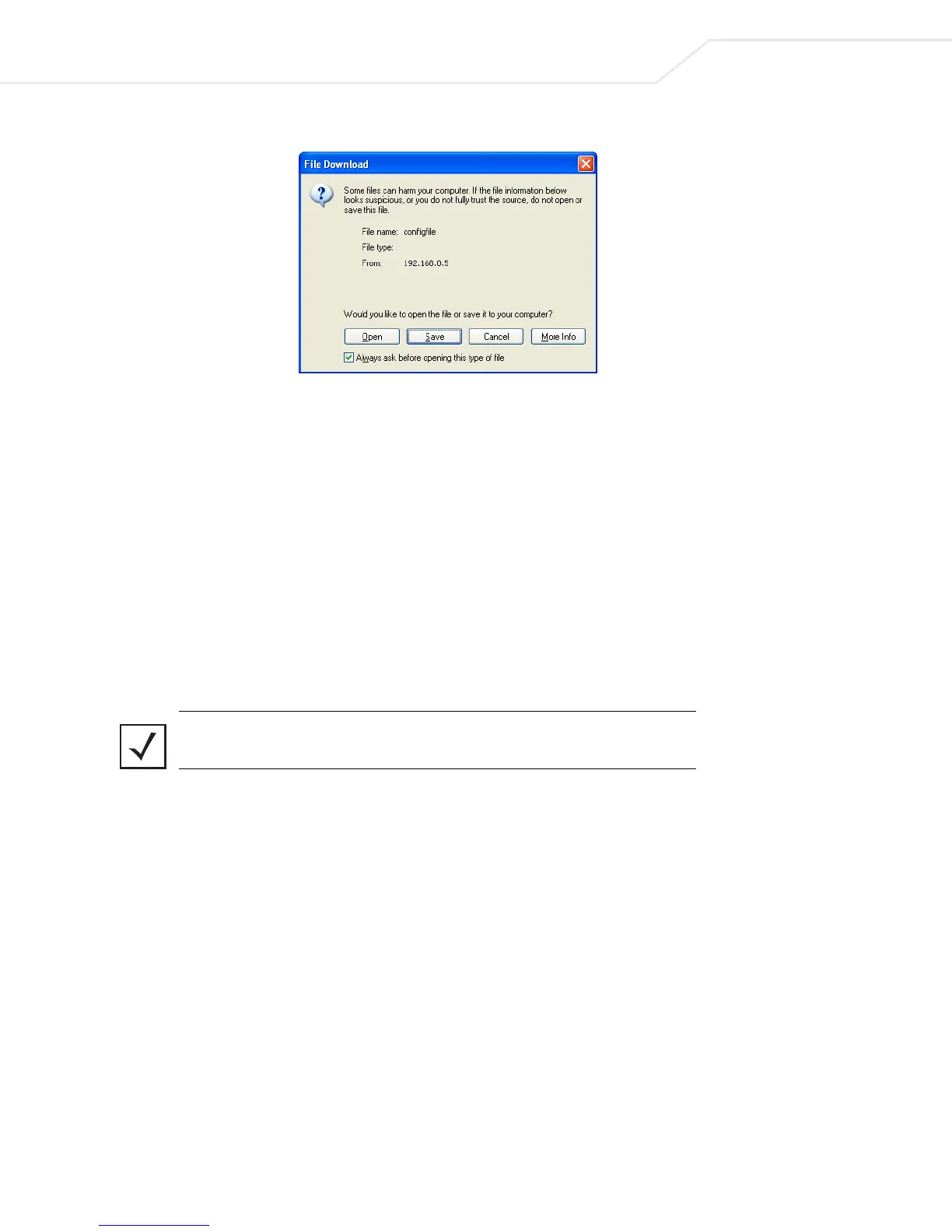
Figure 5.5 File Download Dialog Box
• Click Save. A dialog box prompts for a filename and location for the exported file
(on the local machine or networked machine).
• Click OK to export the file.
5.4 Loading Firmware
Symbol periodically releases updated versions of the CB3000 device firmware to the following Symbol URL:
http://www.symbol.com/services/downloads
If the CB3000 firmware version displayed on the Information or Troubleshooting screens are older than the
version on the Web site, Symbol recommends updating the CB3000 to the latest firmware for full feature
functionality.
Note The firmware file must be available from an FTP or TFTP site, or a locally
networked machine to perform the update.



 To Next Page