CB3000 Client Bridge User Guide
2-4
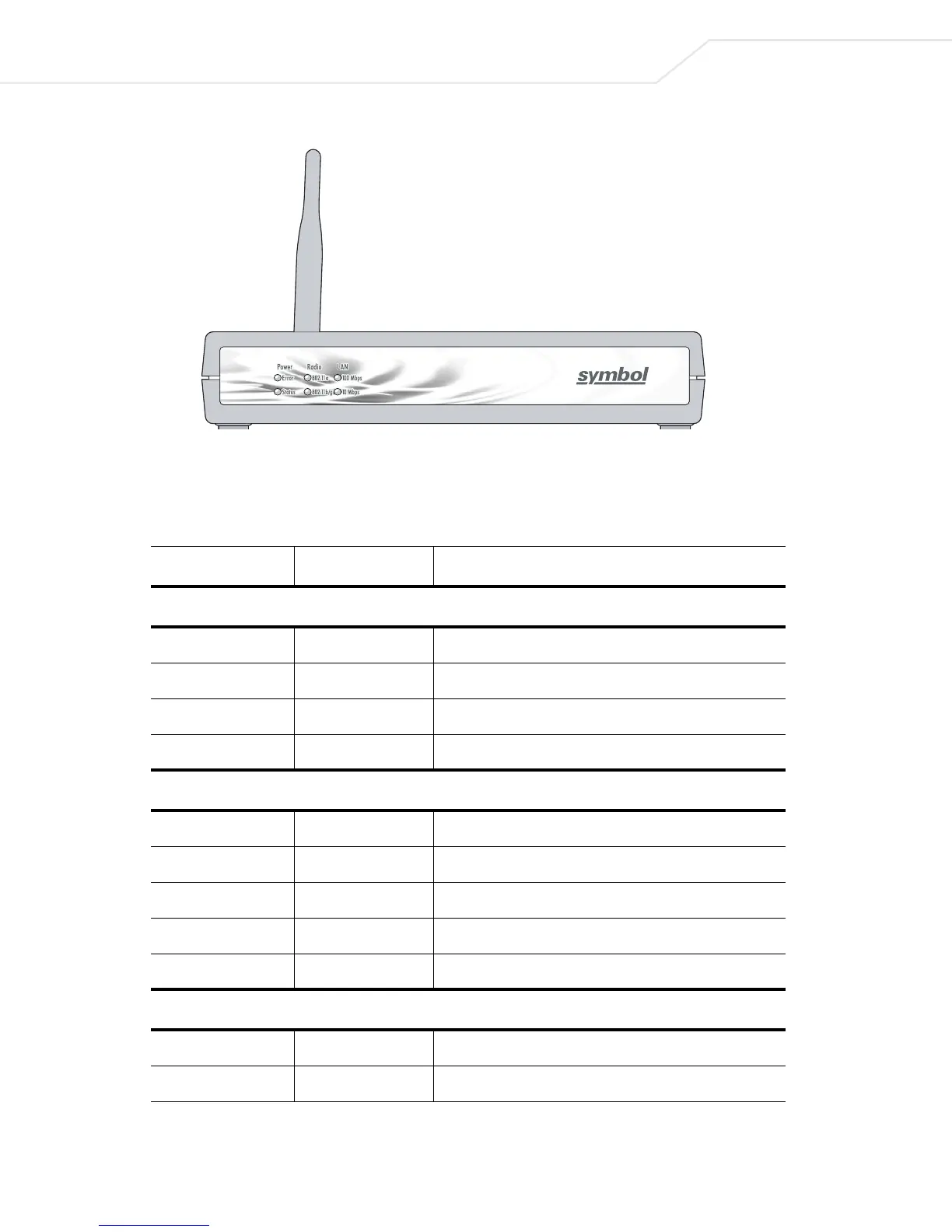
Figure 2.2 Front of the CB3000
Table 2.1 describes the CB3000 LED indicators. If the CB3000’s LED functionality has been verified, log into the
CB3000 console to begin basic device configuration (see Logging into the CB3000).
Table 2.1 CB3000 LEDs
LED Label Activity Description
Power LEDs
Status OFF Power OFF
Error Orange ON Hardware error
Status Green ON Power ON/Device ready
Status Green Blinking Booting, system self-test or firmware upgrade
Radio LEDs
802.11a, 802.11b/g OFF Connectivity disabled
802.11a Orange ON 802.11a radio connectivity
802.11a Orange Blinking 802.11 a radio traffic
802.11b/g Green ON 802.11b/g radio connectivity
802.11b/g Green Blinking 802.11b/g radio traffic
LAN LEDs
100 Mbps, 10 Mbps OFF No Ethernet activity
100 Mbps Orange ON 100 Mbps connection over LAN



 To Next Page