CB3000 Client Bridge User Guide
2-6
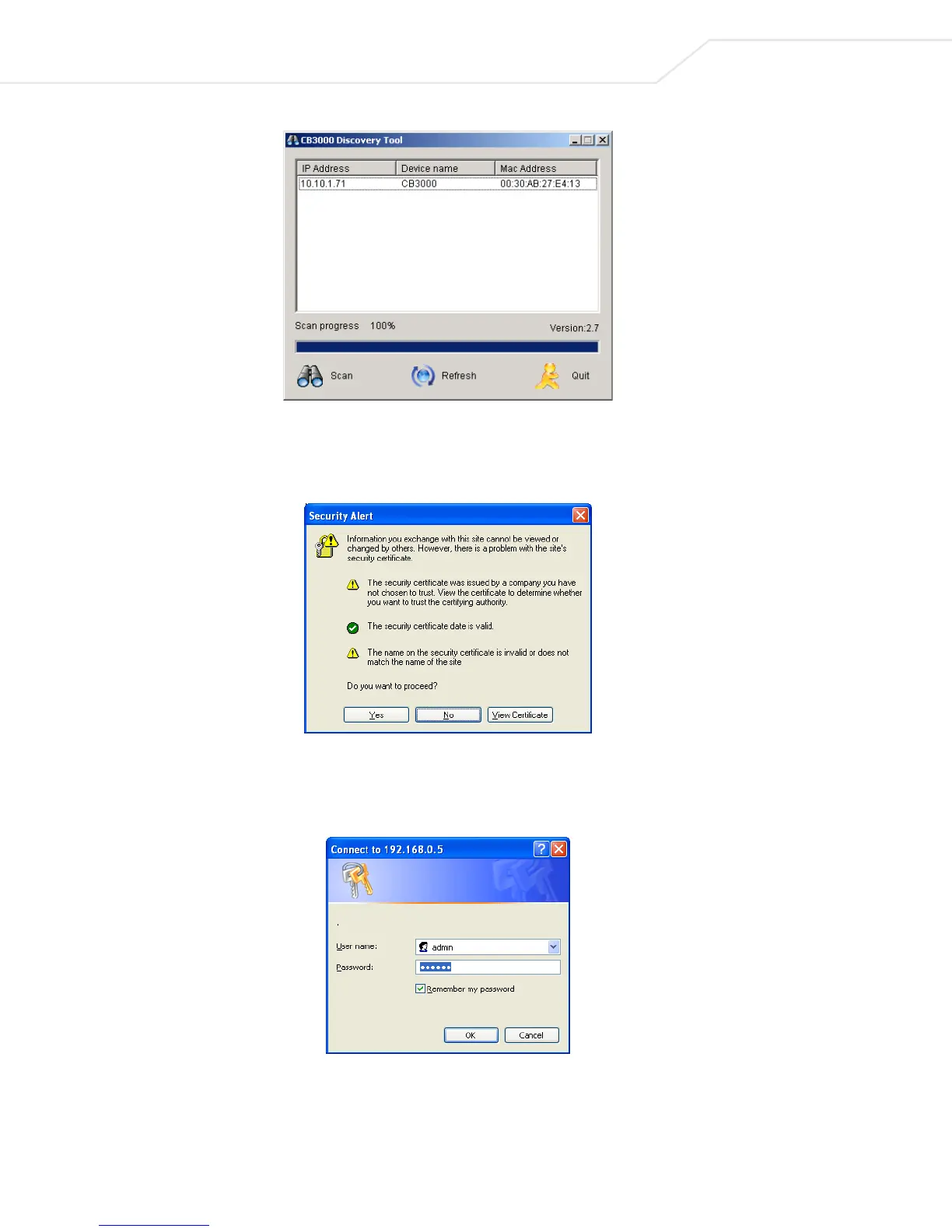
Figure 2.3 Discovery Tool User Interface
3. Click on the IP address of the CB3000 unit that you wish to log into.
4. A Security Alert dialog box is displayed, click Yes to proceed.
Figure 2.4 Security Alert Dialog Box
5. A CB3000 Login dialog box displays. Enter a username and password to log onto the CB3000 console.
The default username and password is “admin” and “symbol”, respectively.
Figure 2.5 Login Dialog Box



 To Next Page