CB3000 Client Bridge User Guide
2-8
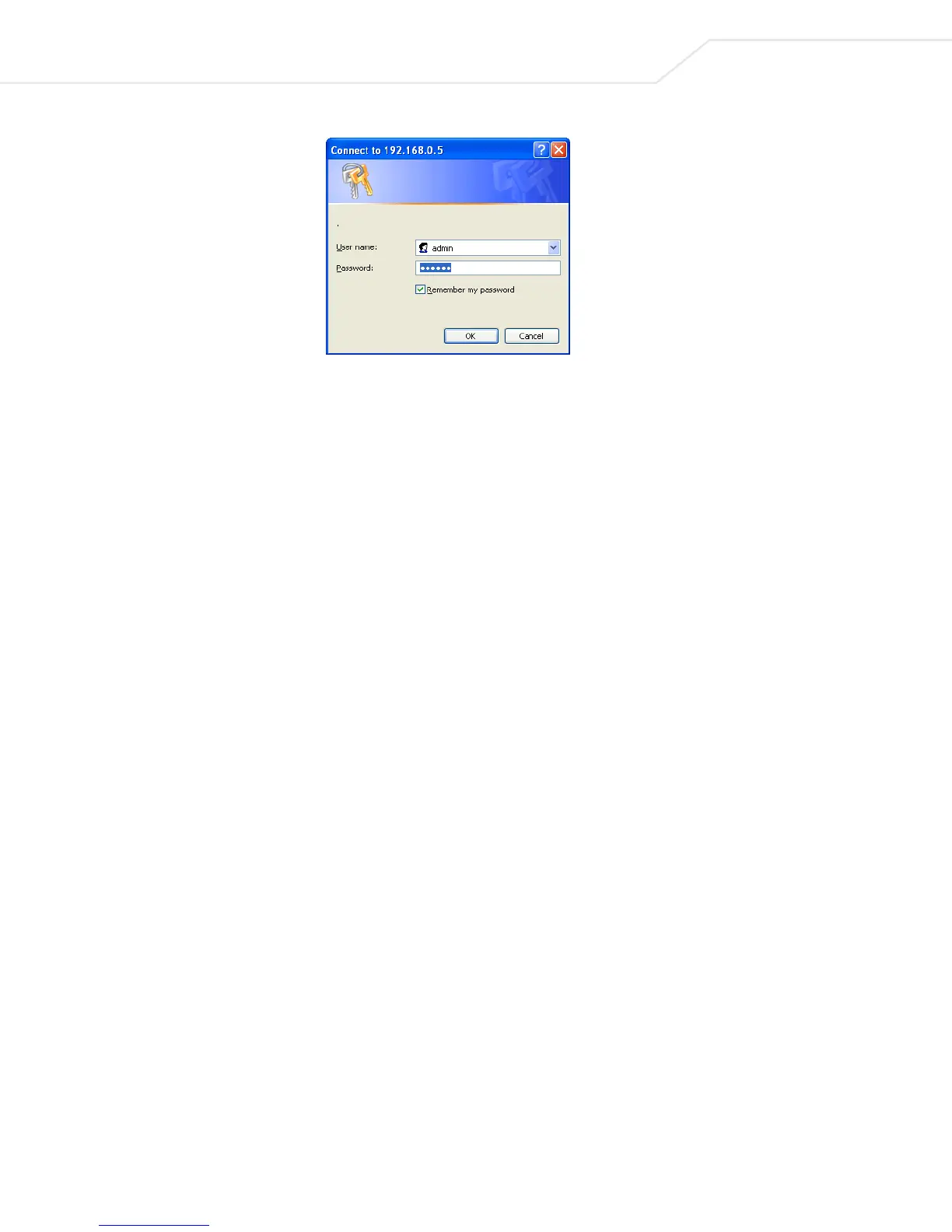
Figure 2.7 Login Dialog Box
4. Upon logging in, the CB3000 Information screen displays. See Viewing CB3000 Information for more
details.
5. Proceed to the following sections to configure the CB3000.
• Understanding and Configuring Ethernet Settings – This includes configuring identification settings
for the CB3000 within the network.
• Understanding and Configuring Wireless Settings – This includes configuring wireless network
settings, as well as security policies for data received and transmitted through the CB3000.



 To Next Page