2 - 2 Symbol LS9203/LS9203i Product Reference Guide
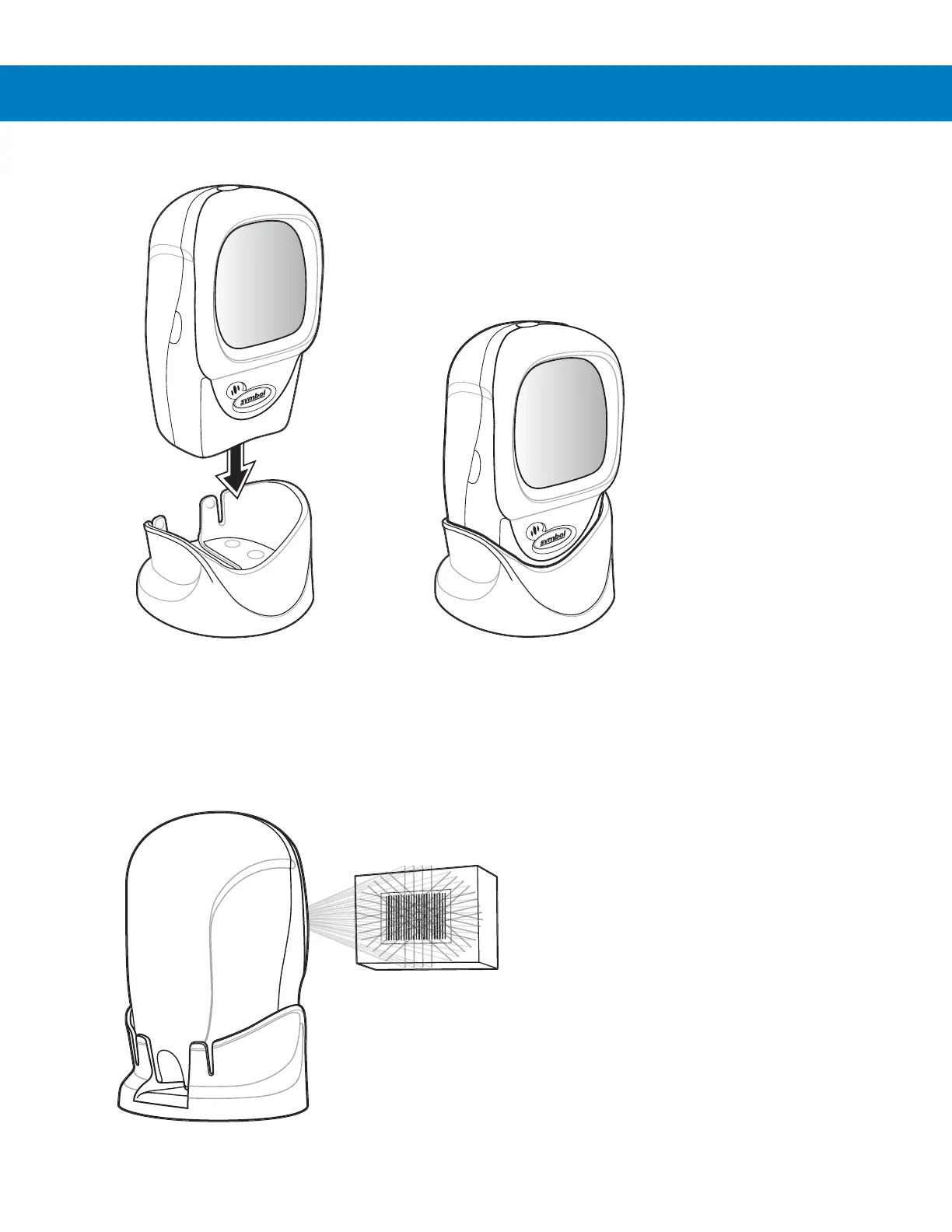
2. Place the scanner in the stand (see Figure 2-1).
Figure 2-1
Scanner in the Stand
To mount the detachable stand, see Mounting Template on page 2-10.
3. To scan a bar code, present the bar code and ensure the scan lines cross every bar and space of the symbol.
See Figure 2-2 on page 2-2 for scanning in hands-free mode and Figure 2-3 on page 2-3 for scanning in
hand-held mode.
4. Upon successful decode, the scanner beeps and the green LED flashes momentarily.
Figure 2-2
Hands-Free Mode



 To Next Page