5-60
P460/P360 Memory Scanners Product Reference Guide
Set Lengths for Interleaved 2 of 5 (Continued)
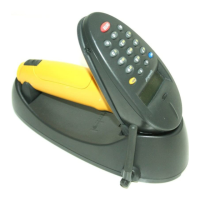
Length Within Range - This option allows you to decode a code type within a specified
range. For example to decode I 2 of 5 symbols containing between 4 and 12 characters,
first scan I 2 of 5 Length Within Range. Then scan 0, 4, 1 and 2 (single digit numbers must
always be preceded by a leading zero). Numeric bar codes begin on page 5-99. If you make
an error, or wish to change your selection, scan CANCEL on page 5-101.
I 2 of 5 - LENGTH WITHIN RANGE
Any Length - Scanning this option allows you to decode I 2 of 5 symbols containing any
number of characters.
Note:Selecting this option may lead to mis-decodes for I 2 of 5 codes.
I 2 of 5 - ANY LENGTH


 To Next Page