2-3
Set Up
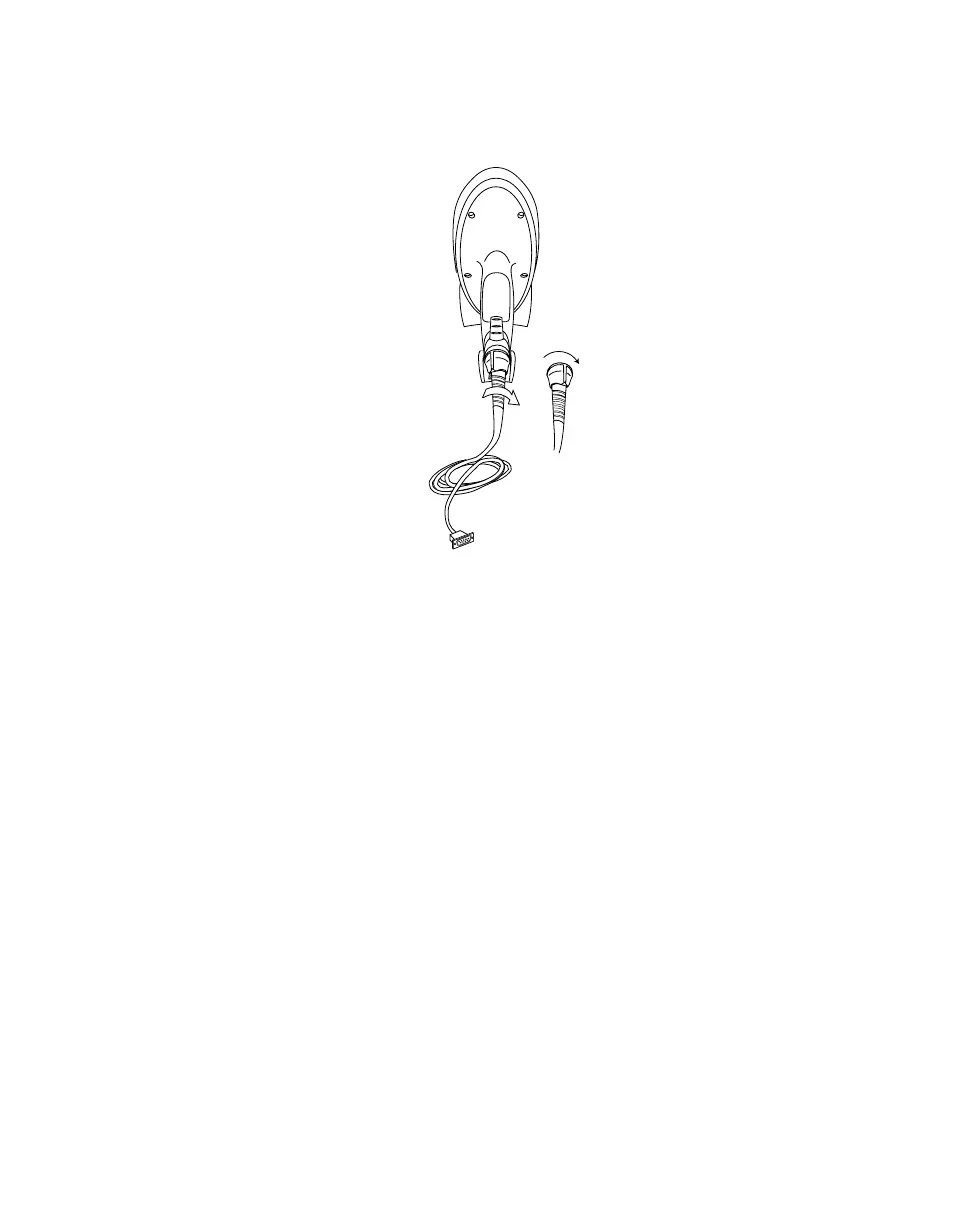
3. Turn the cable twist-lock 1/8 turn clockwise to seat it.
Figure 2-2. Locking the Cable to the Phaser
4. Gently pull the cable to make certain it is properly seated.
Disconnecting Cables from the Scanner
To disconnect the scanner cable:
1. Power down all the devices connected to the scanner.
2. Remove the cable by twisting the twist-lock 1/8 turn counter-clockwise and pulling
the cable out.
locked position



 To Next Page