4-8
P460/P360 Memory Scanners Product Reference Guide
Scanner
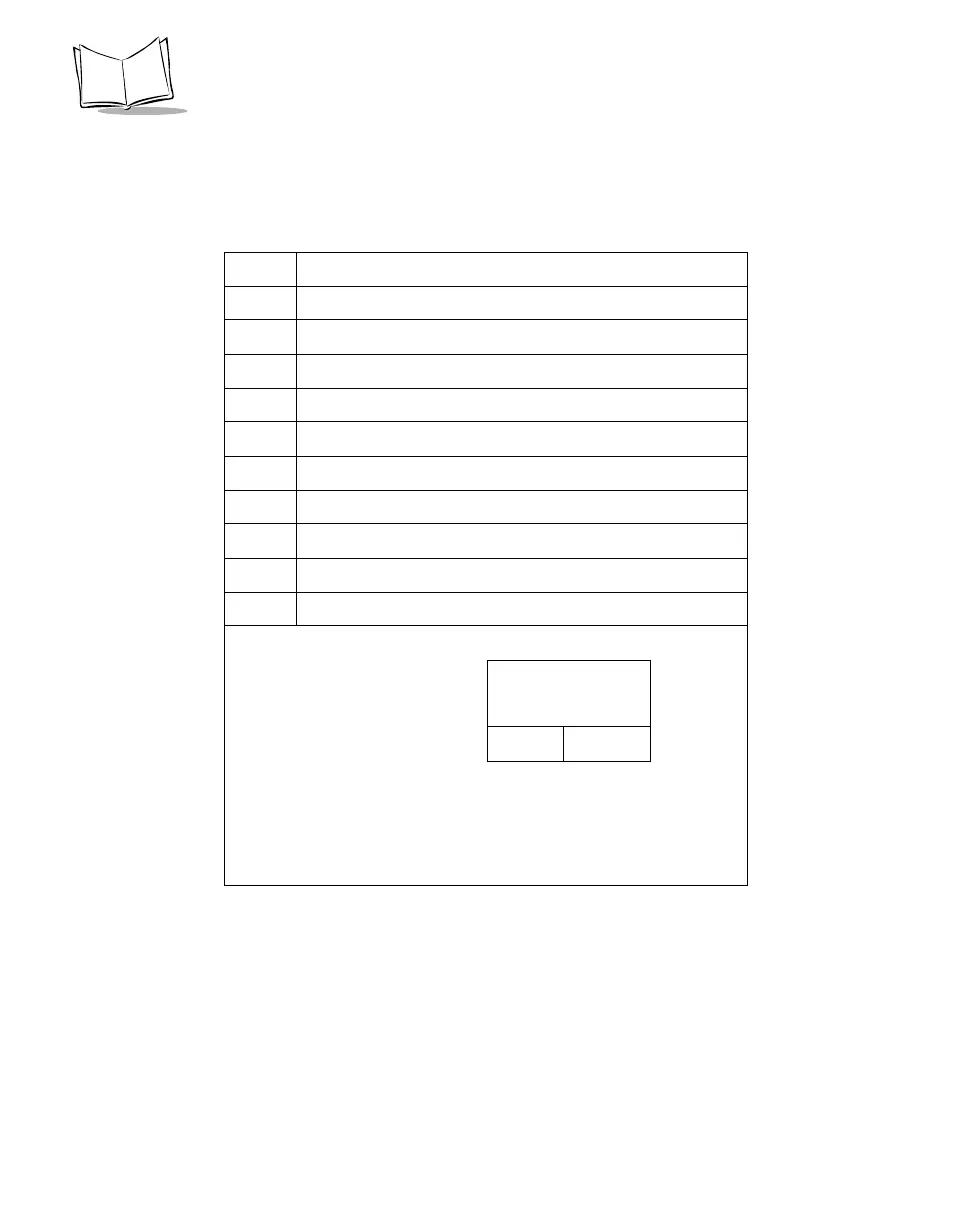
The following table shows the pin-outs for the scanner.
Table 4-4. Scanner Pin-outs
Pin Scanner
1Not Used
2 Power (+9V)
1
3GND
4 Synapse Data
5 Synapse Clock
6 RXD (into scanner)
7 TXD (out of scanner)
8 Enable Charging
2
9CTS
10 RTS
1.
2. If Pin 8 is connected to Pin 2 the scanner battery charges;
make sure you use a +9V @ 1 Amp power supply. If Pin 8
is not connected to Pin 2, the scanner operates but the
scanner battery does not charge.
Battery Charging:
No Yes
Requires +9V @:
250mA 1A



 To Next Page