3-16
P460/P360 Memory Scanners Product Reference Guide
Version
Return to App
Version This option displays the version of firmware (operating system) run
by the scanner and the size of the scanner’s memory, such as 1024k
(1 MB). For example, the firmware version shown on the display
below is NBRVSMAP, also called Revision “P” (which is the last
letter of the firmware’s full name).
To enter this mode using the keypad, select this option on the
System Menu. The following screen displays.
If you entered “Version” from the System Menu, after 15 seconds or
by pressing <ENTER>, you will return to the System Menu.
OR
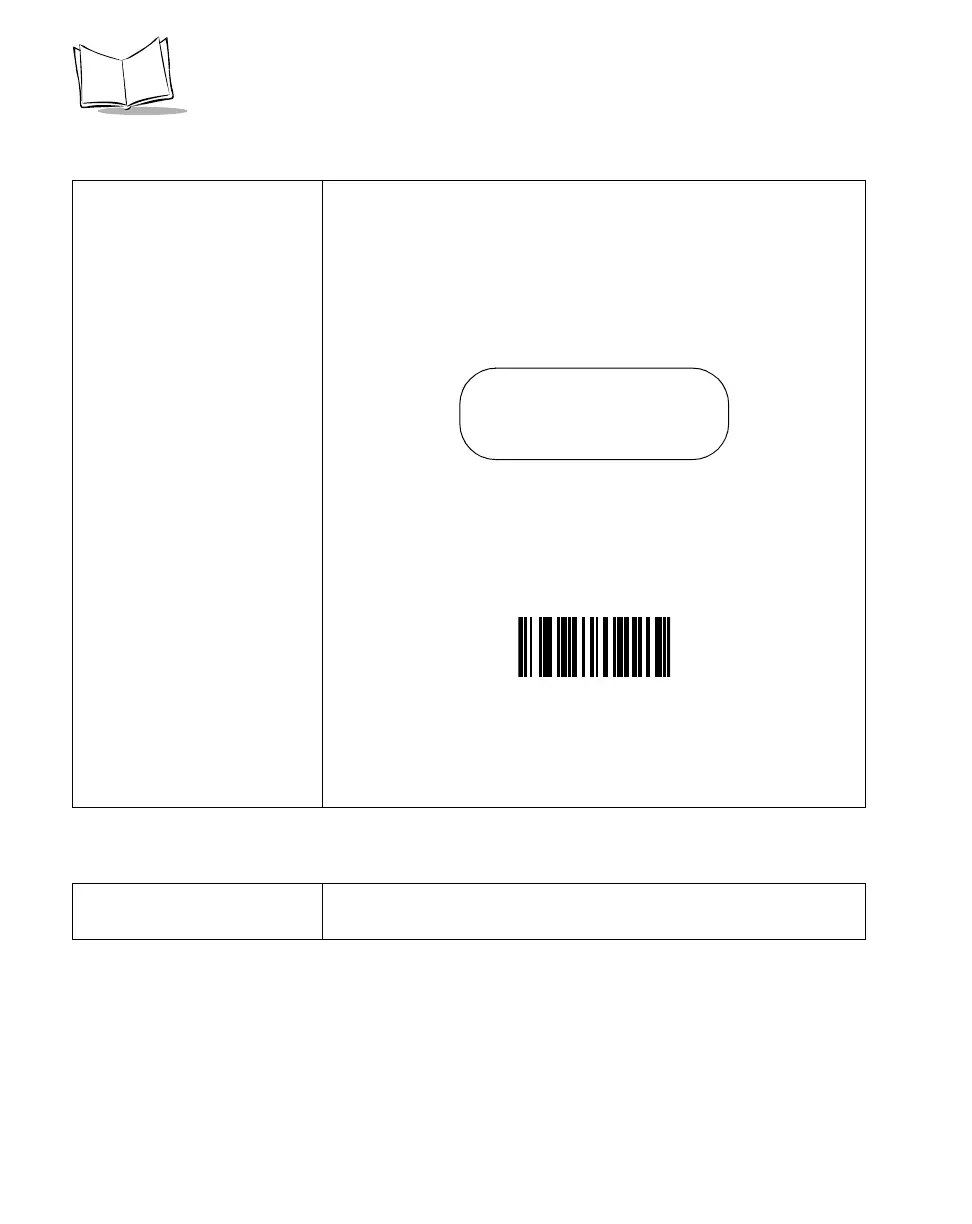
To enter this mode from an application outside of the System Menu,
scan the bar code below.
If you entered “Version” using the bar code above, after 15 seconds
or by pressing <ENTER>, you will automatically exit the System
Menu and re-enter the application.
Return to App. Return to App exits the system menu and returns to the application.
To do this, press <9> then <ENTER>.
Scanner: NBRVSMAP
MCL: 4.x
Mem: 1024
Scanner Firmware Version



 To Next Page