2-4
P460/P360 Memory Scanners Product Reference Guide
Setting Up the Cradle
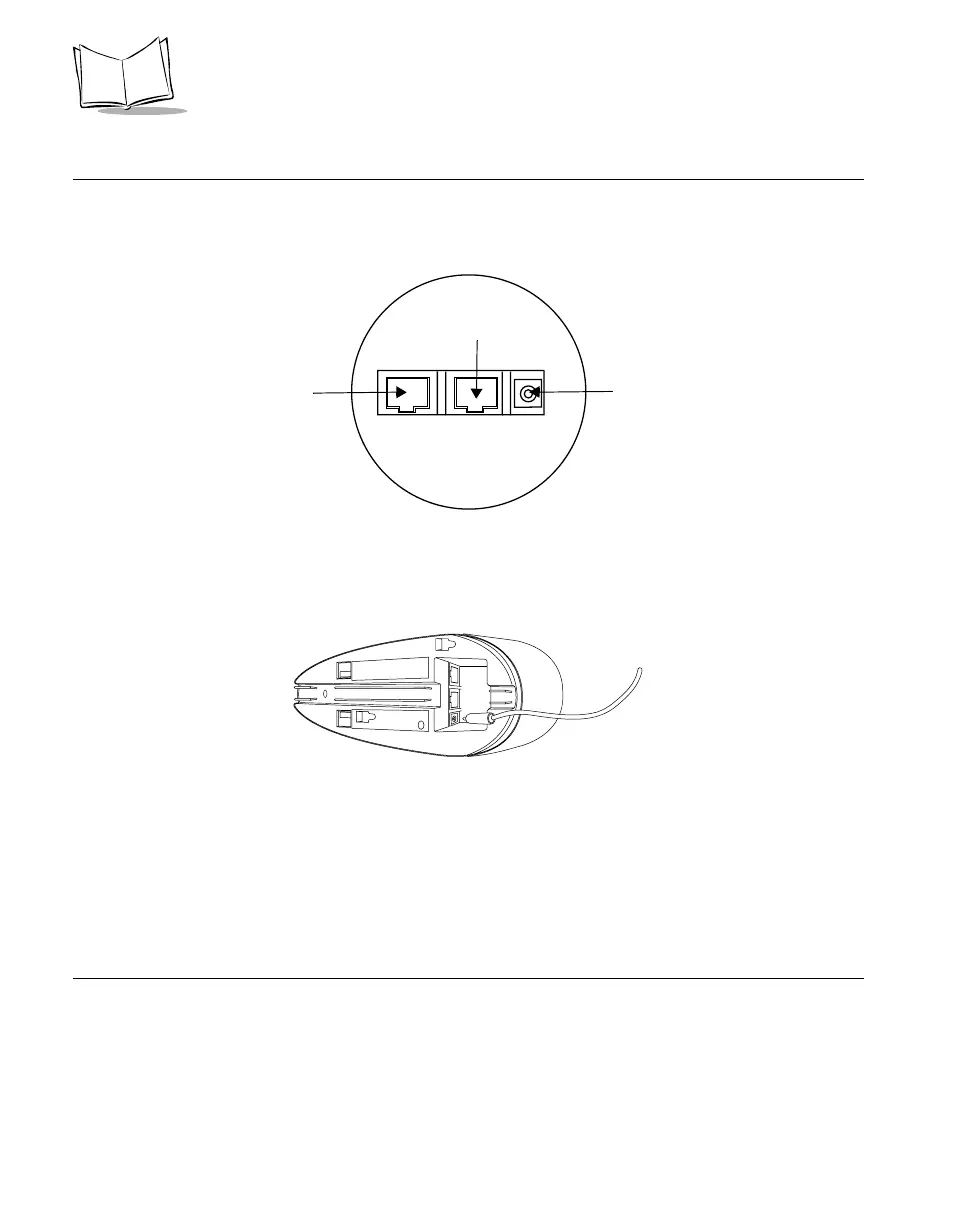
On the bottom of the cradle are three ports. COM1 connects to the host computer, COM2
is used for daisy-chaining multiple base stations together, and the Power port supplies
power to the cradle.
Figure 2-3. Ports on the Cradle
1. Connect an appropriate power supply to the Power port on the cradle. The indicator
light on the cradle blinks, signifying successful power-up.
Figure 2-4. Power Supply Port
2. Insert the cable from the host computer into COM1.
If daisy chaining multiple cradles, connect the daisy chaining cable to COM2. For additional
information on daisy chaining, see Daisy-Chaining Cradles on page 3-6.
Scanner Power Options
Two power options are available:
• Battery
• Power Supply (“Charging”) Cable
Power port
Connect to host
COM1
COM2
Daisy
Chaining



 To Next Page