5-59
Parameter Menus
Set Lengths for Interleaved 2 of 5
Lengths for I 2 of 5 may be set for any length, one or two discrete lengths, or lengths within
a specific range. The length of a code refers to the number of characters (i.e., human
readable characters) the code contains and includes check digits. The default is set to a
length of 14 characters.
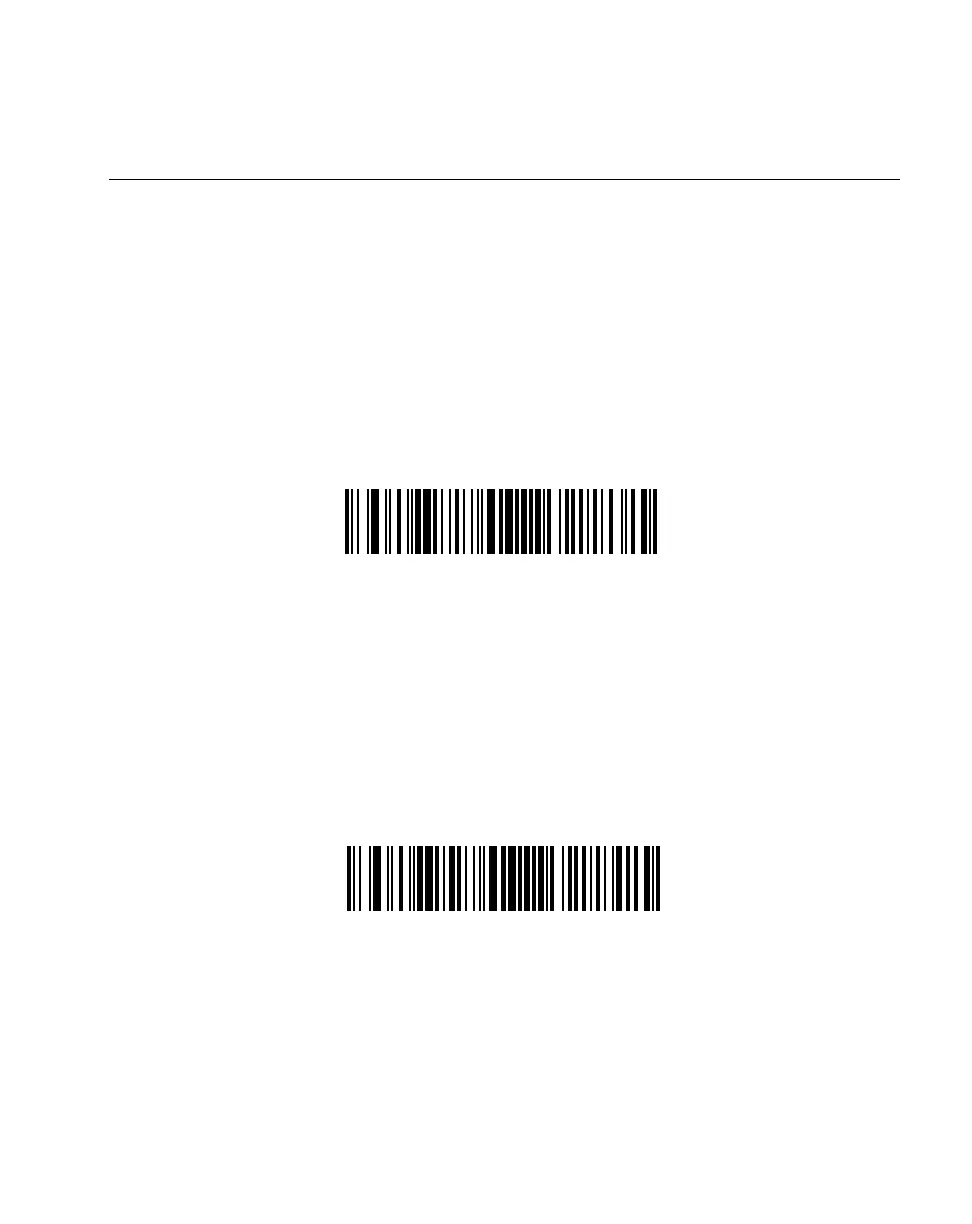
One Discrete Length - This option allows you to decode only those codes containing a
selected length. For example, if you select I 2 of 5 One Discrete Length, then scan 1, 4,
the only I 2 of 5 symbols decoded are those containing 14 characters. Numeric bar codes
begin on page 5-99. If you make an error, or wish to change your selection, scan
CANCEL on page 5-101.
I 2 of 5 - ONE DISCRETE LENGTH
Two Discrete Lengths - This option allows you to decode only those codes containing two
selected lengths. For example, if you select I 2 of 5 Two Discrete Lengths, then scan 0,
2, 1, 4, the only I 2 of 5 symbols decoded are those containing 2 or 14 characters.
Numeric bar codes begin on page 5-99. If you make an error, or wish to change your
selection, scan CANCEL on page 5-101.
I 2 of 5 - TWO DISCRETE LENGTHS



 To Next Page