5-86
P460/P360 Memory Scanners Product Reference Guide
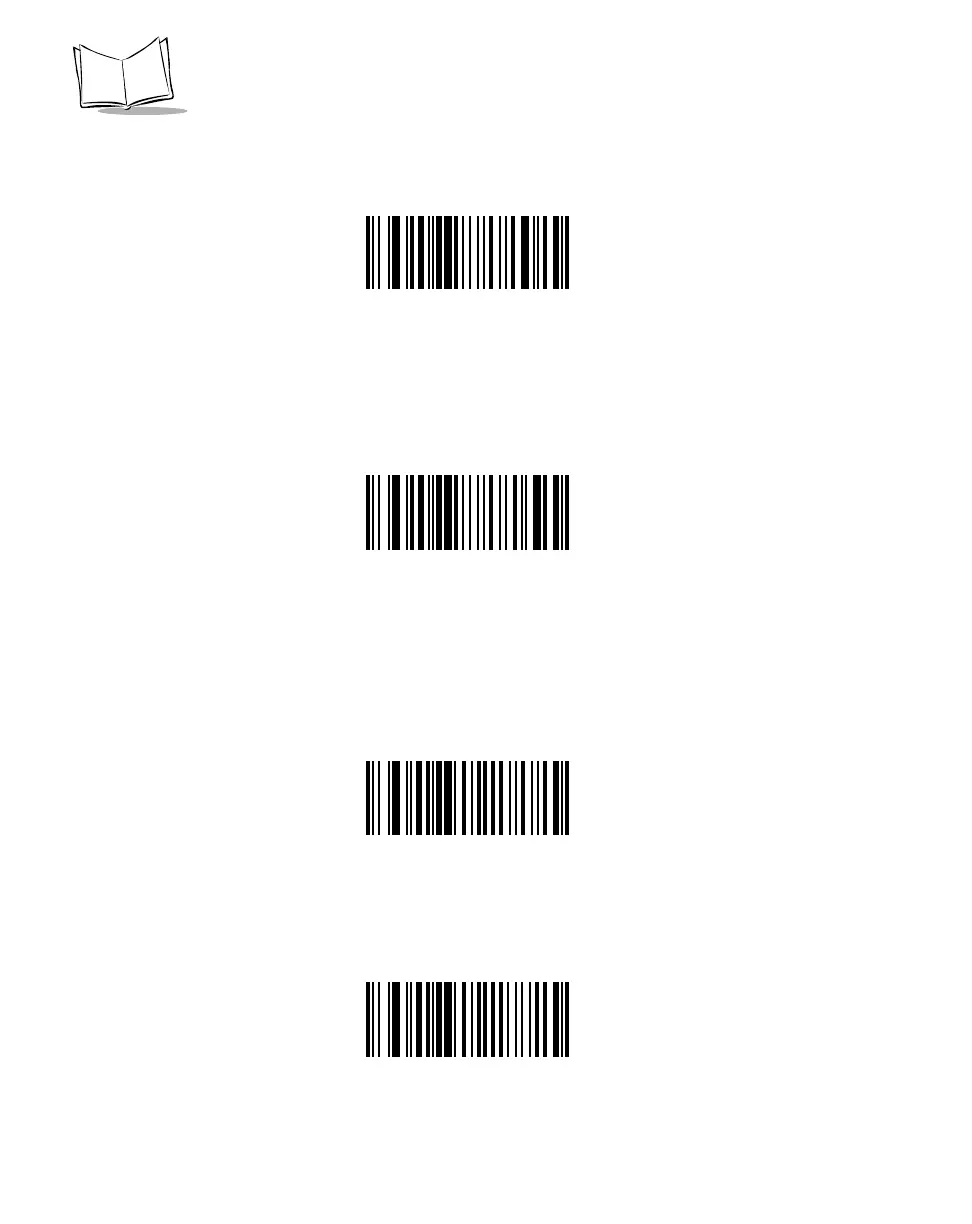
Select SPACE parity and the parity bit is always 0.
SPACE
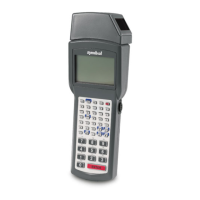
If no parity is required, select NONE.
*NONE
Check Receive Errors
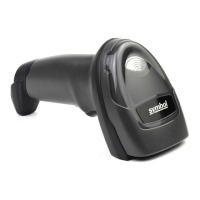
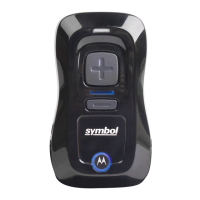
Select whether or not the parity, framing, and overrun of received characters are checked.
The type of parity used is selectable through the PARITY parameter.
CHECK FOR RECEIVED ERRORS
*DO NOT CHECK FOR RECEIVED ERRORS


 To Next Page