3-13
Operation
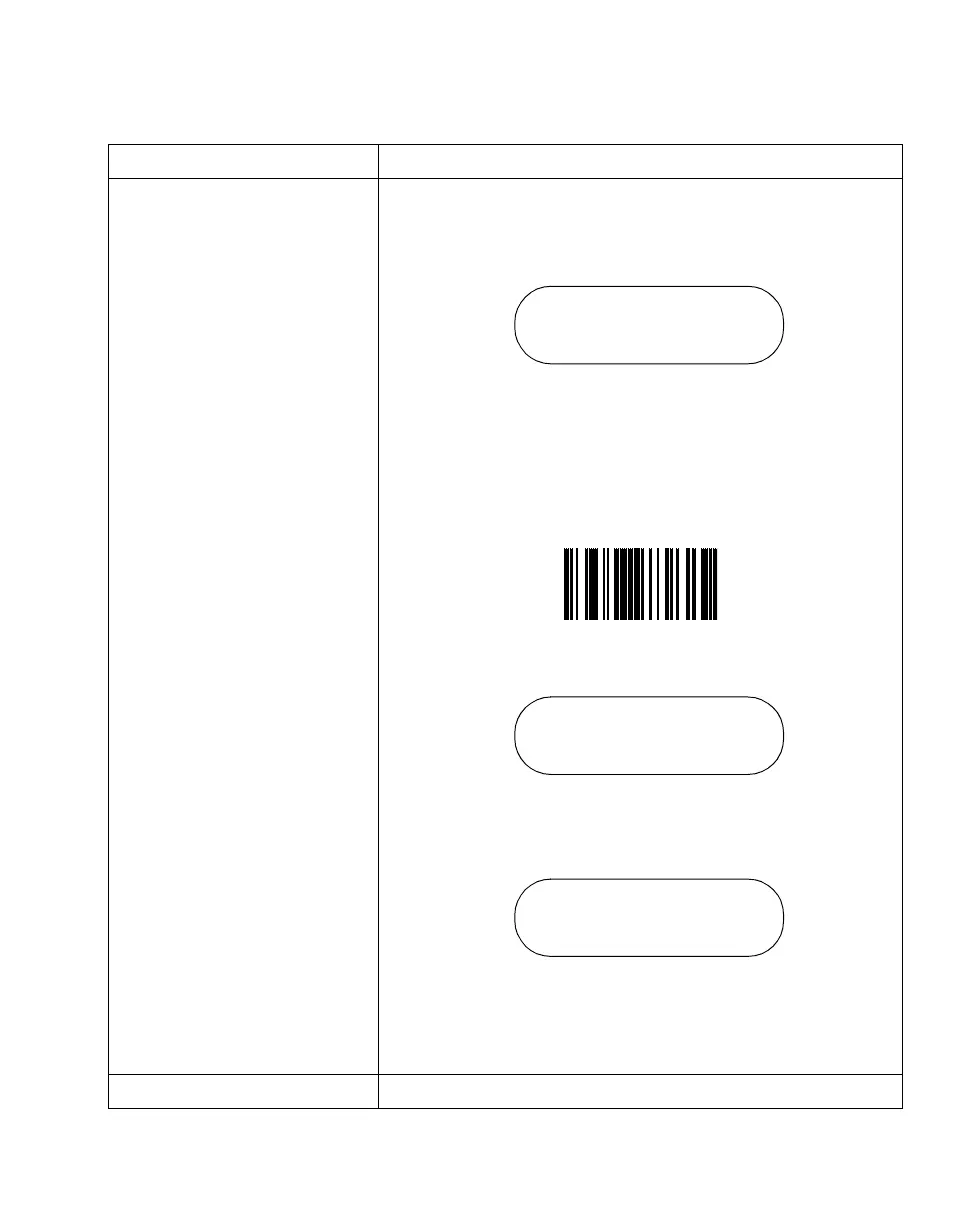
2. System Code Updates the scanner operating system (Firmware). An RS-232
cable is required. It connects the scanner (not the cradle) to the
host. To enter this mode using the key pad, select this option on
the system menu.
Press the <ENTER> key to confirm the choice (Yes) or the <BK>
key to cancel the choice (No).
OR
To enter this mode from an application without entering the
system menu, scan the bar code below.
Attach the RS-232 cable and press <ENTER> to start the
download.
After the download is complete, the system menu is exited and
the application initiates.
To exit this mode and prevent the download of new firmware,
press and hold the <ENTER> key for 30 seconds.
9. Back to Main Returns the user to the system menu.
Option Description
Load New System Code
<Enter>=Yes
<BK>=No
System Code
Attach RS232 Cable
and Press ENTER
Scanner ready,
On PC start download



 To Next Page