3-27
Operation
transferred to the host yet. A high-pitched beep lets you know that the entry has been
transferred to the host.
To return to numeric mode, press the Mode key again. Pressing the Enter key saves the
data.
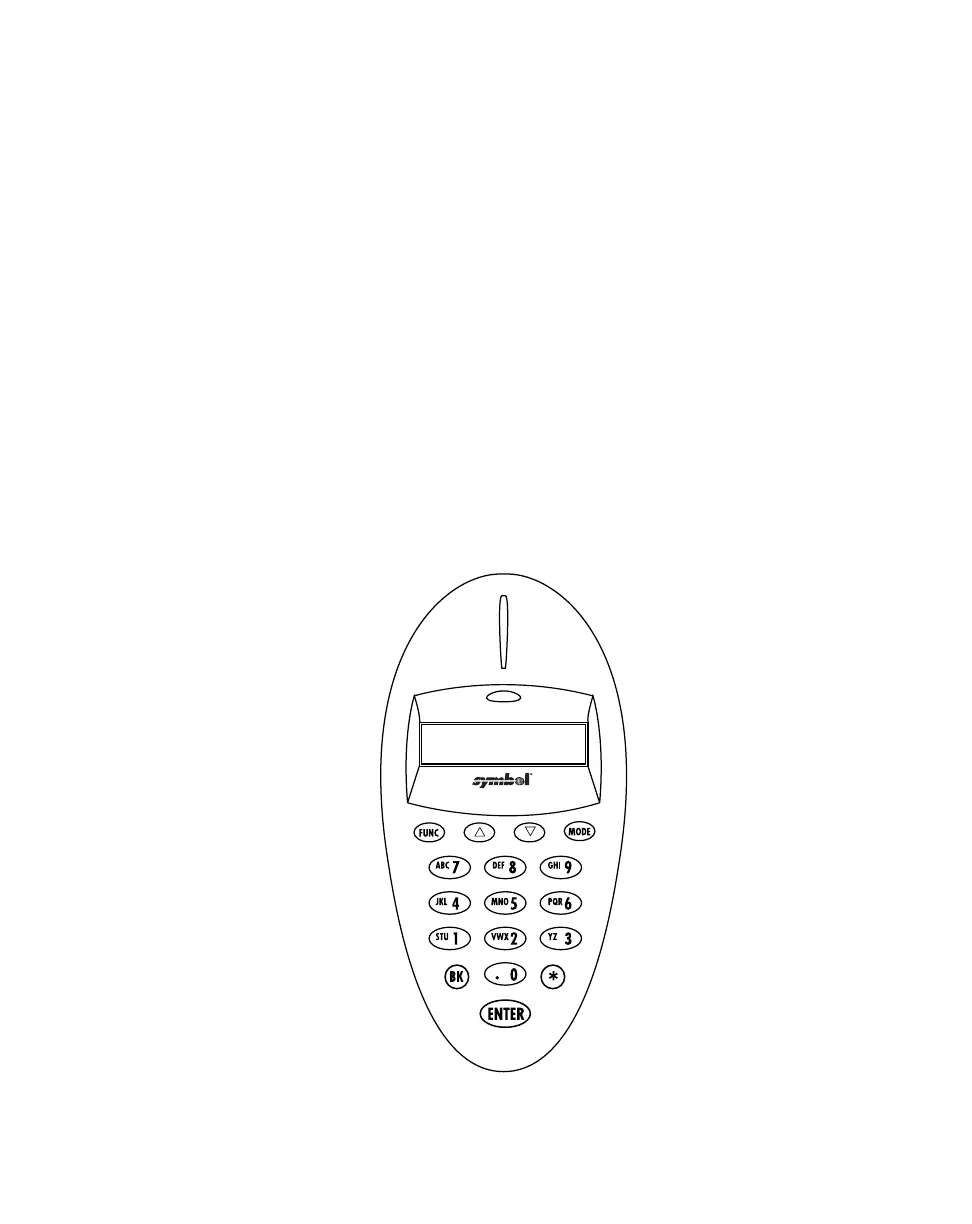
To put a decimal point (.) into numeric data, type in the numbers before the decimal point,
then press the mode key, press the decimal, and press the mode key again. Now resume
typing in the values to the right of the decimal.
To enter a dash (-), press the mode key once, then the zero (0) key twice.
To enter a blank space ( ), press the mode key once, then the zero (0) key three times.
The Function key in combination with a numeric key can be programmed to launch an
operation, such as allowing you to review records. To use the Function key to review
records, press the <FUNC> key, release it, and then press the <2> key. For more
information on how to program these keys for additional tasks and operations, refer to the
MCL Designer User’s Guide p/n 70-37689-XX.
Figure 3-4. Scanner Keypad



 To Next Page