The Setup Program Installing I/NET
2-10 I/NET 2000 Getting Started
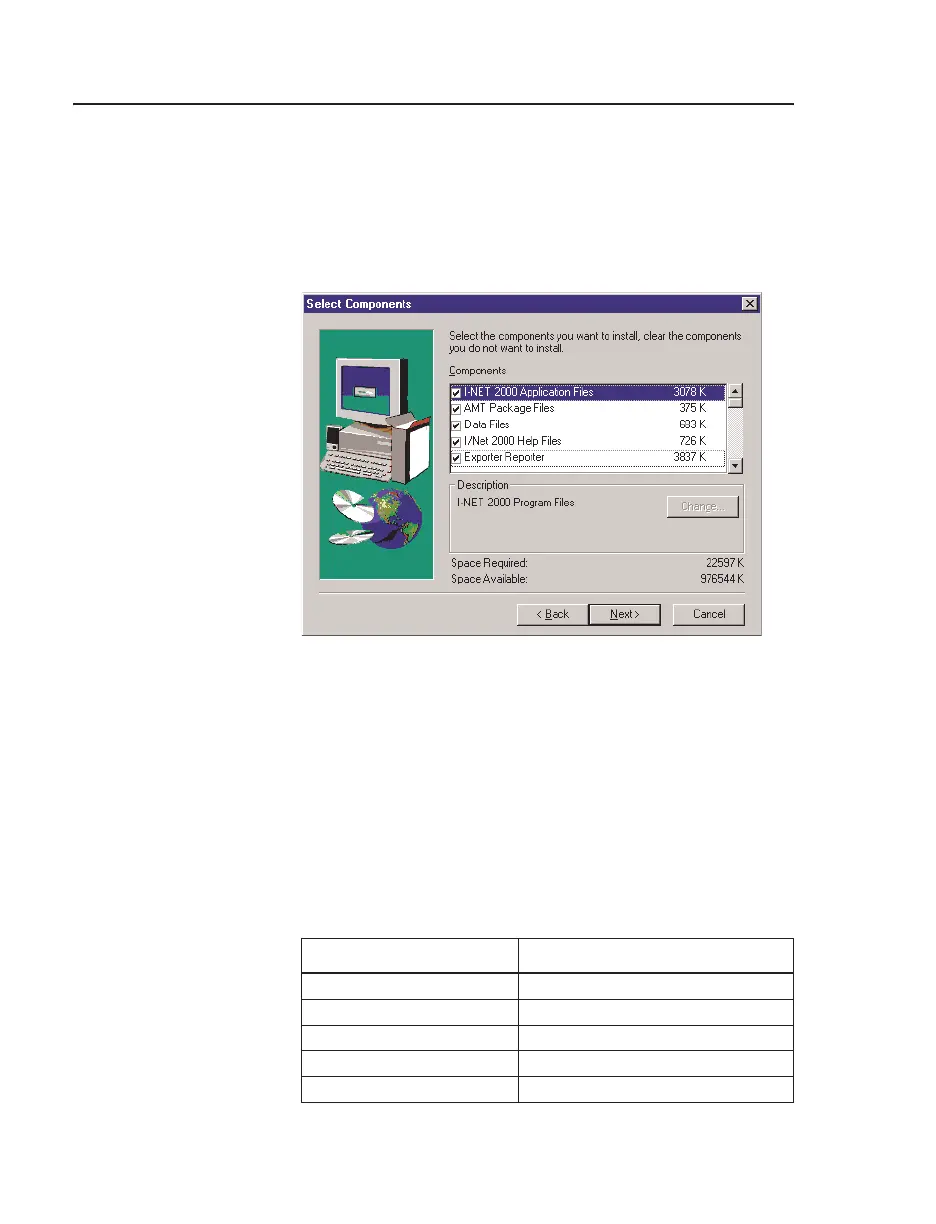
12. If you selected Custom in Step 11, Setup displays the Select
Components dialog box shown in Figure 2-9. A checkmark
in the box to the left of the component indicates that it is
selected. To select or deselect a component, click in the
check box.
Two components, Data Files and Exporter/Reporter, have
sub-components as well. To view these, click
Change and
the Select Sub-components dialog appears.
Table 2-1 lists the components, subcomponents, and a brief
description of their function. When you have completed
selecting or deselecting the components you wish to install,
click
Next and proceed to Step 13.
Figure 2-9. Select Components Dialog Box
Table 2-1. I/NET Installation Components
Component Description:
I/NET 2000 Application Files I/NET program files
AMT Package Files AMT program files
Data Files
Sub Components:
Data I/NET default data files (optional)



 To Next Page