51
83532002 Rev C
4.4. Rear Panel SW1 Setup Switch
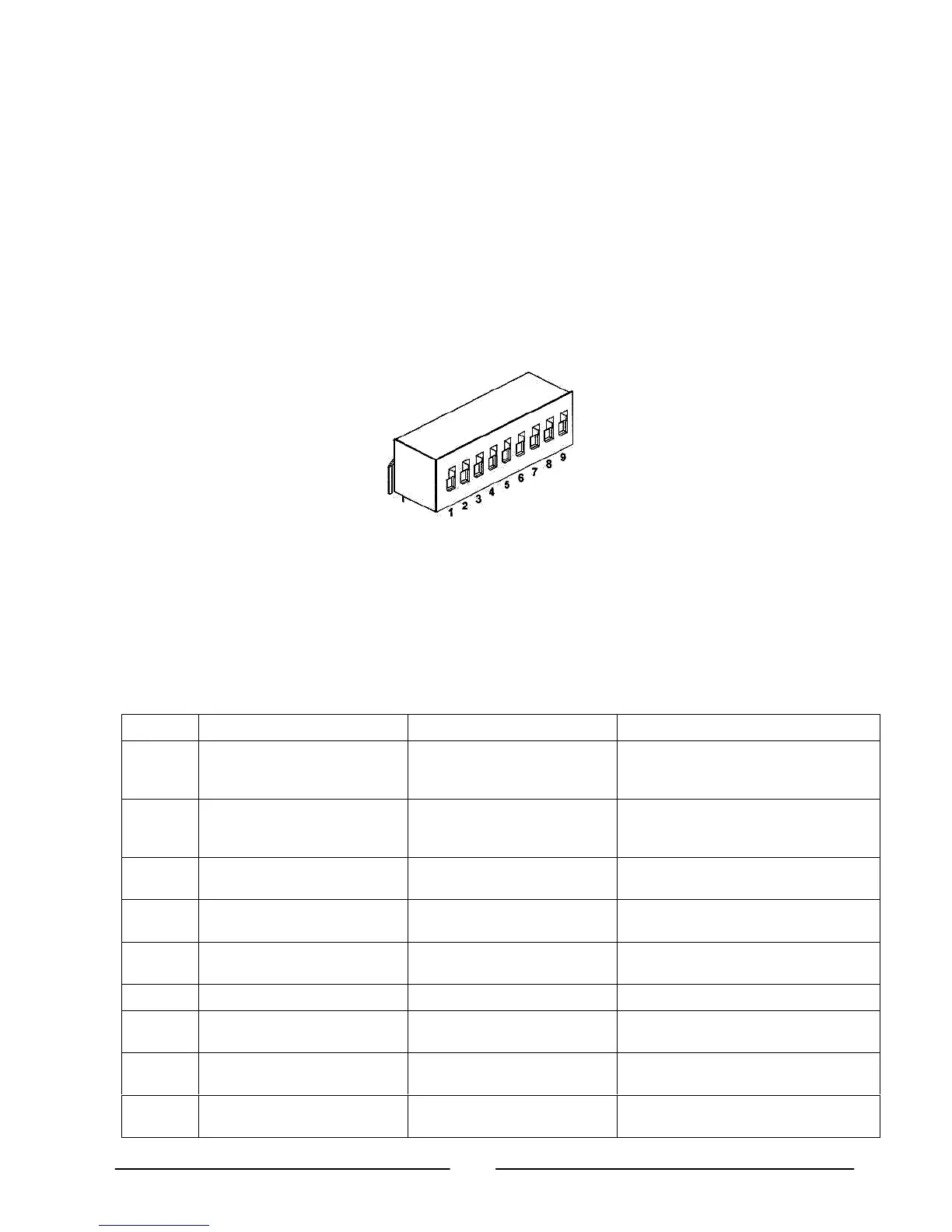
The SW1 Setup switch (see Fig.4-3) is a 9-position DIP-switch that allows the user to
choose the following:
– Internal or remote programming of Output voltage and Output current.
– Remote voltage or resistive programming of Output voltage and Output current.
– Select range of remote voltage and resistive programming.
– Select range of Output voltage and Output current monitoring.
– Select the Remote Shut-Off control logic.
– Select between RS-232 and RS-485 communication interface.
– Enable or Disable the rear panel Enable/Disable control (dry-contact).
Fig. 4-3: SW1 setup DIP-switch
4.4.1. SW1 Position Function
Refer to Table 4-3 for description of SW1 position functions. The factory default
setting is Down for all positions.
Table 4-3: SW1 Positions Functions
Position Function DOWN (Factory default) UP
SW1-1
Output Voltage Remote
Analog Programming
Output Voltage
Programmed by Front Panel
Output Voltage
Programmed by remote analog
External Voltage
SW1-2
Output Current Remote
Analog Programming
Output Current
programmed by Front Panel
Output Current
programmed by remote analog
External Voltage
SW1-3 Programming Range Select
(Remote voltage/resistive)
0-5V (0-5kohm) 0-10V (0-10kohm)
SW1-4 Output Voltage and
Current Monitoring Range
0-5V 0-10V
SW1-5
Shut-Off Logic select
Off: Low (0-0.6V) or Short
On: High (2-15V) or Open
Off: High (2-15V) or Open
On: Low (0-0.6V) or Short
SW1-6 RS-232/RS-485 select RS-232 interface RS-485 interface
SW1-7 Output Voltage
Resistive Programming
Output Voltage
programmed by Front Panel
Output Voltage
programmed by External resistor
SW1-8
Output Current
Resistive Programming
Output Current
programmed by Front Panel
Output Current
programmed by External resistor
SW1-9 Enable/Disable control
Rear panel Enable/Disable
control is not Active
Rear panel
Enable/Disable control is Active













 To Next Page