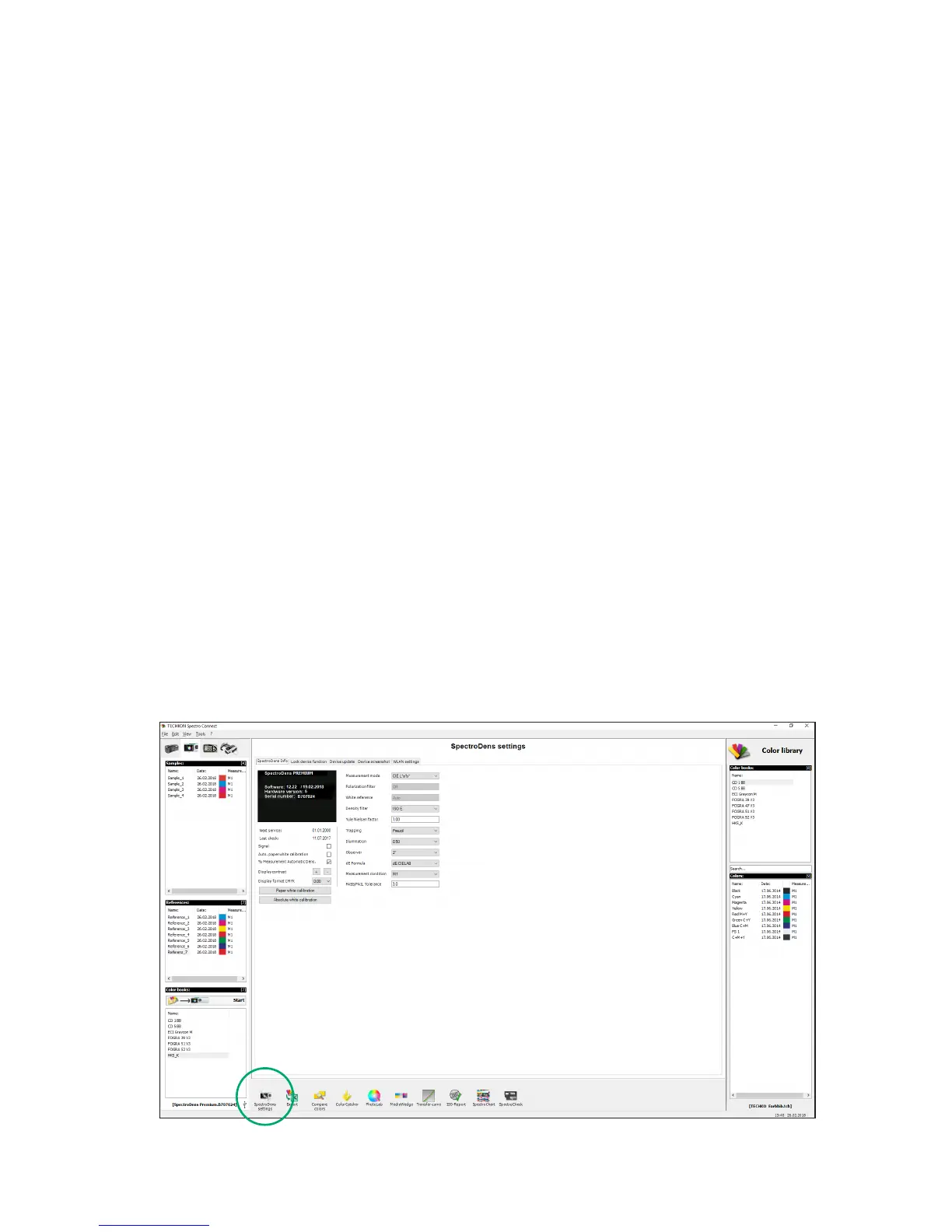
3.4 Software module: SpectroDens settings
In this module device specic settings can be made.
1. SpectroDens Info: All settings, which can be made at the device can also be made
with this software feature.
2. Lock device functions: Device functions can be locked and unlocked with this feature.
Locked functions will appear in shaded gray on the LCD display.
3. Device update: New device software can be uploaded into the device. There
are two dierent types of les to upload:
Device update: loads the new version of device software
Device upgrade: upgrades to SpectroDens Advanced or
Premium (must be purchased)
4. Device screenshot: This shows the device display on the computer screen.
All measurement buttons can be remotely operated by the
mouse pointer. The screenshot can be saved. This is a very
useful feature for product trainings.
5. WLAN settings: Window for the conguration of the WLAN connection
(see p. 22 .)
1. 2. 3. 4. 5.


 To Next Page