IU_TechMaster_02_eng Page 11 of 32
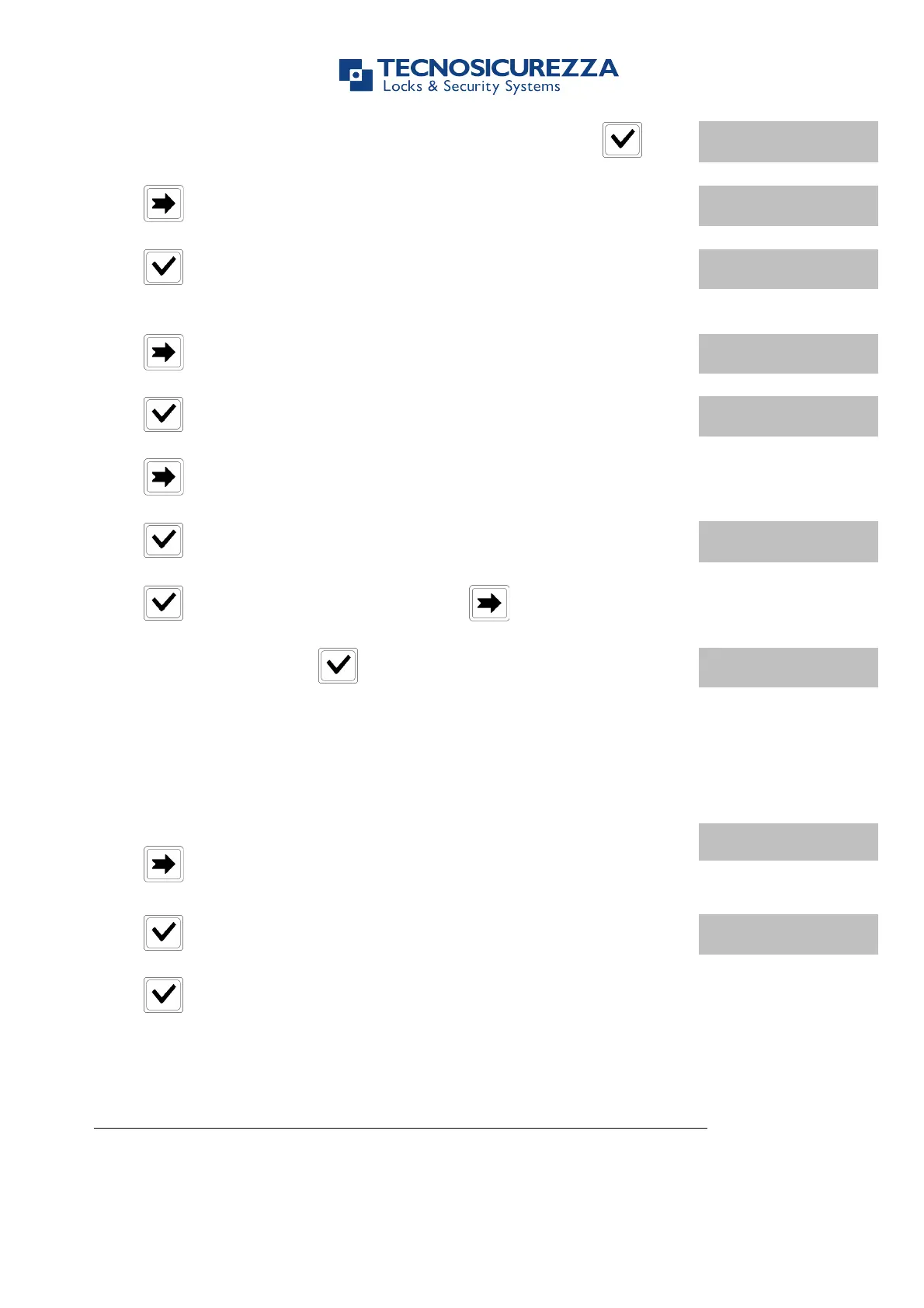
Power up TechMaster and access the Time Lock menu. Press .
Press , LCD will display the message:
Press , LCD will display the message:
Press , LCD will display the first saved Opening Period.
! DD/MM/YY hh:mm
" DD/MM/YY hh:mm
Press to scroll all the set values.
Press to delete the set values. LCD will display the message:
Press to delete the LCD values or press to exit.
At the end of the list press .
Use this function to start the communication between TechMaster and PC (audit, settings).
Power up TechMaster and access the Master Menu.
Press two times. LCD will display the message:
Press to start the communication with the PC.
Press at the end of the operation, to close the communication.
Depending on lock configuration this menu could not be available
Use this function to add, disable or delete Manager, OVR Manager and Remote Manager.


 To Next Page