IU_TechMaster_02_eng Page 25 of 32
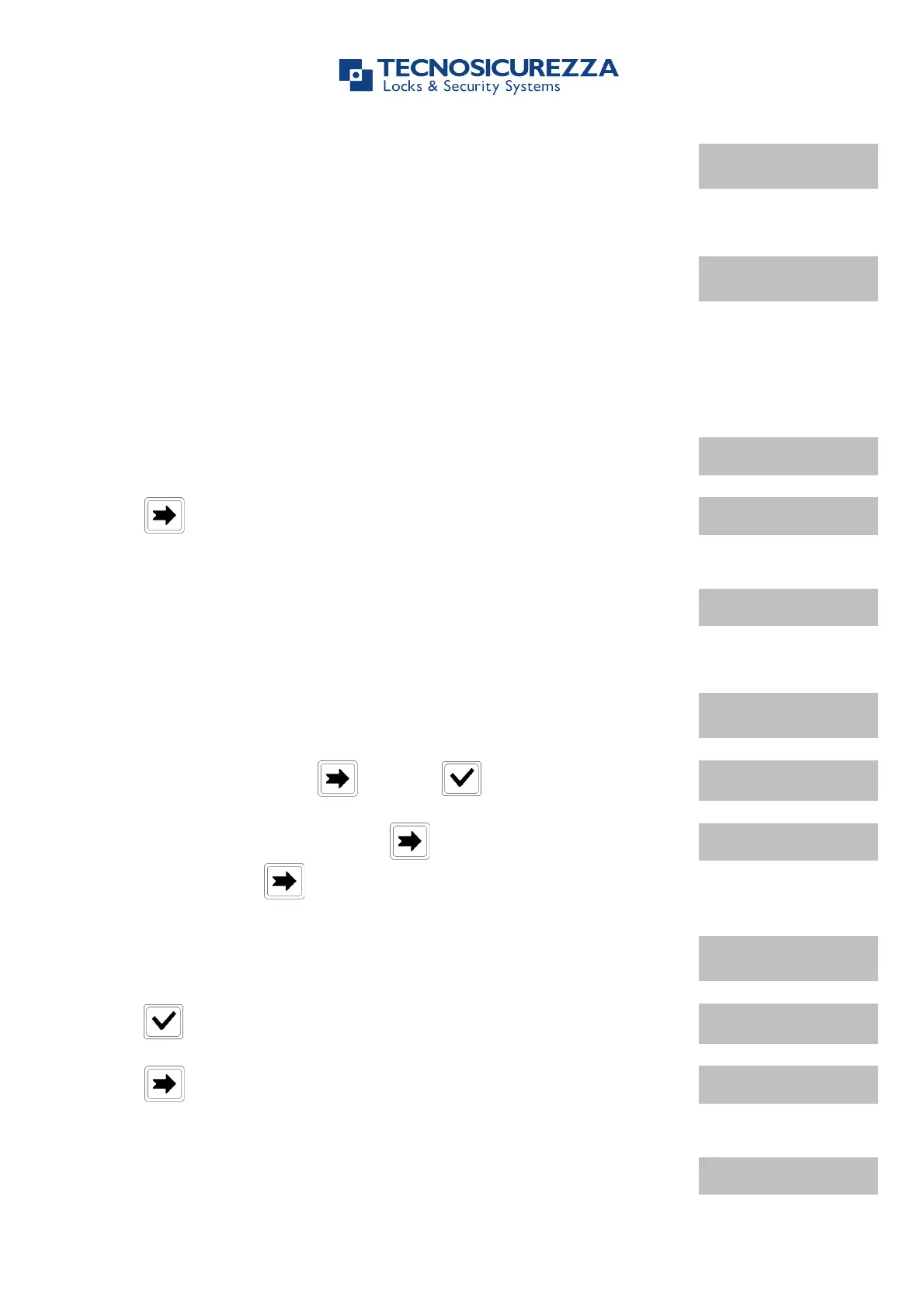
Invalid code will prompt LCD to display the message
Open the door within 3 seconds.
Before power-off, LCD will display current date and time.
7.4. Manager (or OVR Manager): Opening the lock
with Time Delay
Power up TechMaster and select the lock when two or more locks are installed.
LCD will display the message:
USER CODE
X X – X X X X X X
Press to open with Manager code (or press it two times to open
with OVR Manager code), LCD will display the message:
Enter Manager code and insert the Dallas key, if set-up. (or OVR
Manager code and insert the Dallas key, if set-up). LCD will display
Time Delay counting time:
Invalid code will prompt LCD to display the message
To abort Time Delay press and then to confirm.
To operate with other locks press during Time Delay counting
time and then press again.
After Time Delay has elapsed, the LCD will display the Open Window
counting time.
Press , LCD will display the message:
USER CODE
X X – X X X X X X
Press to open with Manager code (or press it two times to open
with OVR Manager code), LCD will display the message:
Enter Manager code and insert the Dallas key, if set-up (or OVR
Manager code and insert the Dallas key, if set-up). LCD will display
the message:


 To Next Page