Page 12 of 32 IU_TechMaster_02_eng
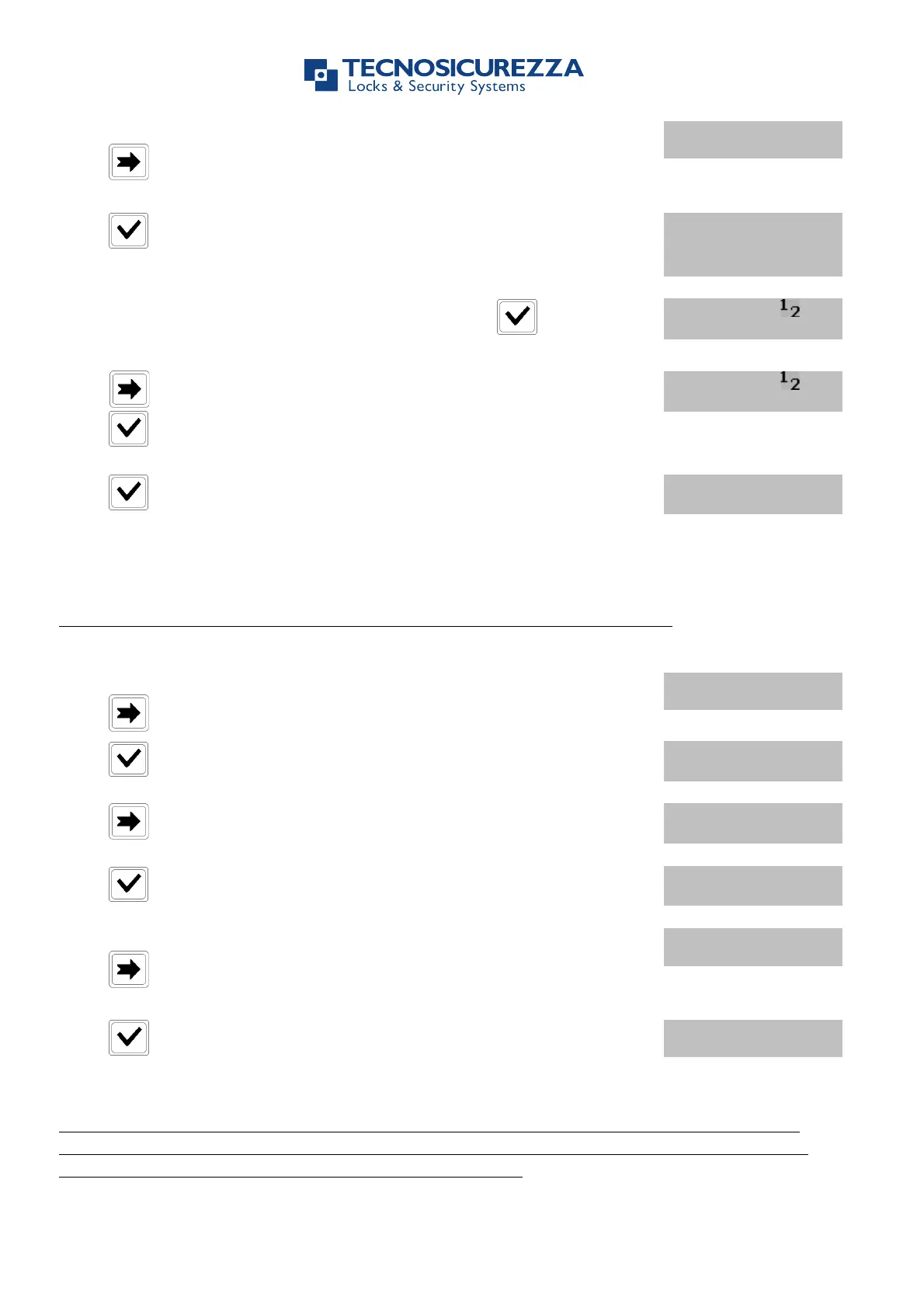
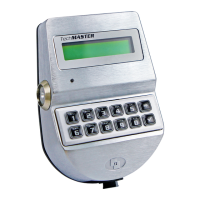
Power up TechMaster and access the Master Menu.
Press three times. LCD will display the message:
Press . LCD will display the message:
1: MANAGER !
2: OVR MANAGER
!
Select the Manager entering his number and press to confirm.
LCD will display the message:
Press to select the operation: enable, disable, delete or exit and
press to confirm.
Press to confirm. LCD will display the message:
Depending on lock configuration this menu could not be available
Use this function to enable or disable the use of Dynamic Codes on the lock.
Power up TechMaster and access the Master Menu.
Press four times. LCD will display the message:
Press . LCD will display the actual status:
Press . LCD will display the message:
STATUS:
ENABLE?/ DISABLE?
If you want to disable the use of Dynamic Codes from all the locks
press until LCD will display the message:
Press to confirm and remove the use of Dynamic Codes from all
the locks.
If the use of Dynamic Codes has been removed and you want to activate it again, be sure
Dynamic Code option is enabled on the lock and use the Red Dallas and the key activation
code generated by the software to activate the function.


 To Next Page