Page 22 of 32 IU_TechMaster_02_eng
Then the following message will be displayed:
Always keep the lock connected during removal operations.
Always perform this operation with the door opened.
Use this function to set LCD contrast.
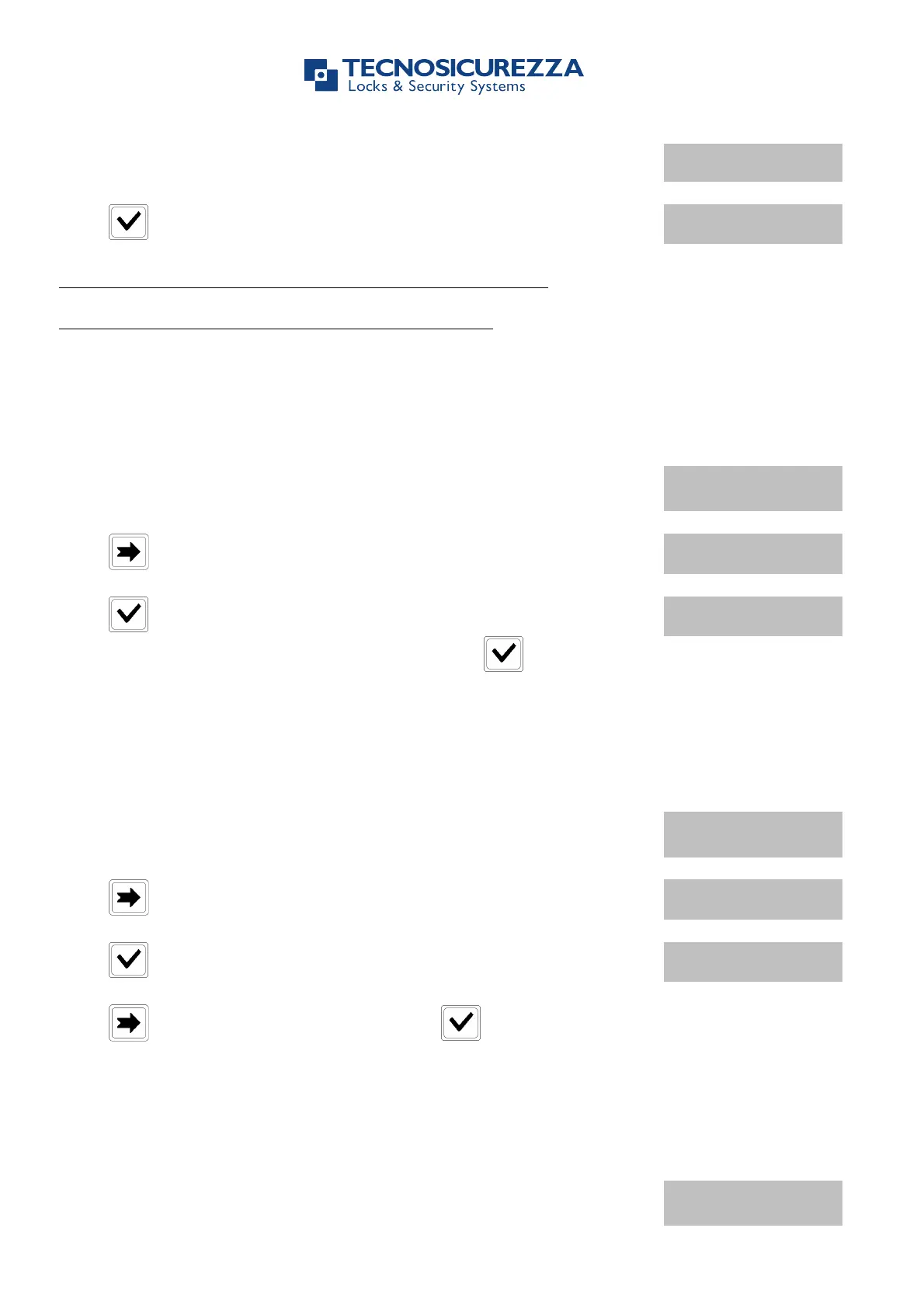
Power up TechMaster and access the Configuration Menu. LCD will
display the message:
Press two times. LCD will display the message:
Press . LCD will display the message:
Enter a contrast level (between 1 and 9) and press to confirm.
Use this function to set LCD language.
Power up TechMaster and access the Configuration Menu. LCD will
display the message:
Press three times. LCD will display the message:
Press . LCD will display the current set language.
Press to change the language and press to confirm.
Use this function to test TechMaster membrane.
Power up TechMaster and access the Configuration Menu. LCD will
display the message:


 To Next Page