IU_TechMaster_02_eng Page 7 of 32
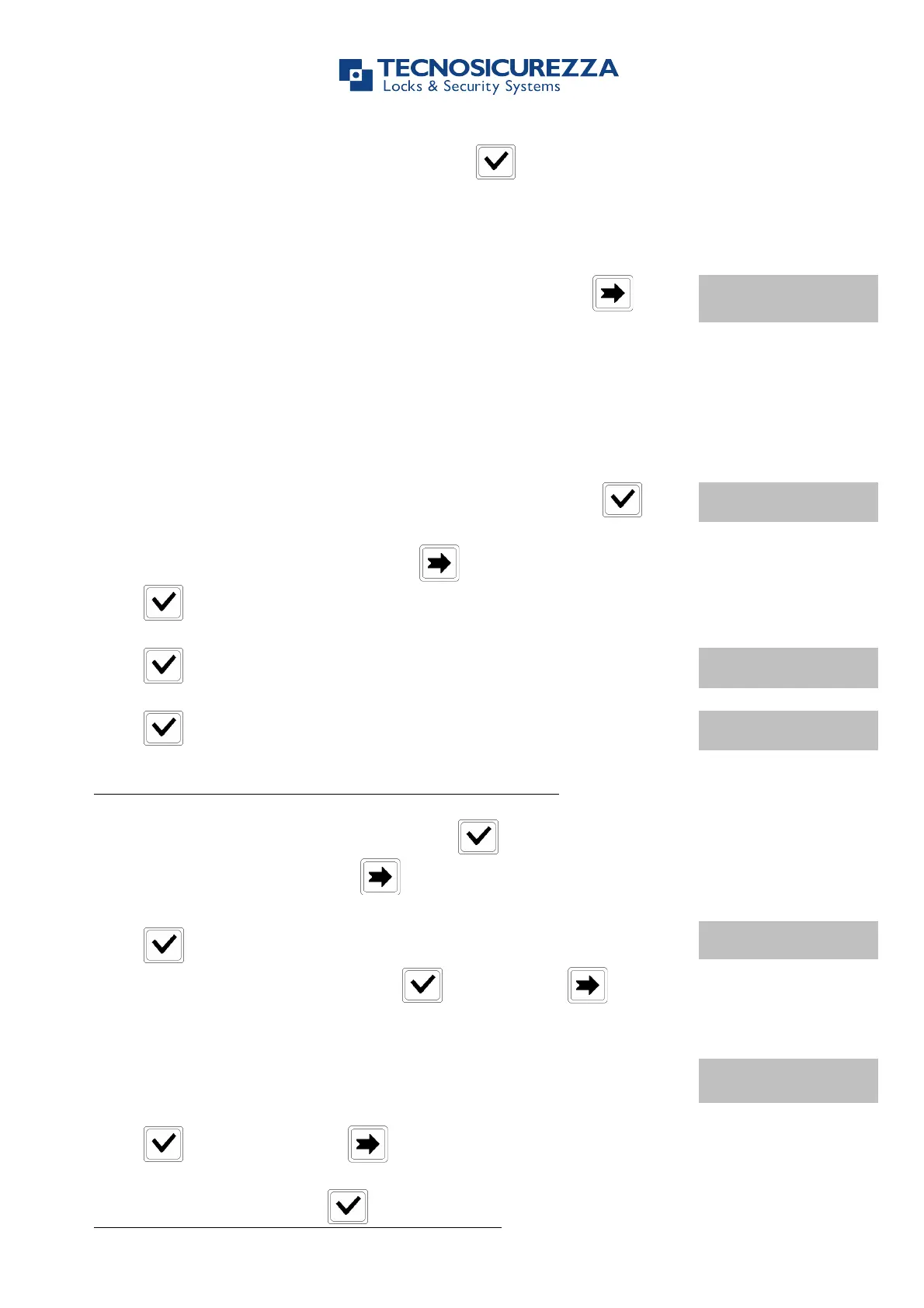
Enter new values for time and date and press to confirm.
Power up TechMaster and access the Master Menu. Press two
times.
Use this function to add Time Lock values.
Power up TechMaster and access the Time Lock menu. Press .
To add Standard week 2 or 3 press one or two times, then
press .
Press . LCD will display the message:
Press . LCD will display the current day of the week.
The first is Opening time and the second is Closing time.
Enter Opening and Closing time, then press .
To cancel entered values, press .
Press to confirm. LCD will display the next day of the week, and
will propose the same values. Press to confirm or to skip
and change day.
At the end of the week LCD will display the message:
END OF LIST
EXIT AND SAVE? !
Press to save settings or to get back to the first day.
Settings will be saved when will be pressed.


 To Next Page