Page 8 of 32 IU_TechMaster_02_eng
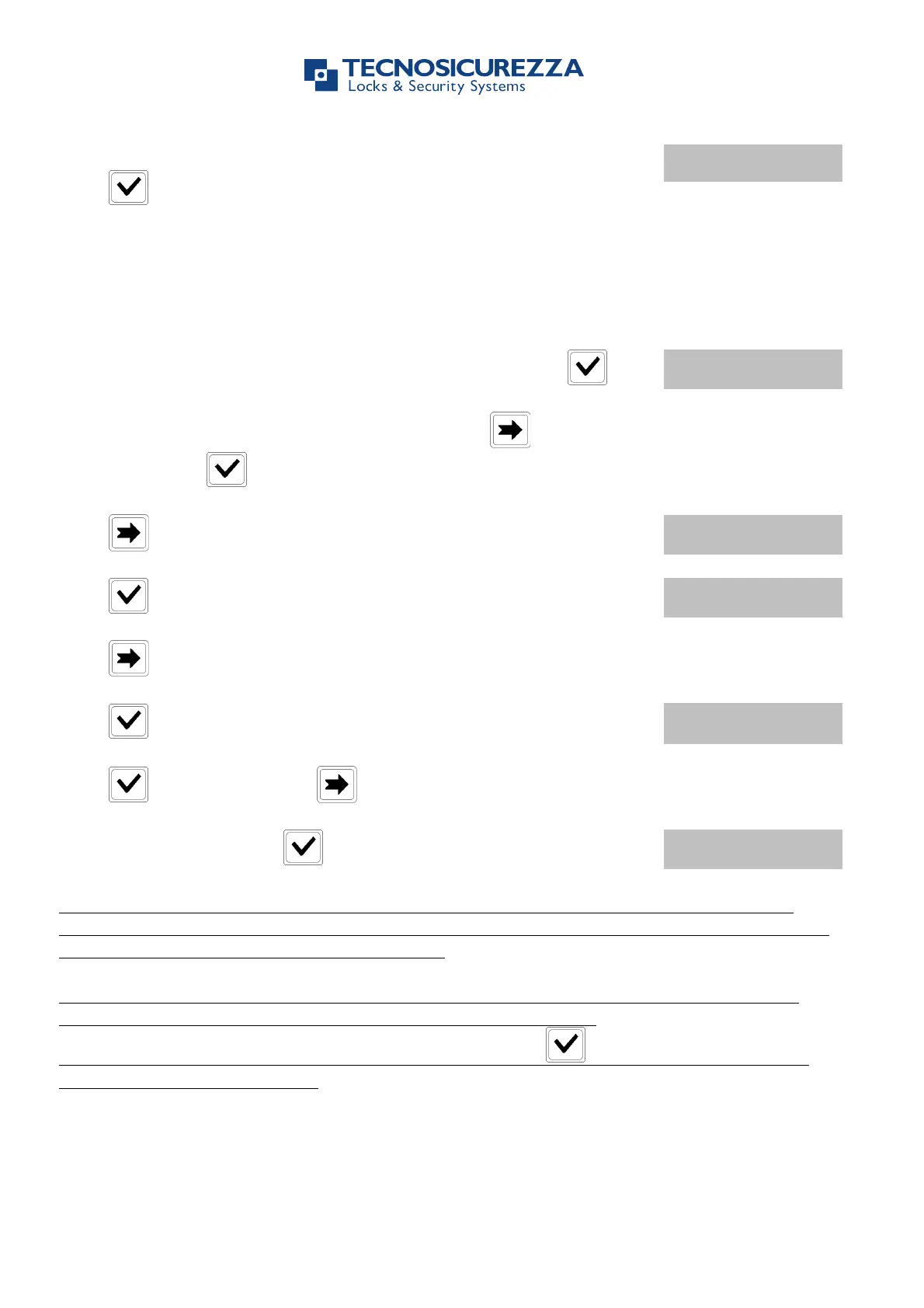
After saving the settings LCD will display the message:
Press to set more periods (up to 4).
1.2.2. Time Lock - Verify or Delete
Use this function to verify or delete Time Lock values.
Power up TechMaster and access the Time Lock menu. Press .
To verify or delete Standard Week 2 or 3 press one or two
times, then press .
Press , LCD will display the message:
Press , LCD will display the set values for the first day.
Press to scroll all the set values.
Press to delete the set values. LCD will display the message:
Press to confirm or press to exit.
At the end of the list press .
Time Lock Standard week is an Opening Time Period: the safe door can be opened if you
enter a valid code (for ex. Opening Period from 08:00 to 14:00: the door can be opened from
08:00 to 14:00, but can’t be opened at 16:00).
You can enter four different Time Periods for each day (for ex. MON from 07:00 to 10:00;
from 12:00 to 13:00; from 15:00 to 16:00; from 18:00 to 19:00).
Time Periods will be saved just after confirmation pressing . It is recommended to set
the values with safe door open.
All the Users will be automatically added to their related Time Lock table.
1.2.3. Special Events - Add


 To Next Page