IU_TechMaster_02_eng Page 29 of 32
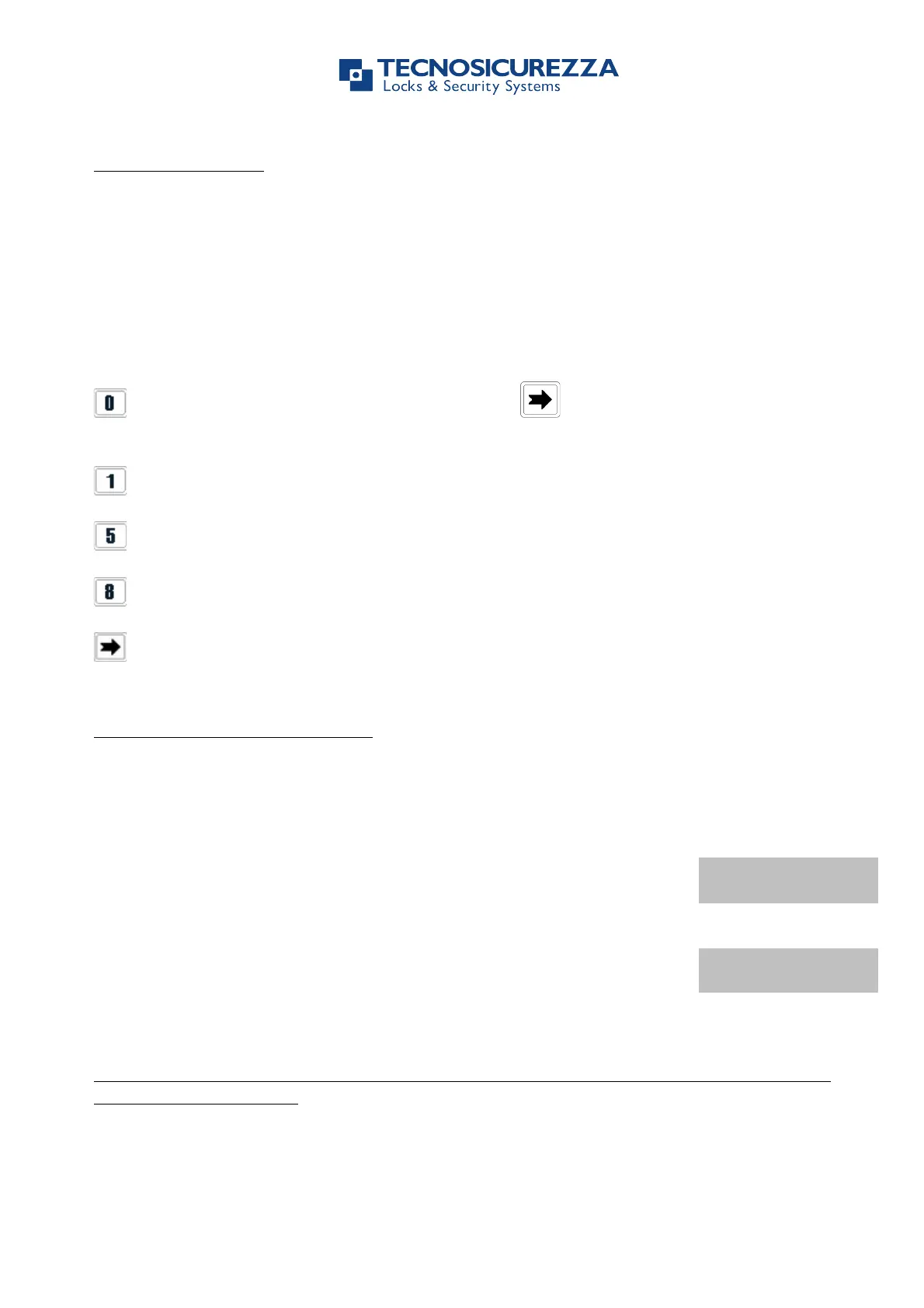
Use shortcuts to skip the procedure to get into a menu.
Press and hold the button corresponding to the menu you want to access to.
= Access to Change User Code function. Press to change Manager, OVR Manager
or Master code.
= Access to PIN Dynamic Codes function.
= Access to Membrane test function.
= Access to System Info function.
= Come back to main menu.
TechMaster can be set to have automatic Codes’ Expiry (from 1 to 240 months) option.
If this option is set, LCD will display a warning message when a valid
code is entered starting from one week before the expiry date.
CODE WILL EXPIRE IN
7 DAYS
When LCD will display this message change your code.
If your code is expired LCD will display the message:
To change your code is the only function you will be allowed to do.
If your code is expired you will be not allowed to open the lock. Change your code before
operating the lock again.
TechMaster can be set to have Override Reopening option (from 0 to 59 minutes). If this
option is set, it will be possible to reopen the lock overriding Time Delay during the set value


 To Next Page