IU_TechMaster_02_eng Page 9 of 32
Use this function to add Special Events values.
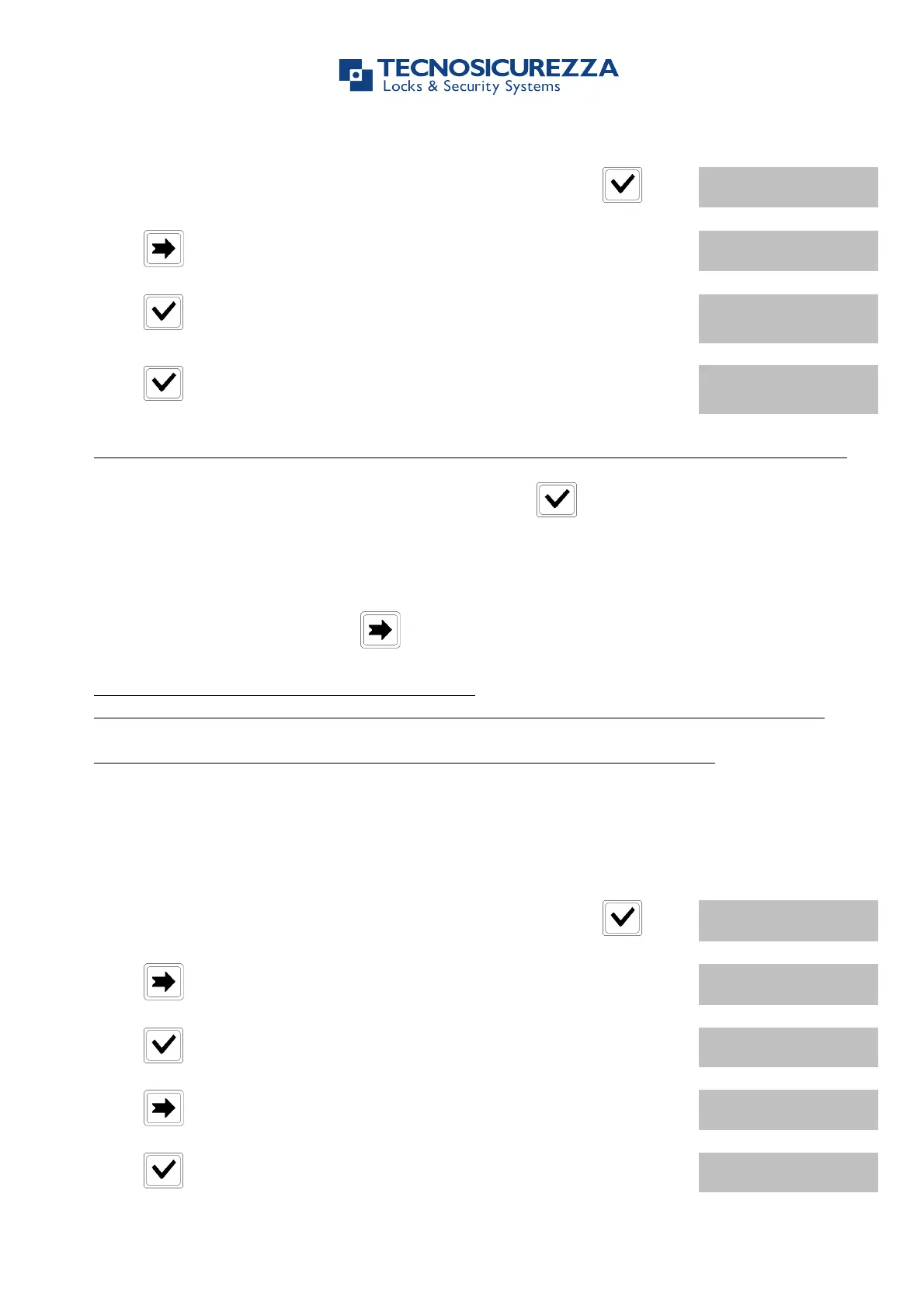
Power up TechMaster and access the Time Lock menu. Press .
Press , LCD will display the message:
Press , LCD will display the message:
" DD/MM/YY hh:mm
! DD/MM/YY hh:mm
The first one is the closing time and date and the second one is the opening time and date.
Enter Closing and Opening time and date, then press to confirm.
If a value for Year is set, this Special Event will cease after that date.
If a value for Year is not set, this Special Event will repeat every year.
To cancel entered values, press .
Repeat this procedure for every Special Event.
Special Events are Closing Periods: the safe’s door can’t be opened during these periods.
Up to 30 Special Events are available for a maximum of nine (9) days each.
1.2.4. Special Events – Verify or Delete
Use this function to verify or delete Special Events values.
Power up TechMaster and access the Time Lock menu. Press .
Press , LCD will display the message:
Press , LCD will display the message:
Press , LCD will display the first saved Special Event.
" DD/MM/YY hh:mm
! DD/MM/YY hh:mm


 To Next Page