IU_TechMaster_02_eng Page 21 of 32
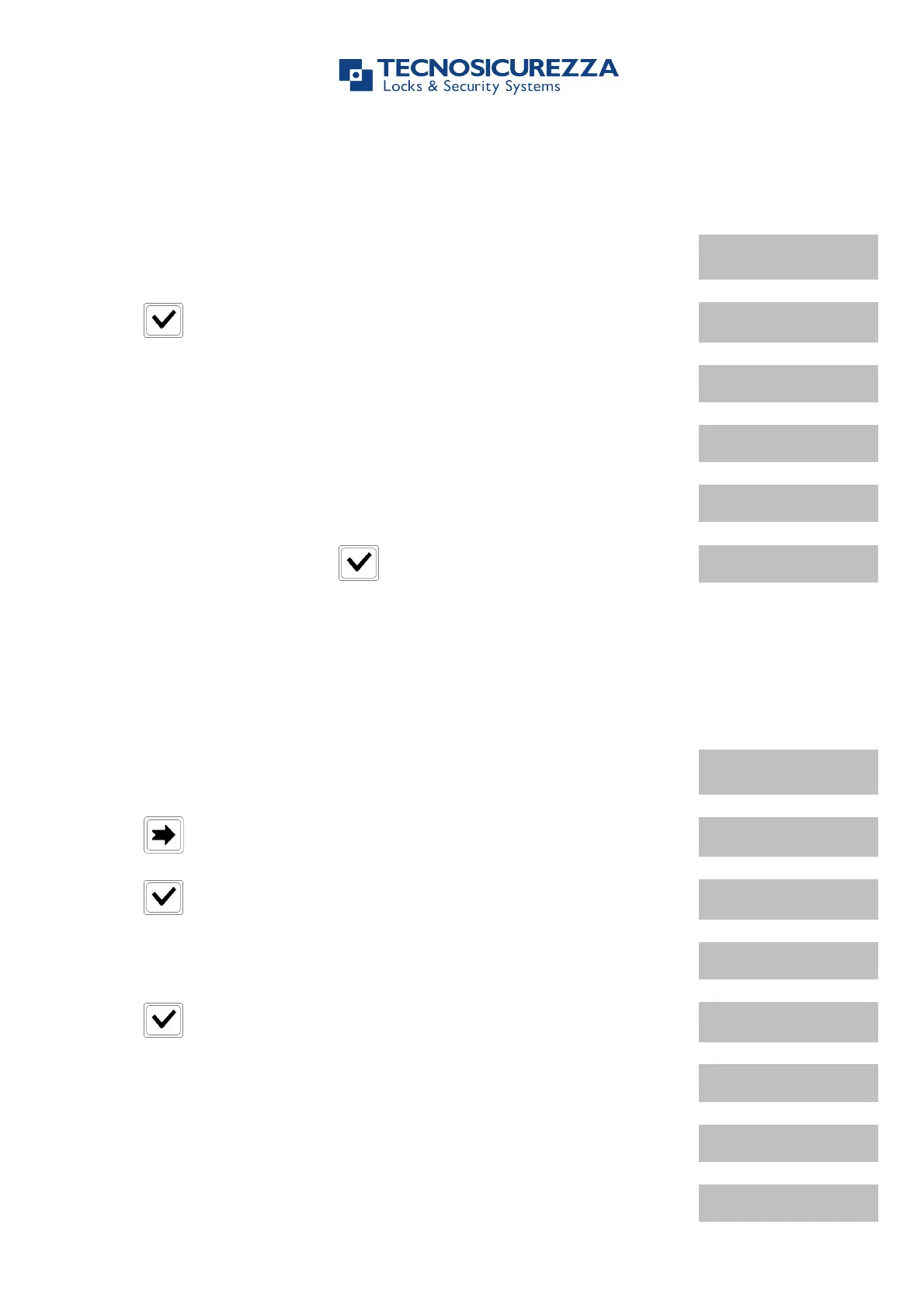
Use this function to install up to five locks on TechMaster keypad.
Power up TechMaster and access the Configuration Menu. LCD will
display the message:
Press and select the lock to install.
If lock is already installed, LCD will display the message:
If lock is not connected to the keypad, LCD will display the message:
If the selected lock is connected, LCD will display the message:
MASTER CODE
X X X X X X X X
Enter Master code or press if the Master code is the default
code (1 2 3 4 5 6 7 8). LCD will display the message:
Use this function to remove locks from TechMaster keypad.
Power up TechMaster and access the Configuration Menu. LCD will
display the message:
Press . LCD will display the message:
Press and select a lock to remove.
If lock is connected, LCD will display the message:
Press to confirm. LCD will display the message:
MASTER CODE
X X X X X X X X
Enter Master code. LCD will display the message:
If lock is not installed, LCD will display the message:
If lock is not connected to the keypad, LCD will display the message:


 To Next Page