IU_TechMaster_02_eng Page 23 of 32
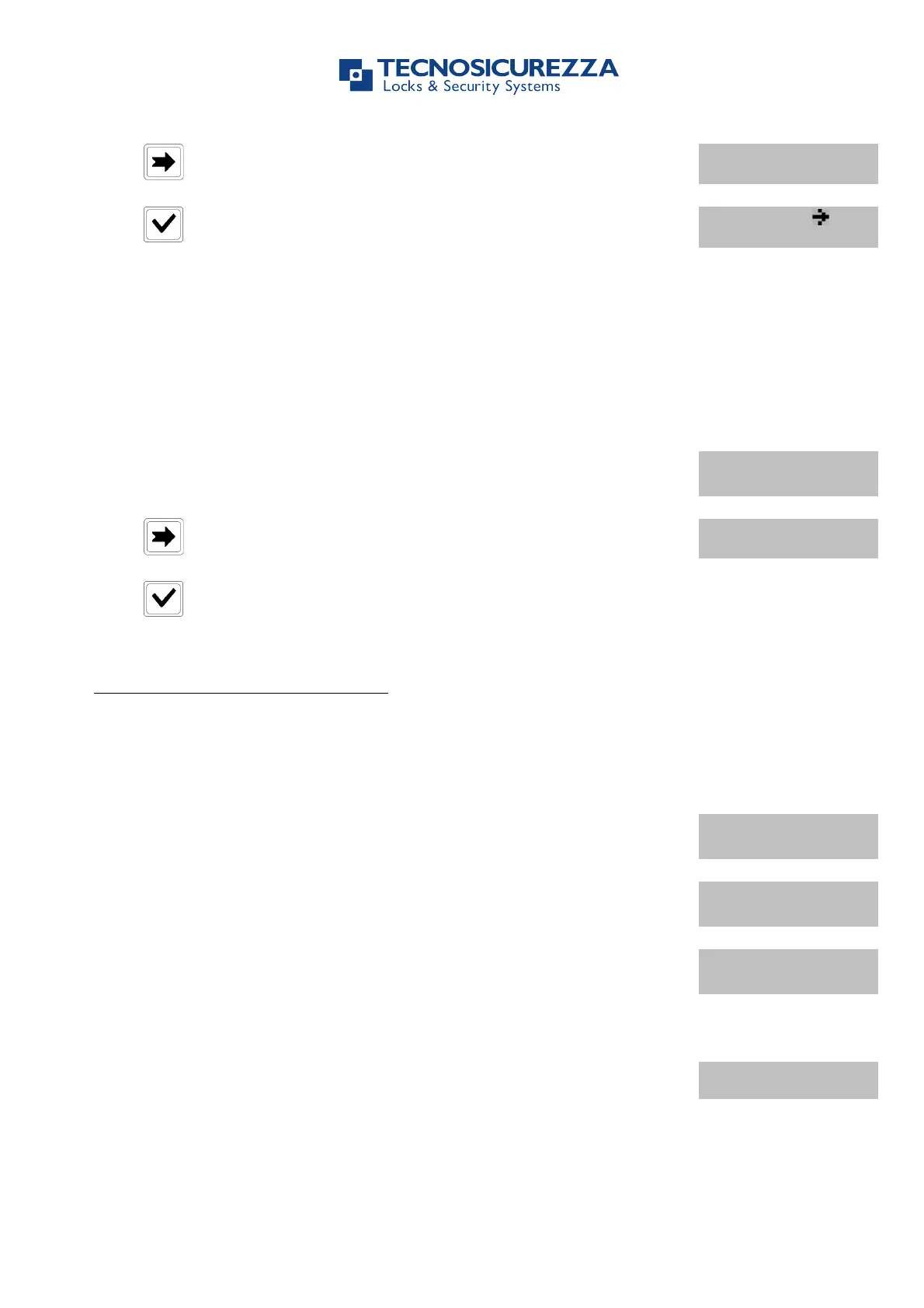
Press four times. LCD will display the message:
Press . LCD will display the message:
Press all the buttons in the displayed order: a double beep indicates
the button is ok, a long beep indicates the button is broken.
Use this function to check TechMaster firmware version.
Power up TechMaster and access the Configuration Menu. LCD will
display the message:
Press five times. LCD will display the message:
Press to check information.
7.1. Users (or OVR Users): Opening the lock without Time Delay
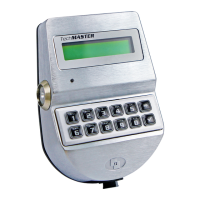
Power up TechMaster and select the lock when two or more locks are installed.
LCD will display the message:
USER CODE
X X – X X X X X X
Enter a valid user code and insert the Dallas key, if set-up. LCD will
display the message:
Invalid code will prompt LCD to display the message
Open the door within 3 seconds.
Before power-off, LCD will display current date and time.
7.2. Users (or OVR Users): Opening the lock with Time Delay
Power up TechMaster and select the lock when two or more locks are installed.


 To Next Page