Page 18 of 32 IU_TechMaster_02_eng
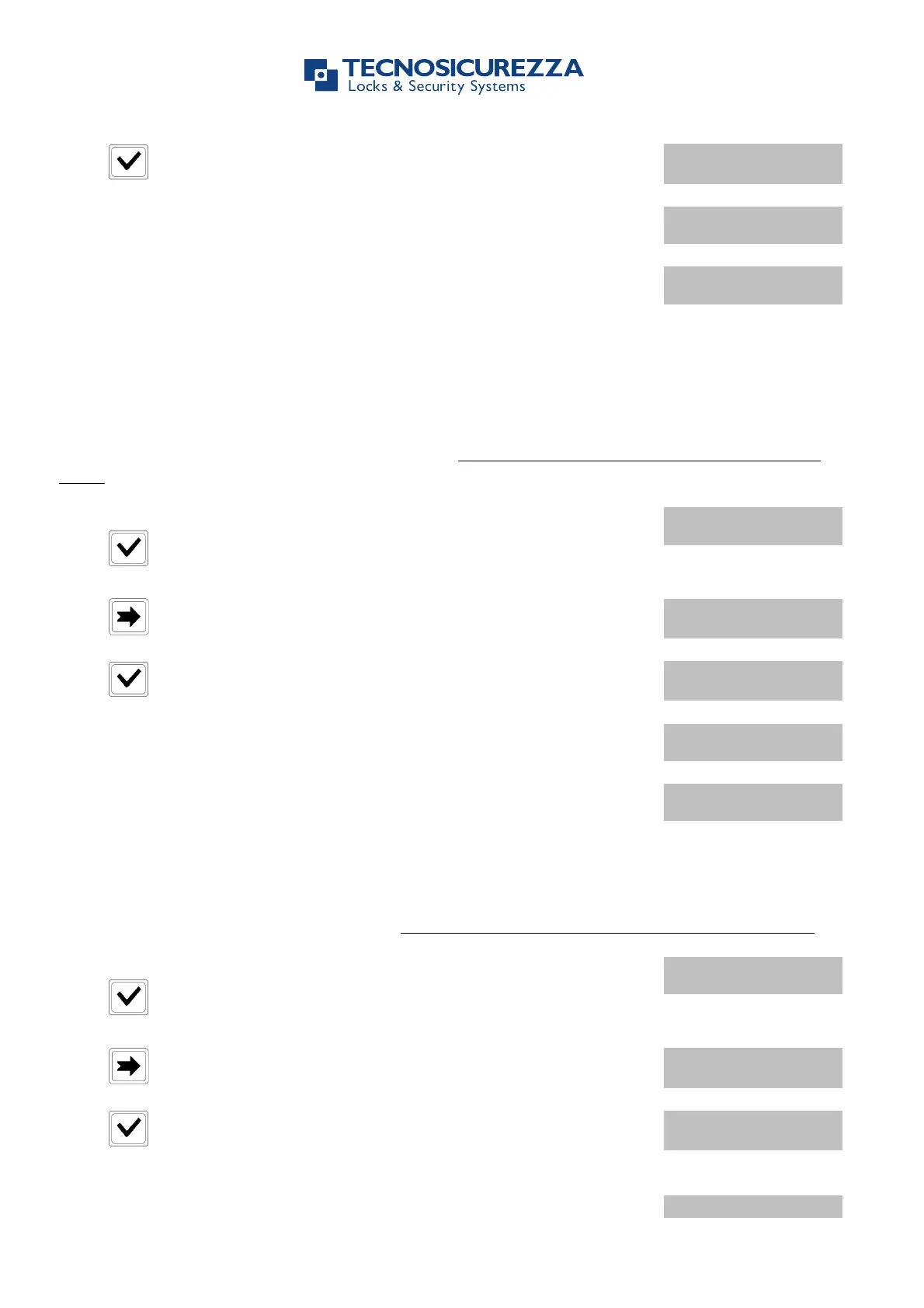
Press to confirm. LCD will display the message:
Enter the old code. LCD will display the message:
Enter the new code. LCD will display the message:
4.3. Change OVR Manager Code
Use this function to change OVR Manager code. Always perform this operation with the door
open.
Power up TechMaster System and access the Change Code Menu.
Press . LCD will display the message:
Press two times. LCD will display the message:
Press to confirm. LCD will display the message:
Enter the old code. LCD will display the message:
Enter the new code. LCD will display the message:
Use this function to change Master code. Always perform this operation with the door open.
Power up TechMaster System and access the Change Code Menu.
Press . LCD will display the message:
Press three times. LCD will display the message:
Press to confirm. LCD will display the message:
Enter the old code. LCD will display the message:


 To Next Page