15
Operation
SWITCHING ON AND OFF
Allowtheplayertofullycharge.Chargingtimesdependontheamountofresidual
chargeinthebattery.
ConnecttheearphonestotheHEADPHONEsocketorusetheinternalloudspeaker
asyouprefer.
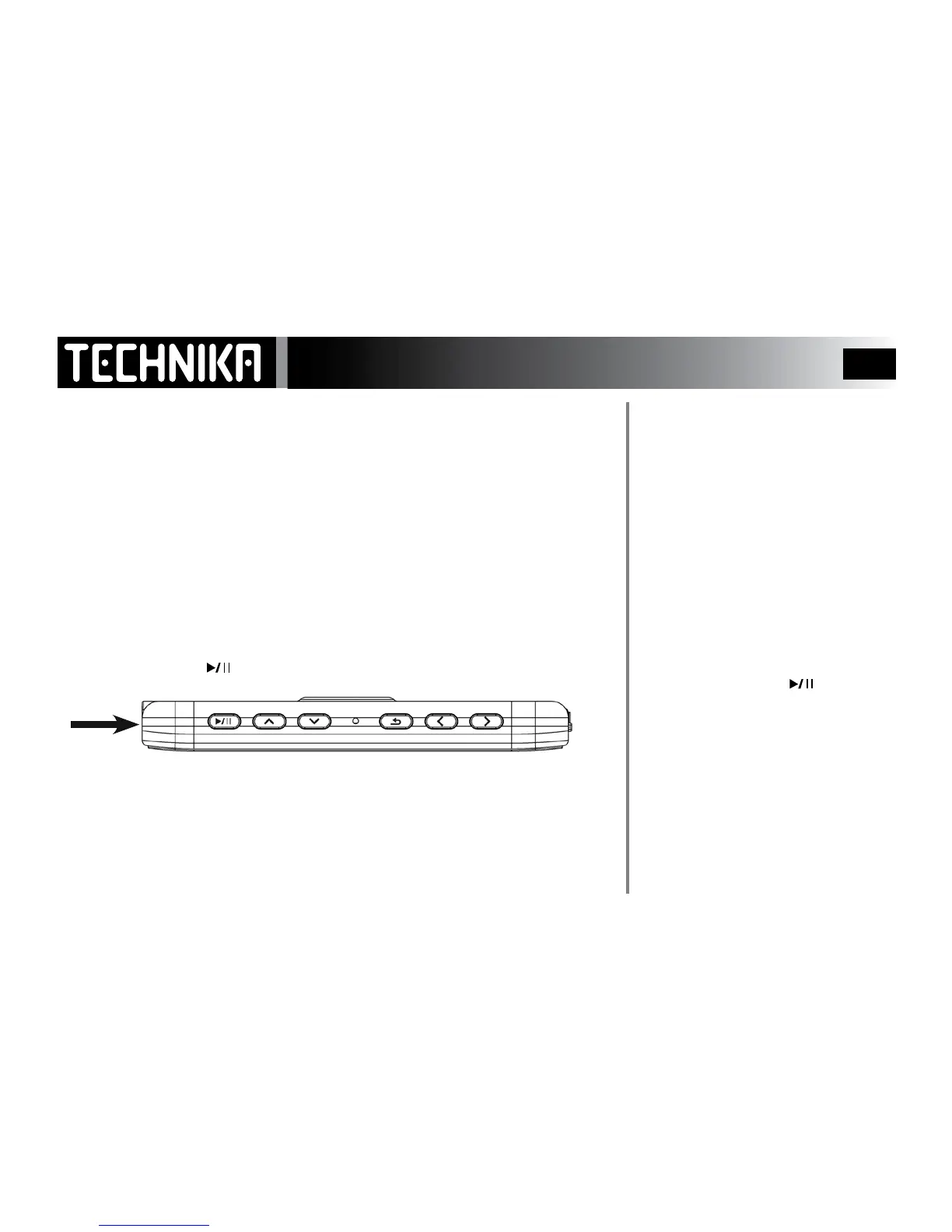
To Switch the player on:
• PressandholdthePOWERkey.Thewelcomescreenactivates.
When you rst switch on:theplayerwillgointoMusic Playmode.
In normal use:whenyouswitchontheplayerwillgotothemodeitwasinwhen
youswitchedito.
To Switch the player o:
• Pressandholdthe
button.
NOTE: There is no auto switch-o on this player. If you are not going to use the
player for a period of time, ensure it is switched o to conserve battery life.
LOCK MODE
The purpose of Key Lock is to stop ac-
cidental operation of the keys during
playback.
The Lock function is embedded in the
system software.
AfterapredeterminedtimetheLOCK
functionwillautomaticallylockthe
playerkeys.
WhenKeylockisonyoucannotoper-
atetheplayer.
To release the lock:
• Pressandholdthe
button.
Note: You can set the lock time in
System Settings, or disable it if you
prefer- See Page 38
HEADPHONES



 To Next Page