24
PressandholdthePOWER
switchtoswitchon.
• Press
or
toselect“Video”mode.
• Press
►/ I I
All the folders which contain video
les will display
• Press
or toselectafolder.
• Press
►/ I I
toconrm
• Press
or toselectamovie.
• Press
►/ I I
tostartplay.
Theplayerplaysandrepeatsallthe
moviesinthefolder.
During Play:
Press
or toalterthevolume.
Press
►/ I I
topauseandresumeplay.
Press
or oncesharply
togotothenext/previousvideo.
Holdthe or keybrieytoenterfastforward/rewindmode
PressthekeyagaintoincreasespeedX4–X8–X16.
Press
►/ I I
toreturntonormalspeed
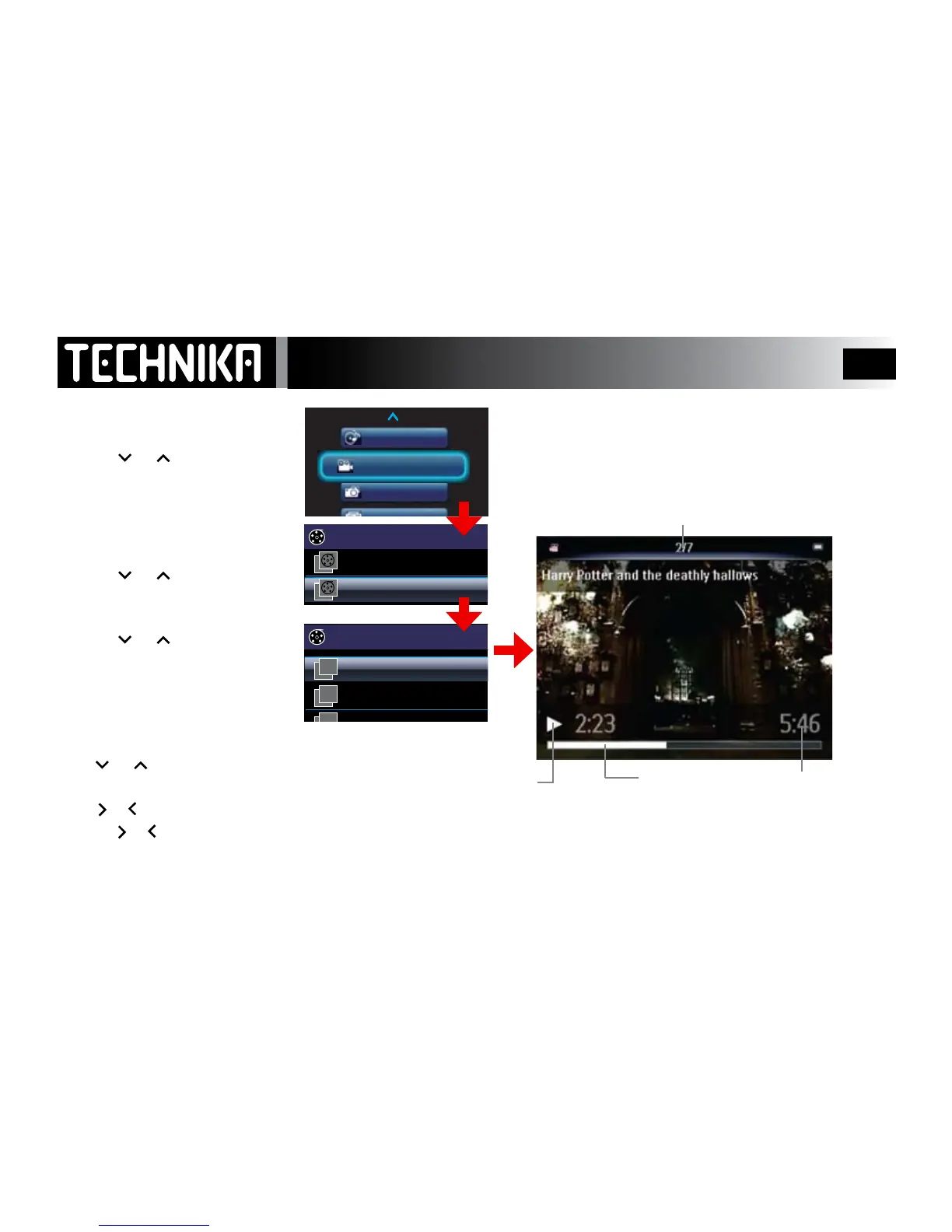
Viewing Movies
Movie No./Total Movies in Current Folder
Progress Bar
Movie Duration
Pause
Play
►
II



 To Next Page