25
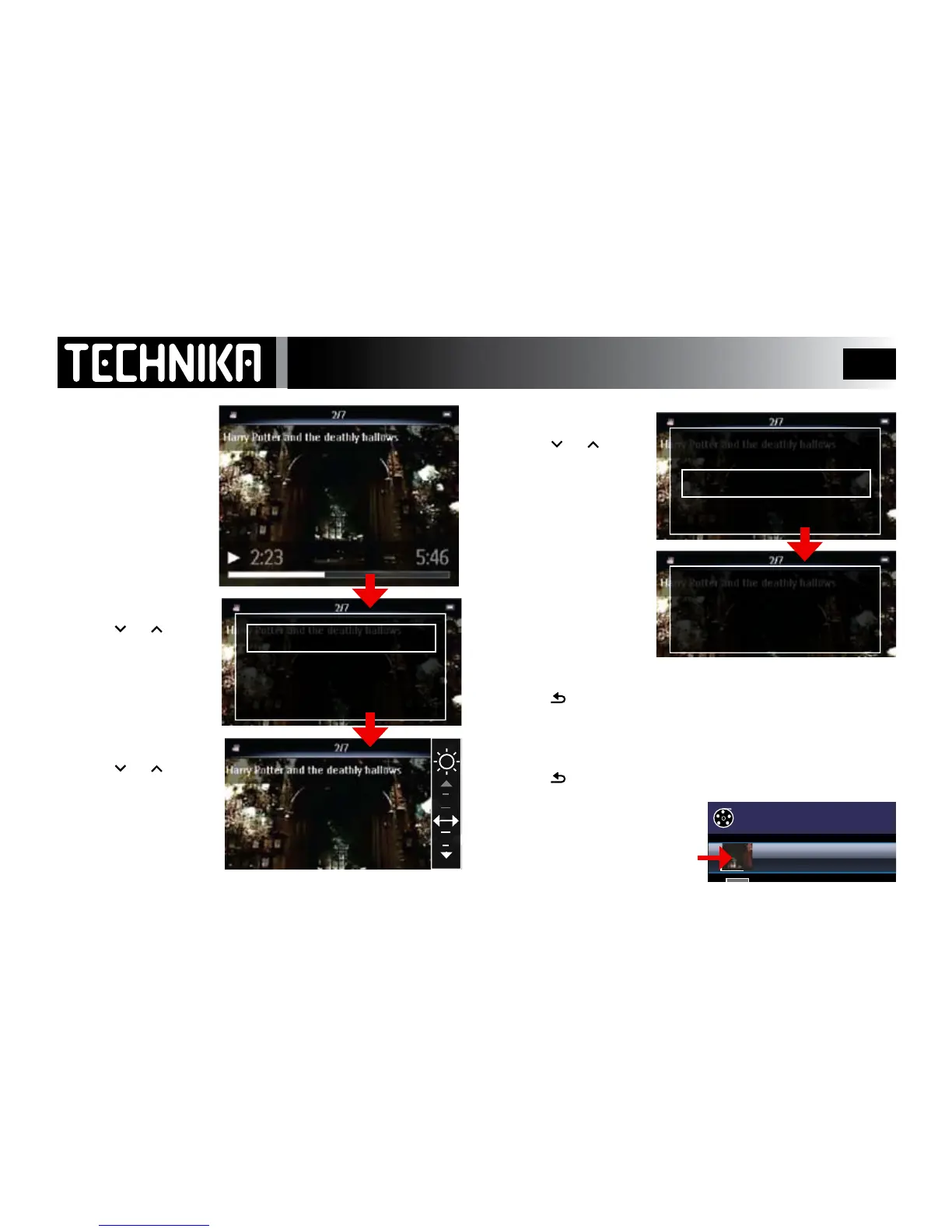
The Video Sub-Menu
During Play
• PressMENUtwice
• Press
or
toselectBrightness
• Press
►/ I I
• Press or
toadjusttheBrightness
Thevideowillpause
• Press
►/ I I
toconrmandreturn
• Press
or
toselect“SetScreen...”
• Press
►/ I I
• Press toreturntoVideoPlaymode
• Press
►/ I I
tore-startplay.
When you have nished play:
• Press toreturntotheledisplayscreen
Thevideoartwillbeaddedto
thethumbnailofthelm.
Brightness
Brightness
Set screen as video art
Set screen as video art
Saved as Video Art



 To Next Page