System Settings -3
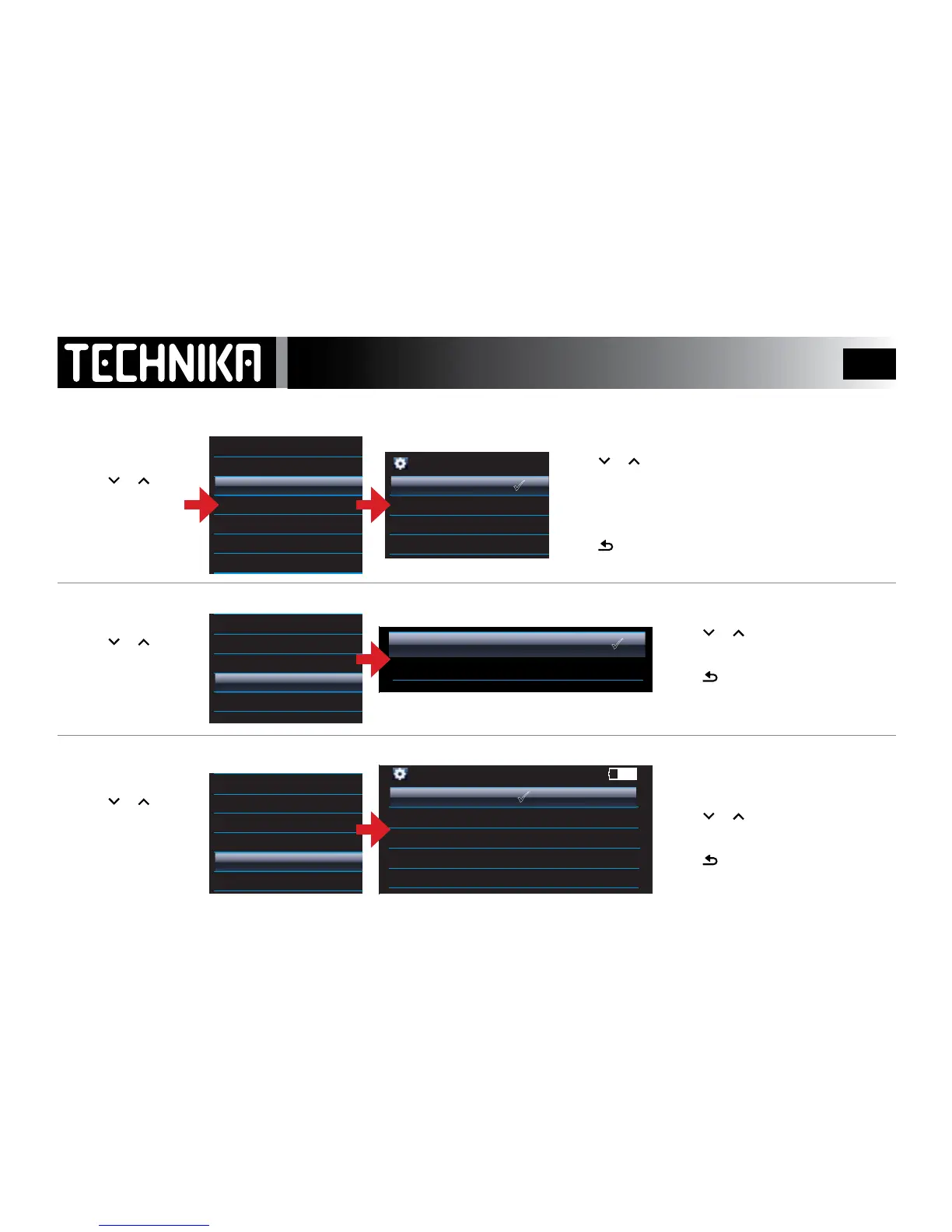
THE SLEEP TIMER
LYRICS DISPLAY
SETTING THE ON SCREEN LANGUAGE
This setting controls how long the player stays on . After the set
time the player switches o, unless switched o previously.
Press
or to select a Sleep Time or “O”
Setting “O” disables the sleep timer - the player will stay on until
manually switched o.
Press
►/ I I
to conrm the new settings and Exit.
Press
to cancel the changes and Exit
Note: The sleep timer cancels when the player is switched o.
Press
or to select “On”or “O”
Press
►/ I I
to conrm and Exit.
Press
to cancel the changes and Exit
There are 14 supported languages
Press
or to select a language
Press
►/ I I
to conrm and Exit.
Press
to cancel the changes and Exit
Refer to Page 21 for further information



 To Next Page