35
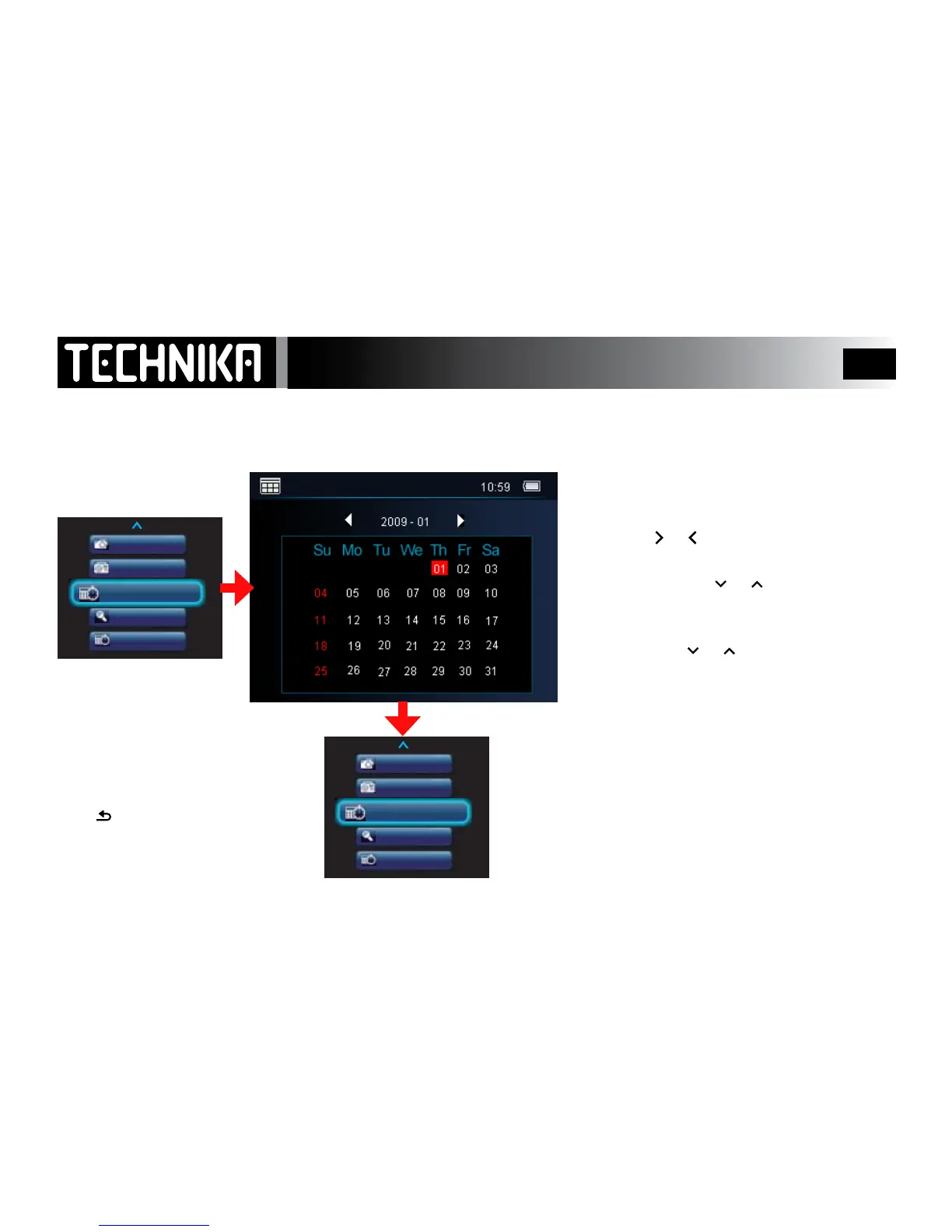
The Calendar
Switch the player on.
• Select “Calendar”
• Press
►/ I I
The date set up in the Settings menu will
display (see Page 41)
After viewing or setting the calendar:
Press toreturntothemainmenu
You can set the date from ths menu if you wish.
The quick way to do this is as follows.
Press1.
or
toselectthecurrentDAY.
Anydatewilldo,justgetthedayright.
Pressandhold2.
or .Thecalendar
months/yearswillnowcyclerapidly.
Stopwhenyougettothecurrentmonth.3.
Nowpress4.
or insinglepressestoset
thecorrectdate.



 To Next Page