20
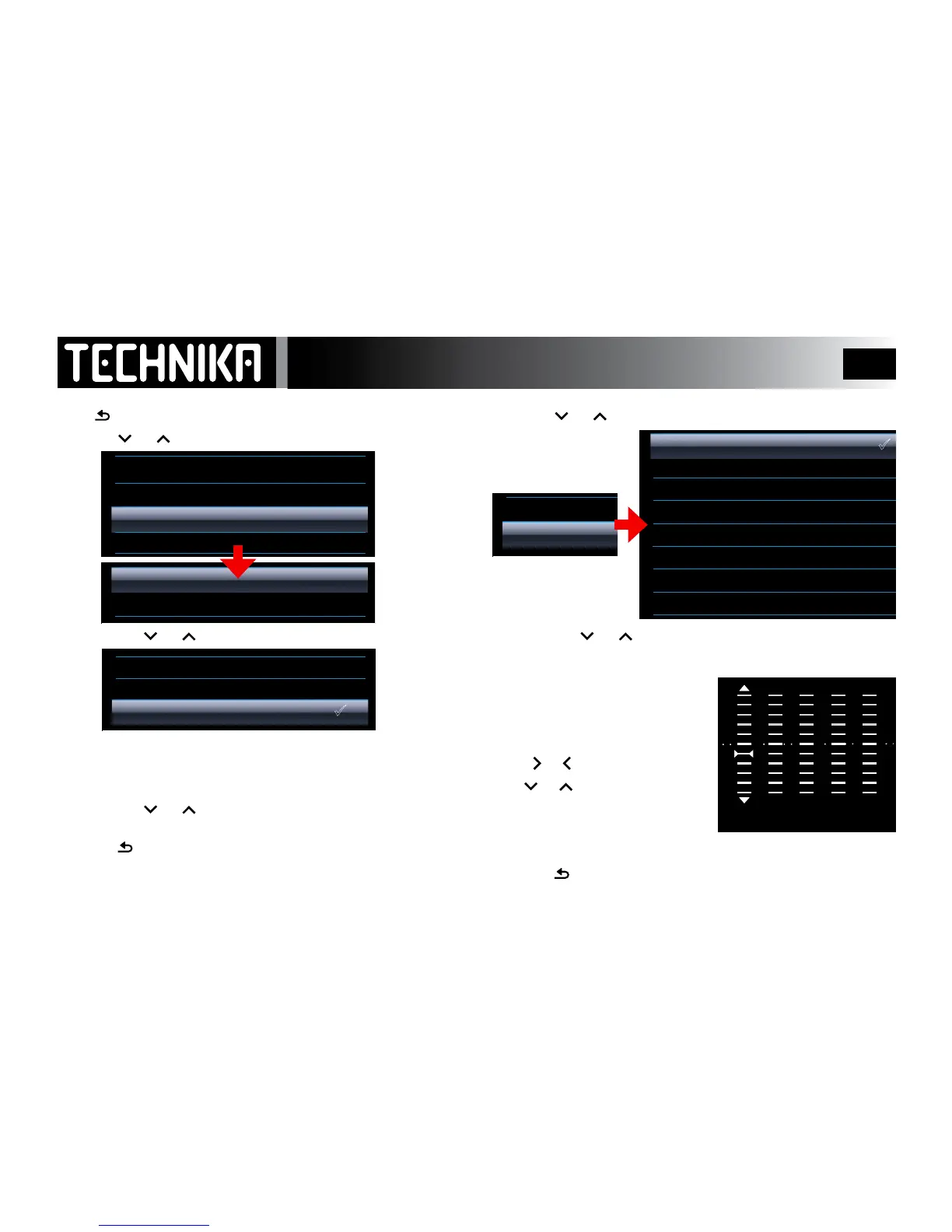
EQ Settings
Press toreturntothepreviousmenu
• Press or toselectEQSettingsPress
►/ I I
• Pressthe
or keytoselectMSPlayFX:Press
►/ I I
3D:Simulatesa3Dsoundbyaddingdepth
Bass:Addsbasstothesound
Balance:Balancesoutlevelvariations
• Pressthe
or keytoselectaneect
• Press
►/ I I
toreturntotheplaymenuor
• Press toreturntothepreviousmenu
NOTE: MSPlayFX must be enabled in the EQ menu to work!
• Press
or toselectEQPress
►/ I I
• Pressthe
or keytoselectaneect:Press
►/ I I
Applying Custom EQ
• Select“Custom”,Press
►/ I I
• Press
►/ I I
toconrmandreturntothepreviousmenu.
• Press toreturnwithoutmakingchanges.



 To Next Page