EasyManua.ls Logo

Technika MP-111 - Additional Player Features; Folder View Navigation; Now Playing and Last Played

Technika MP-111
51 pages
Print Icon
To Next Page IconTo Next Page
To Previous Page IconTo Previous Page
Loading...
36
NOW PLAYING/ LAST PLAYED -1:
If you are currently playing a le or the le is
paused:
Press
►/ I I
to go to the le directly.
NOW PLAYING/ LAST PLAYED -2:
If you are not currently playing a le:
Press
►/ I I
to go directly to the last
played le.
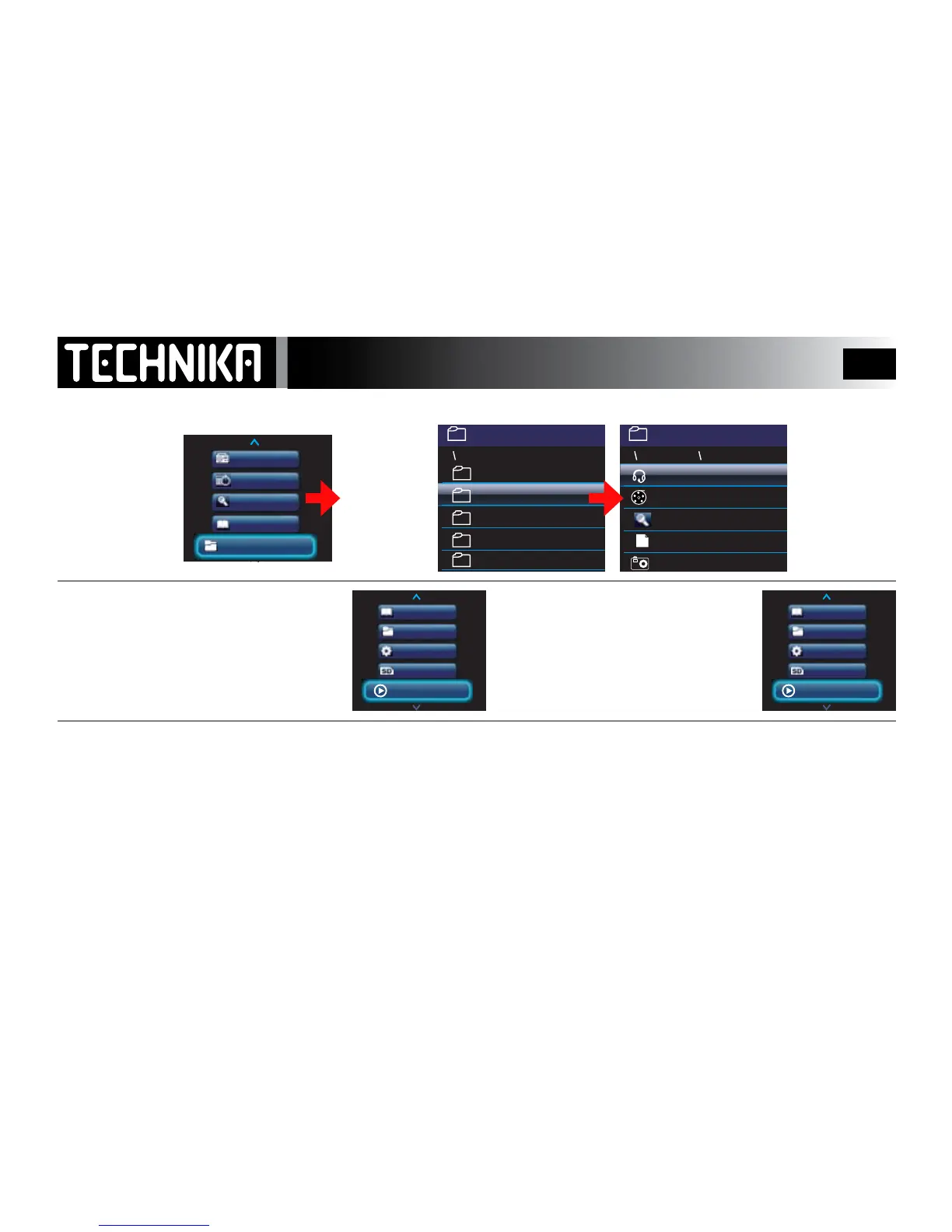
Further Options
Switch the player on.
• Select “Folder View”
• Press
►/ I I
The folders display
alphabetically
• Select a folder
• Press
►/ I I
• Select a le type
• Press
►/ I I
to
play the le
Pictures
Radio
Calendar
Recordings
Text Reader
Radio
Calendar
Text Reader
Folder View
Recordings
Pictures
Radio
Calendar
Recordings
Text Reader
Text Reader
Folder View
SD Card
Now Playing
Settings
Pictures
Radio
Calendar
Recordings
Text Reader
Text Reader
Folder View
SD Card
Last Played
Settings
12:20
1/12
Music
Other Music
My Holidays
Pictures
Record
12:20
1/12
La Bamba
Fun and Games
My Holidays
Beach View
VOICE0003.WAV
Train Times
FOLDER VIEW: You can browse all the folders in the player and play all supported le type from this menu