48
Open “My Computer” Click on the media player drive.
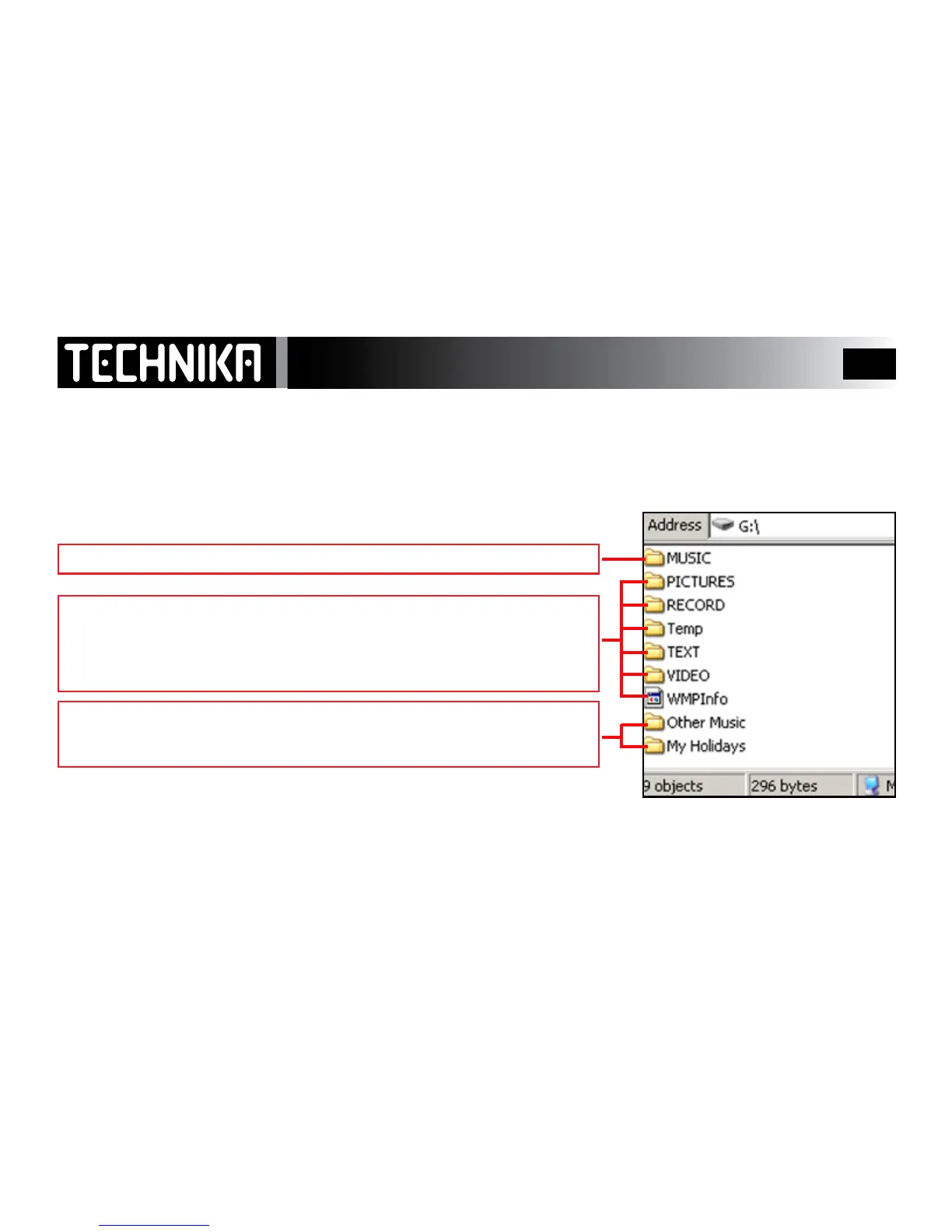
You may safely delete/restore the indicated folders and
their files.
These les are synchronised - use WMP 11 to delete them. Do NOT delete manually.
You may delete and restore les from these folders.
Do not delete the folders themselves.
User-created folders can have les deletesd and added to them
The folders themselves may also be deleted
Deleting and restoring other les



 To Next Page