22
Creating and Deleting Playlists
A Playlist is a custom collection of songs. You can, for exam-
ple have a playlist of all the songs of one artist or the latest
hits and easily access and play just those without going
through all the songs on the player.
Theplayercomeswithonemasterplaylist(Playlist 1).This
listcannotbedeletedbutthecontentscanbedeleted
Youcancreateanddeleteuptofourplaylists(Playlists 2 - 5).
Youcanaddanddeletesongsfromanyplaylist.
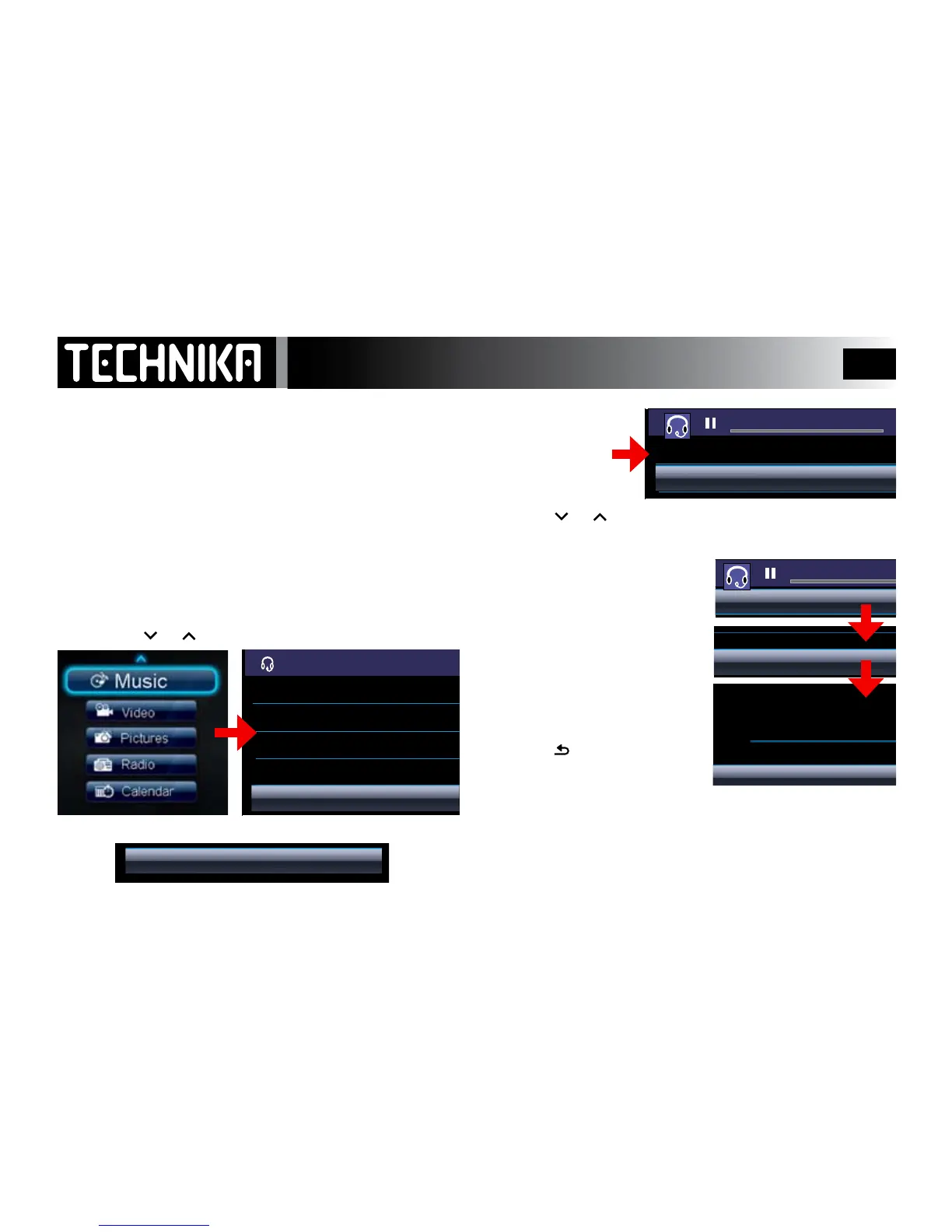
CREATING A PLAYLIST
From the music menu:
• Pressthe
or keytoselectPlaylists
• Pressthe
►/ I I
keytoenterthemenu
• PressMENU
• Press
or toselect“CreatenewPlaylist”Press
►/ I I
Thenewplaylistiscreatedandthemenurevertsback.
To Delete a Playlist
• Select“DeleteaPlaylist”
• Press
►/ I I
• SelectaPlaylist
• Press
►/ I I
• Press
►/ I I
todeleteand
returntothepreviousmenu
• Press
tocancelandreturn
tothepreviousmenu
NOTE:IfyouselectanddeletePlaylist1thedeleteprocessis
thesamebuttheplaylistwillnotbedeleted.Allthecon-
tentshoweverwillbedeleted
Note: Deleting a le from a playlist does not delete the le!



 To Next Page