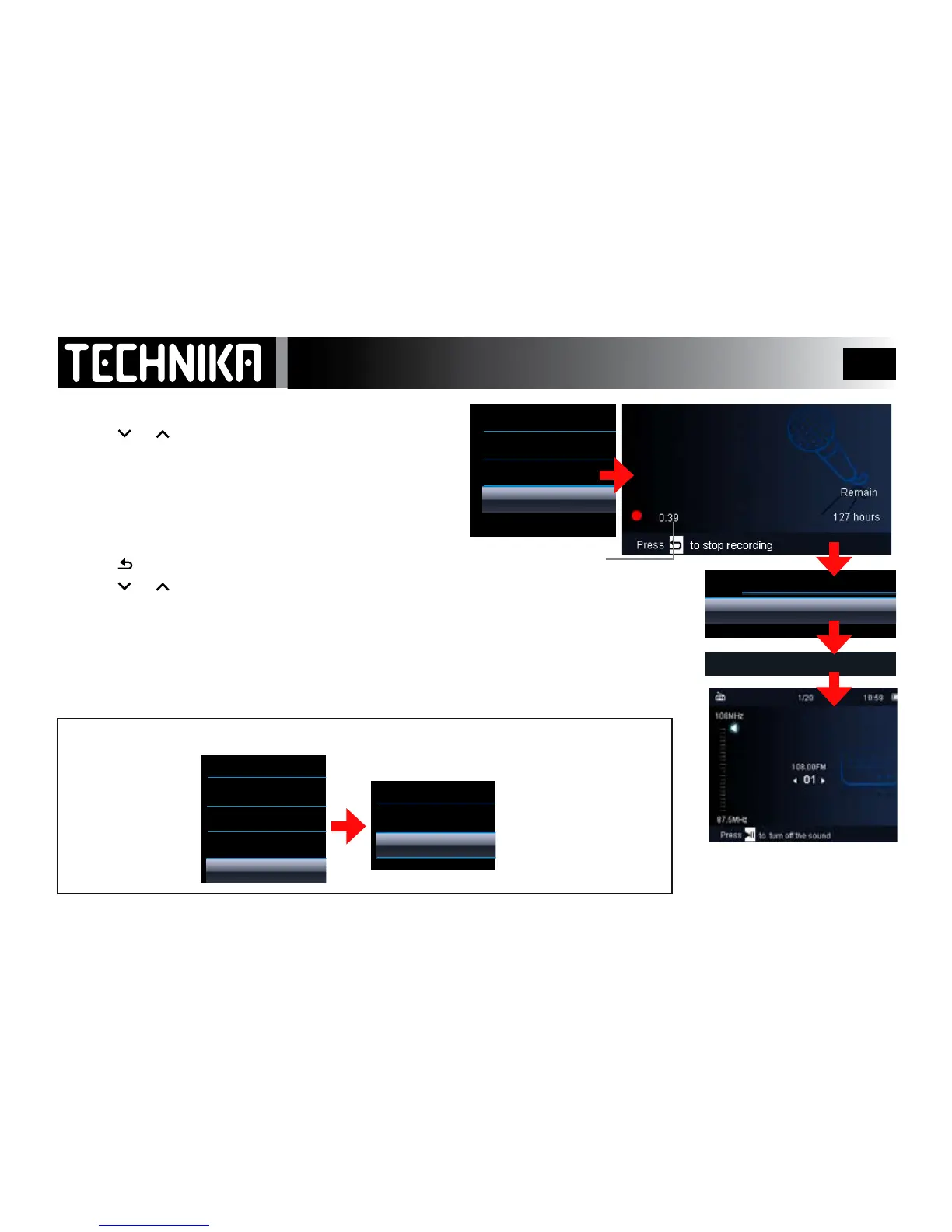
• Tuneinthewantedstation;pressMENU
• Press or toselect“Startradiorecording”.
• Press
►/ I I
The FM Record menu will deploy
• Press
►/ I I
tostartrecording
• Duringrecordingyoucanpress
►/ I I
topauseandrestart
To save a recording:
• Press
• Press or toselect“Yes/No”.
• Press
►/ I I
If you select “Yes”: TherecordingwillbesavedinRecordings Library/FM Radio Recordings
If you select “No” :therecordingwillbedeleted.
Theplayerwillreverttoradioreception.Repeattheproceduretostartanotherrecording.
To replay your FM recordings: RefertoPage32
FM Region
Recording FM Programmes
From the FM Menu
Select ”Region”
Press
►/ I I
Select a Region
Press
►/ I I
You must choose
the correct region
or the radio will not
work properly!
Saved In Recordings Library
108.0FM
FMREC001.WAV



 To Next Page