17
Playing Music - 1
PressandholdthePOWERkeytoswitchtheplayeron.
• Pressthe
or keytoselectMusicmode.
• Pressthe
►/ I I
keytoenterMUSICmode.
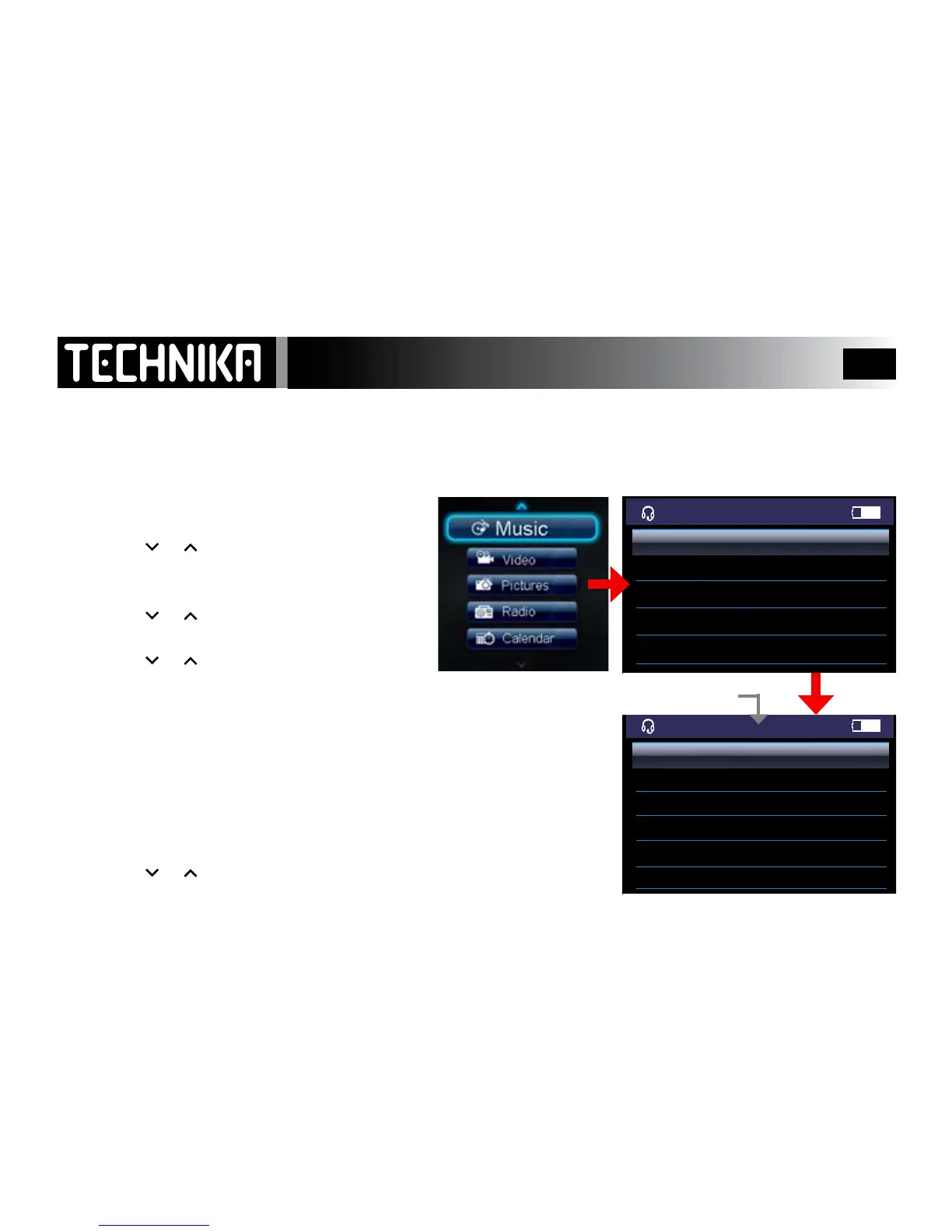
TheMusic Menuappears.
• Pressthe or keytotoselectasubmenu
• Pressthe
►/ I I
keytoenterthesubmenu
• Pressthe or keytotabthroughthelistofitems
• Pressthe
►/ I I
keytoselectandplaythesong
All Songs: Allsongsaredisplayedwhethertheyareinfoldersornot
*Artists: SelectmusicfromanynamedArtist.
*Albums: SelectmusicfromanynamedAlbum.
*Genres: SelectmusicfromanynamedGenre.
*ThesecategoriesaredependentontheID3tag
Playlists: Selectmusicfromaplaylistofyourchoosing(seePage22-23)
To play all the songs in the player:
• Pressthe
or keytoselect“All Songs”
• Pressthe
►/ I I
keytodisplayallthesongsintheplayer
Track No./Total Tracks in Player
The player sorts music into categories using ID3 tags. ID3tagsareelectronictagsembeddedbythemusicproducerinthe
recordingandcontaininformationsuchassongandalbumtitle,artist,productiondateandmuchmore.Thisistheinforma-
tiontheplayersortswhenitbootsup.AslongastheID3tagsarepresent,youcanrenamealeorsortitintofoldersbutthe
playerwillalwaysbeabletoidentifythemusicbytheoriginaltag.IfID3tagsarenotpresent,theplayerwillgroupthemusic
lesintoan“anonymous”section



 To Next Page