44
Using a mini SD Card
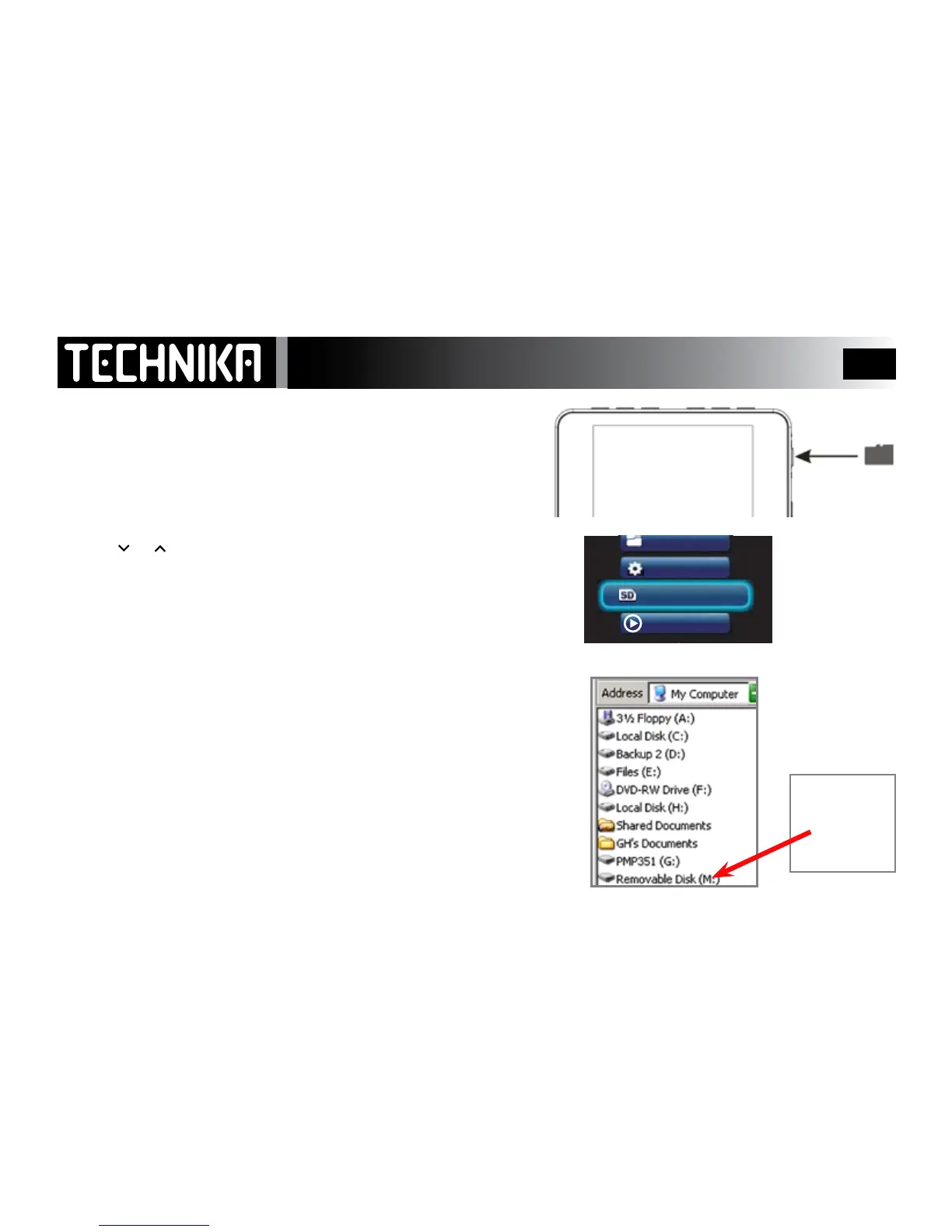
You can extend the memory capacity of the player with a mini SD
card. The player will support cards up to 8Gb.
Insert the card into the card slot in the player as shown. To remove the
card hold it at the sides and carefully remove the card. Never use force
When the card is inserted in the player an extra menu will be added to
the main menu list.
• Press
or toselect“SDCard”
• Press
►/ I I
YouwillnowbeabletonavigateandplaylesstoredontheSDcard.
To revert to the player:Reselectanyplayermenuitem.
To add and remove les from the card when it is plugged into the player:
• ConnecttheplayertothePCviatheUSBcable
• Navigateto“MyComputer”andlocatetherelevant“Removeable
Disk
After using the player we suggest you remove the card to prevent ac-
cidental damage.



 To Next Page