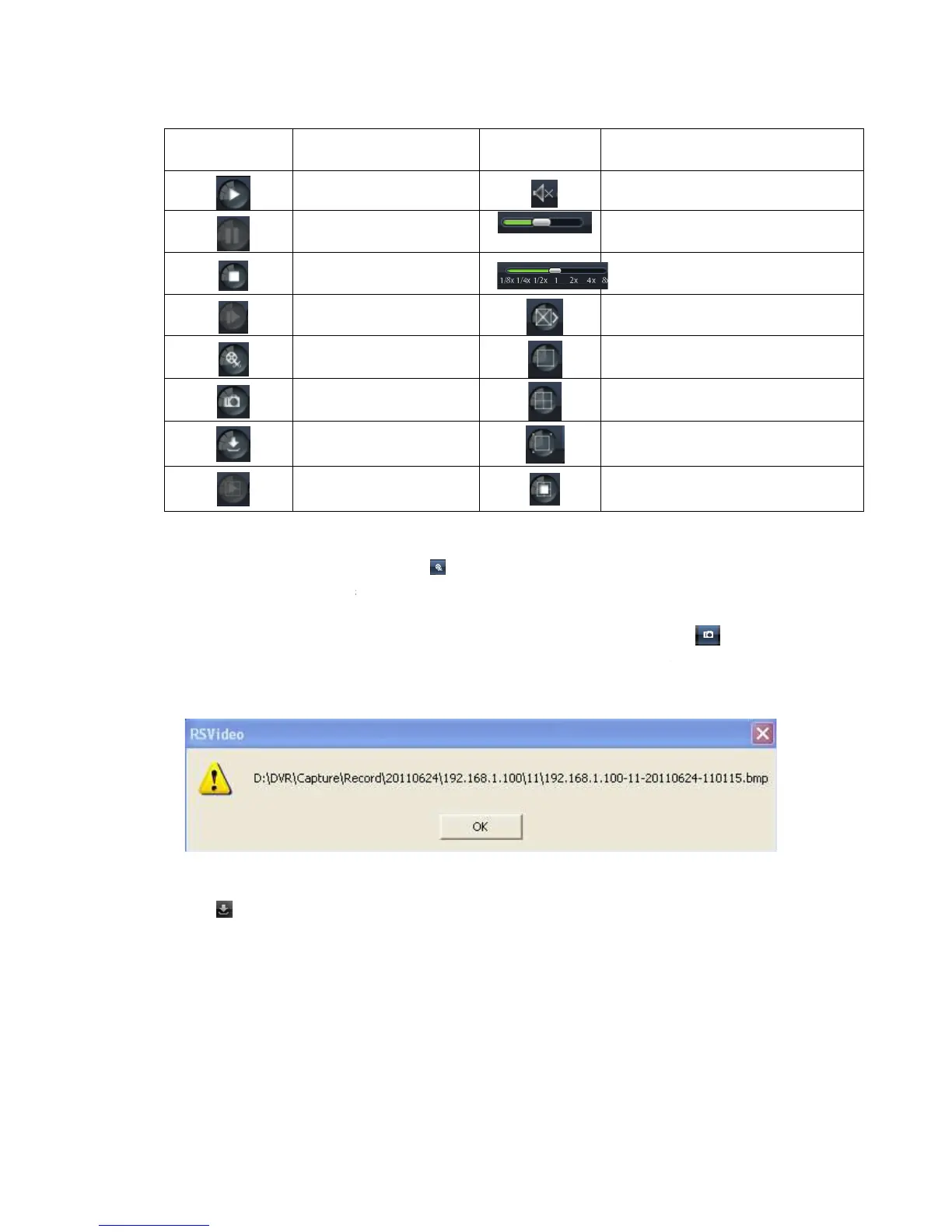
Detail brief description is shown as below list
After opening playback, click [
Record clip file will be saved as *.264 format.
the mouse curse to the channel you want to capture, and click [
capture the live images remotely. After capturing the images successfully, you are
allowed to save it to a specified path shown as Picture 6
Record file download
Click [
] icon to enter into the below interface shown as Picture 6
Detail brief description is shown as below list
Playback control bar (x1/2,1/4,1/8,
After opening playback, click [
] icon to clip the selected file; and click again to
Record clip file will be saved as *.264 format.
the mouse curse to the channel you want to capture, and click [
capture the live images remotely. After capturing the images successfully, you are
allowed to save it to a specified path shown as Picture 6
11. The captured file will be
] icon to enter into the below interface shown as Picture 6
-12.
User Manual
Description
Open/close audio
Volume adjust
Playback control bar (x1/2,1/4,1/8,
Quad mode
Full screen
Stop all the channels
] icon to clip the selected file; and click again to
the mouse curse to the channel you want to capture, and click [
capture the live images remotely. After capturing the images successfully, you are
11. The captured file will be



 To Next Page