TP8-96 VIDEO - Installer Manual Hardware configuration
7-1
7. HARDWARE CONFIGURATION
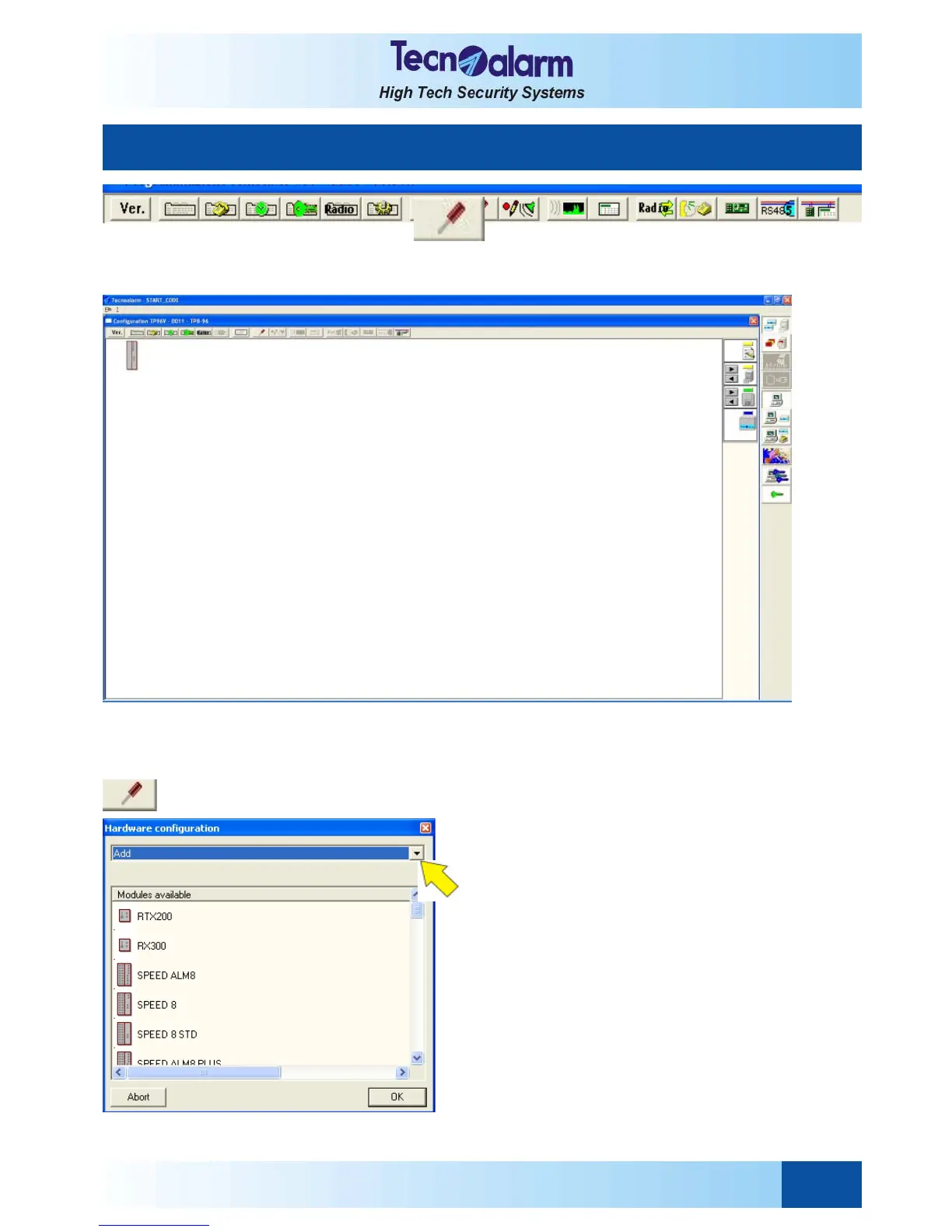
Permits the hardware configuration of the control panel, i.e. addition or deletion of the hardware modules to/of the
viewed configuration. Click on the configuration icon, on the screen is viewed:
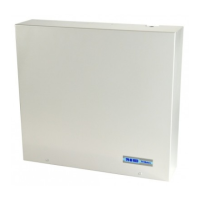
7.1 ADDITION OR DELETION OF MODULES
Enter hardware configuration by clicking on the opposite
icon.
ADDITION OF MODULES
Select Add in the hardware configuration window and
select the module to be connected, e.g. SPEED 8 STD.


 To Next Page