24 V8-U-TXT.PM6 : Issue I , Revision I : October 1997
ALARM
Alarm is the state of your security system when a device has been activated by a breach of security.
When an alarm occurs:
- An area light will flash to indicate which area the alarm is coming from.
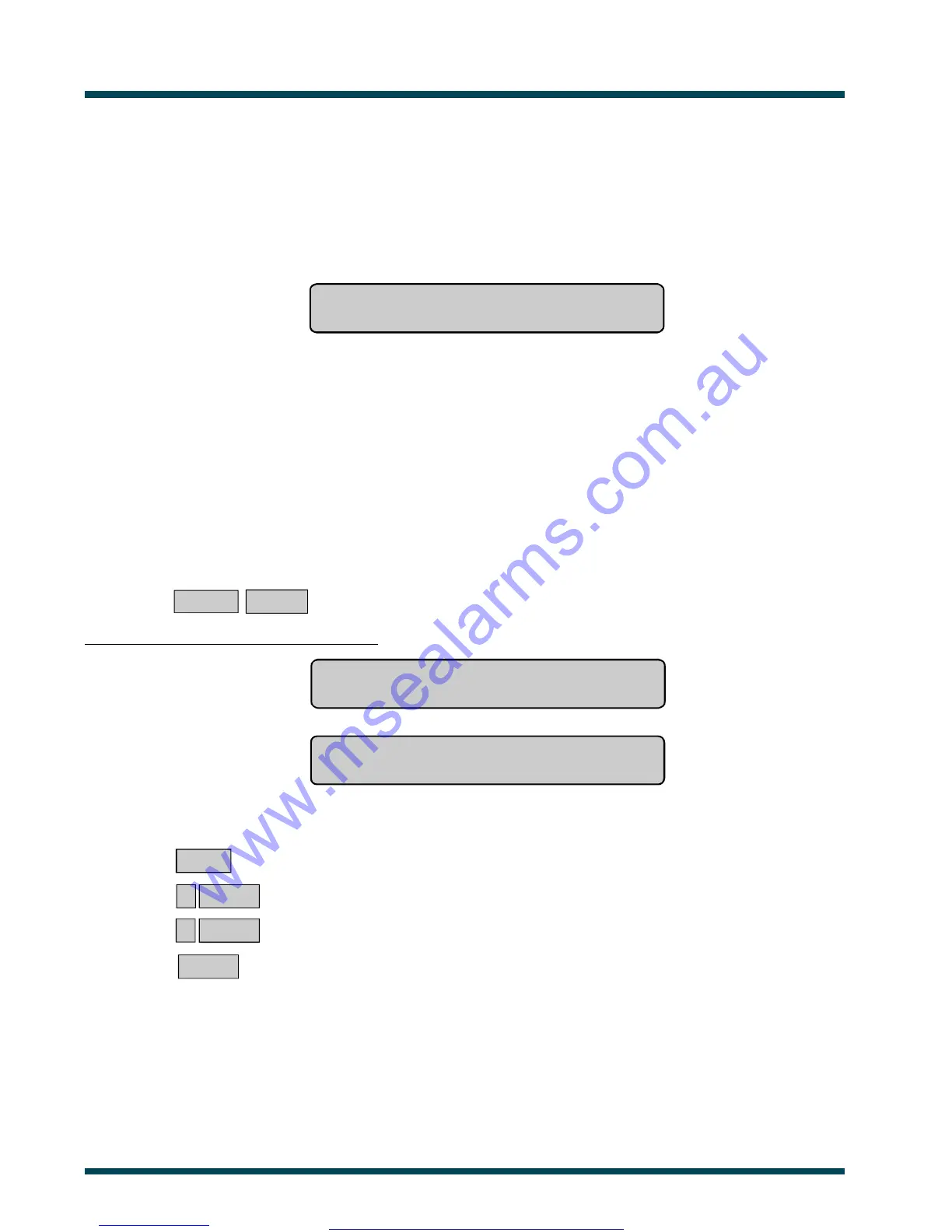
- The display will show the following message on the second line:
Code:
Note: When an alarm occurs, There Are No Alarms In This Area is removed from the top line.
Inputs in Tamper Alarm will be displayed with a T in front of the input number.
To determine the cause of the alarm:
ENTER ENTER ~ Press (twice)
The inputs causing the alarm are listed either:
One at a time eg. Alarm On 1. Workshop PIR Detector
NEXT or ENTER
or
As a list of numbers eg. Alarm On 1, 2, 3.
Input No:
From either display:
NEXT ~ Update the list of inputs in alarm and display the next input(s) in the list (if any).
or 0 ENTER ~ Stop cameras operating and return to the initial display showing Code: etc.
or ? ENTER ~ Display the input name in full.
or ENTER ~ Return to the initial "Code" display.
www.msealarms.com.au



 To Next Page