57
The Challenger Version 8.0 User Guide : Issue I , Revision I : October 1997
DOOR AND FLOOR GROUPS - Menu Option 20
This function allows you to select and program door and floor groups.
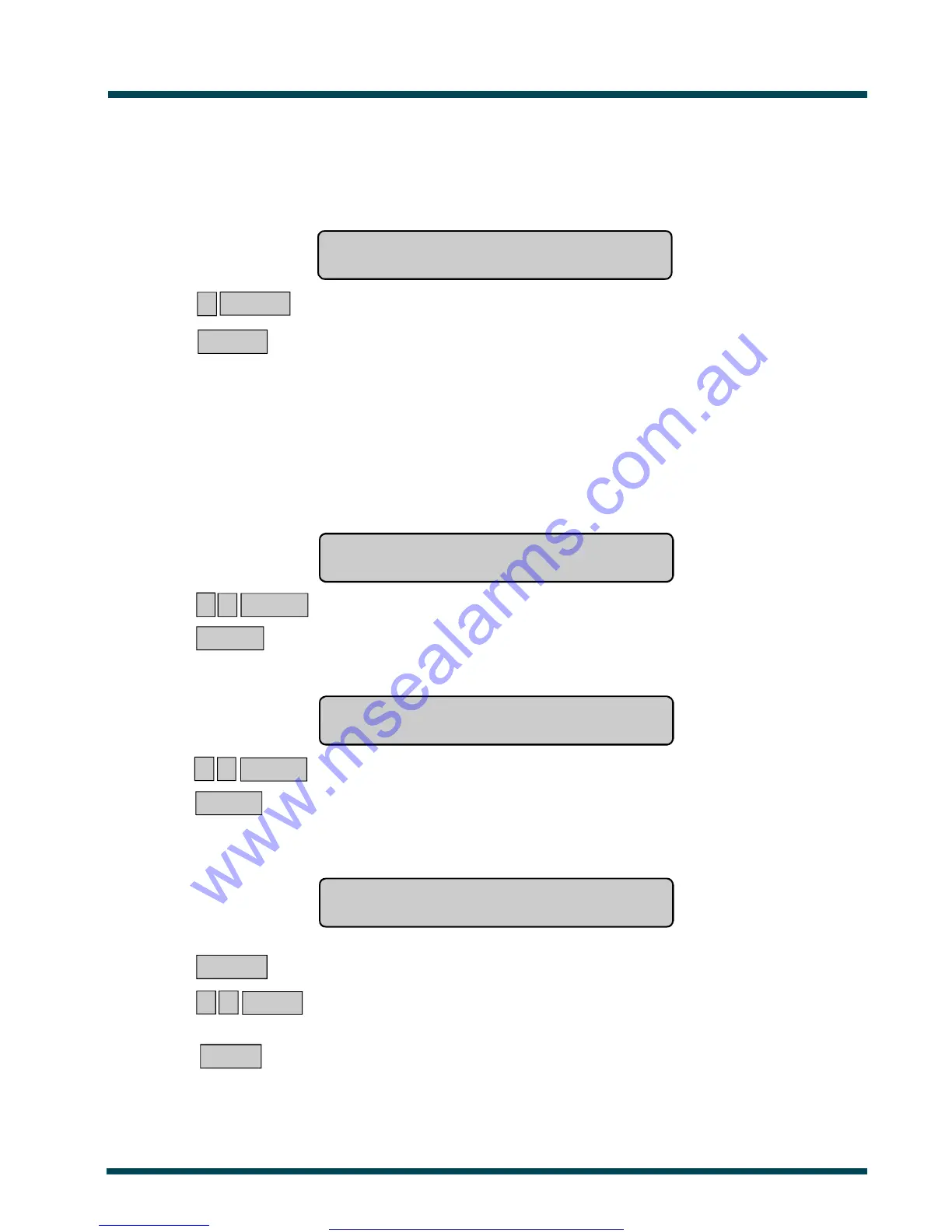
The display will show:
Groups, 1-Doors 2,Floors
Option:
? ENTER ~ Select the option you wish to perform.
or ENTER ~ Return to the menu.
DOOR GROUPS
Each door group contains a list of all doors (64 doors) and the time zone for each door within the group.
Authorised access is only valid during the time zone.
1. The display will show:
Door Groups
Group No:
? ? ENTER ~ Enter door group number, and move on to next display.
ENTER ~ Press. Return to the initial display, "Groups, 1-Doors 2-Floors".
2. The display will show.
eg. Door Grp 1 D1-00 D2-00 D3-** D4-**
Enter Door:
? ? ENTER ~ Select door number, e.g. 3, and move on to next display.
ENTER ~ Press. Return to previous display, "Door Groups".
3. The display will show the details of four doors starting with the door number selected.
(See Note on page 56 for details of this display)
eg. Door Grp 1 D3-** D4-** D5-03 D6-00
*-Dis,Tz-D3:
MENU * ~ Disable door for this door group.
or ? ? ENTER ~ Enter time zone number, and return to Step 2.
or ENTER ~ Press. Return to step 2.
Important Note! Always remember to update your "Door Group" List when any changes are made.
www.msealarms.com.au



 To Next Page